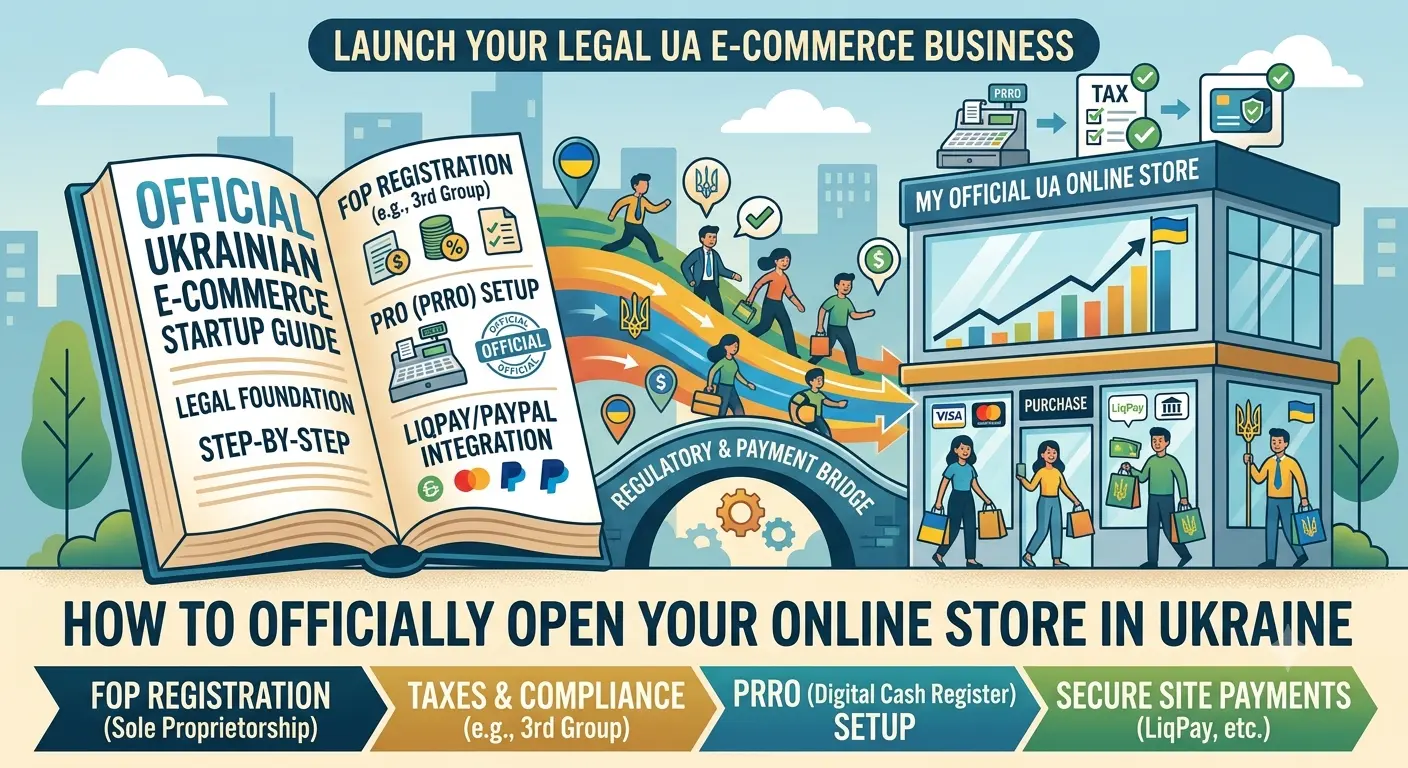
How to Open an Online Store in Ukraine Officially: PRRO, Taxes, FOP and Payment Acceptance on the Website
A clear legal and technical guide: which FOP group to choose, how to set up acquiring, and configure automatic receipt issuance through built-in PRRO. No fluff or scare tactics — just practical advice.
Table of Contents
- Why This Matters Right Now
- FOP Registration: Which Group to Choose
- Taxes and Reporting for an Online Store
- PRRO — Software Register of Settlement Operations
- Payment Acceptance on the Website: Acquiring and Payment Systems
- Automatic Receipt Issuance Through the Website
- Common Mistakes and Risks
- How BooStore Helps with Legalization
Why This Matters Right Now
The e-commerce market situation in Ukraine has changed dramatically over the past couple of years. Before, you could trade through an Instagram shop and "arrange" cash payments with customers. Now, the tax authorities have learned to monitor turnover. And the fines are not what they used to be in 2021.
"I know a guy who opened a sneaker store using a simple website builder. For the first six months, he worked under the table — money to his personal card, no receipts. When his monthly turnover exceeded 300,000 hryvnias, the tax authorities blocked his accounts. He had to pay an 85,000 fine and urgently register as an FOP. He could have just done everything right from the start and slept peacefully."
In this article, we'll walk you through step by step what you need to do to make your online store operate legally. Without the risk of blockades and without astronomical costs.
FOP Registration: Which Group to Choose
For an online store in Ukraine, the optimal choice is a single-tax FOP. However, there are nuances depending on your turnover and product range.
| Parameter | Group 2 | Group 3 |
|---|---|---|
| Annual Turnover Limit | 1,557,000 UAH (2024) | 7,818,000 UAH (2024) |
| Tax Rate | 20% of minimum wage (≈ 1,420 UAH/month) | 3% of income + VAT / 5% without VAT |
| Number of Employees | Up to 10 | No restrictions |
| Can trade online | Physical goods only, no online cash register, no excise goods | Any goods and services online |
| PRRO | Mandatory from 01.01.2022 for all | Mandatory from 01.01.2022 for all |
In practice, most online store owners choose Group 3 (5% without VAT). Why? Because the 7.8 million limit allows for comfortable growth, and the tax percentage is fixed and easy to understand.
Step-by-Step FOP Registration
Choose Your KVED Code
Primary code for an online store: 47.91 — Retail trade via the Internet. Additionally, you can specify 47.99 (other types of retail trade outside stores), 62.09 (software development) if you build the site yourself.
Submit Your Application Online
Via Diya or the website registraciya.fop.ua. You only need your passport and tax ID. It takes 15 minutes. Within a day, you're officially an FOP.
Open a Bank Account
To accept non-cash payments, you need a business bank account. Monobank, PrivatBank, or any other bank — the process takes anywhere from an hour to a day.
Taxes and Reporting for an Online Store
Many people fear tax reporting, but in reality, for a single-tax FOP, it's quite simple. The key is choosing the right group.
Which Group Is Best for Trading
- Group 1 (1% of subsistence minimum — ≈ 300 UAH/month) — only for trading at markets and with individuals. Not suitable for an online store, as online trading is prohibited.
- Group 2 (20% of minimum wage — ≈ 1,420 UAH/month) — you can sell physical goods online, limit up to 1,557,000 UAH/year. Suitable for small stores with turnover up to 130,000 UAH/month. PRRO is mandatory.
- Group 3 (5% of income — the most popular option) — any goods and services online, limit up to 7,818,000 UAH/year. No restrictions on employees. Ideal for an online store at startup and during growth.
What Taxes Does an Online Store Pay?
- Single Tax — for Group 3, 5% of income received per quarter. Paid once a quarter by the 20th of the month after the reporting period.
- USC (Unified Social Contribution) — currently 22% of the minimum wage. In 2024, that's approximately 1,474 UAH per month. Paid quarterly or annually.
- VAT — if you work with VAT, the single tax rate is 3% + VAT 20%. A declaration is filed monthly.
- Military Levy — 1.5% on dividend payments (not applicable for single-tax FOPs).
PRRO — Software Register of Settlement Operations
Since January 1, 2022, all FOPs who accept payments from individuals (including card payments or through payment systems) are required to use PRRO — a software-based equivalent of a cash register. Classic cash registers are a thing of the past.
PRRO is a program that records every sale and sends the data to the tax authorities in real time. A receipt is generated and sent to the buyer (via email, SMS, or printed).
How to Choose a PRRO
Free PRRO from the Tax Authority
"PRRO DPS" — a free app from the tax authority. Downside: each sale needs to be fiscalized manually (via the mobile app). Convenient for 1–5 sales per day.
Checkbox — Cloud PRRO
The most popular option among online stores. Has an API for website integration. Automatically fiscalizes sales when an order is placed. Plugins available for WordPress, WooCommerce, OpenCart.
PrivatBank PRRO
Built into Privat24 for entrepreneurs. Suitable if you use PrivatBank's acquiring. A receipt is automatically generated upon payment receipt.
VSS:PRRO (Vchasno)
A solution from Vchasno. Supports integration via API. Has a mobile app. Suitable for mobile trading and courier services.
For integrating PRRO with an online store, it's important that the platform supports data transfer via API. BooStore supports order data transfer via webhooks — you can configure sending information about each sale to your PRRO service. You can also transfer order data using your own scripts, including through the order confirmation page, where complete purchase data is temporarily available. And if you use WayForPay, Monopay, PrivatBank, Liqpay, or Fondy — PRRO is already built into these payment systems (as well as in most connected on BooStore): a receipt is automatically generated when an invoice for online payment is issued.
Payment Acceptance on the Website: Acquiring and Payment Systems
Once the legal foundation is ready, you need to set up payment acceptance. In Ukraine, several popular payment solutions are available for online stores.
Main Payment Methods
- Bank Acquiring (LiqPay, PrivatBank) — direct acceptance of Visa/MasterCard cards. The fee is typically 1.5–2.5% plus a fixed rate per transaction.
- Payment Gateways (WayForPay, Monopay/Monobank, Fondy, Liqpay, Hutko, Ipayua) — universal solutions that support cards, Google Pay, Apple Pay. Fees 1.5–3%.
- Stripe / PayPal — if you work with international customers. For Ukraine, PayPal is still limited in fund withdrawal, while Stripe works via Stripe Connect.
- Cash on Delivery (Nova Poshta) — payment upon receipt. Nova Poshta's fee is about 20 UAH + 2% of the order amount.
One common question: what to choose for a start? I recommend starting with WayForPay, Monopay/Monobank, Fondy, or Liqpay — they have the lowest entry thresholds, simple APIs, and integration with most CMS platforms and site builders.
Automatic Receipt Issuance Through the Website
This is a crucial point that many overlook. It's not enough to just connect PRRO — the receipt must be issued automatically with every payment on the site. If you issue receipts manually after an order, sooner or later you'll make a mistake or forget.
The correct workflow looks like this:
- The customer pays for the order by card on the website
- The payment system sends a successful payment status to the site
- The website transfers the data to PRRO via API
- PRRO fiscalizes the receipt and sends a copy to the customer via email/SMS
All of this takes mere seconds. The client receives a receipt immediately after payment. This is a legal requirement, but it's also a boost to trust — the customer sees that you're a serious company.
On the BooStore platform, you can export complete order data (full list of items and total amount) for transfer to third-party PRRO services. You can also connect your own scripts, as the order confirmation page sends webhooks or temporarily provides full data when displaying the success message. When using the connected payment gateways, BooStore transmits the necessary data for automatic receipt generation by the payment services themselves — this covers most scenarios without the need for additional integration.
Common Mistakes and Risks
Over years of working in e-commerce, I've seen all kinds of mistakes. Here are the most common ones:
- Operating on a personal bank card — the most common "money-saving" scheme. The tax authorities can request your card statements and charge taxes on all transactions. Fines + penalties + tax recalculation under the general system (18% personal income tax + 1.5% military levy).
- Wrong FOP group — trading online under Group 2 without PRRO. The law requires PRRO for all FOPs since 01.01.2022, regardless of group.
- No public offer — this document governs the relationship with the buyer. Without it, it's difficult to contest any customer complaint.
- Ignoring returns — under consumer protection law, the buyer can return goods within 14 days (except for a list of exceptions). A clear return policy is necessary.
- No return receipts — if you process a return, you must issue a "return receipt" through PRRO. Otherwise, the tax authorities will consider the return unrecorded and you'll pay tax on that amount.
How BooStore Helps with Legalization
A good online store platform isn't just about great design and a shopping cart. It's also about legal security. BooStore addresses the key challenges for legal e-commerce:
Ukrainian Payment Systems
Monobank, LiqPay, PrivatBank, NovaPay, Hutko, WayForPay, Fondy, iPay, Stripe, Square, PayPal, and others — all pre-installed. No need to configure APIs through plugins.
Invoice Generation
For legal entities and FOPs — automatic invoice generation. PDF with a QR code for quick payment via Privat24.
Public Offer
Full access to edit all data on the site. You can independently create and configure the text of a public offer, return conditions, and any legal documents without restrictions.
eCommerce API
A full-featured API for synchronizing orders with any external services — PRRO, CRM, warehouse systems. Order and catalog management is available through the API.
Webhooks and Custom Scripts
The order confirmation page sends webhooks and temporarily provides full data upon successful checkout. You can connect custom scripts for integration with any PRRO.
Automatic Fee Markup
Payment system fee markup is built into the platform. Automatic calculation and addition of fees to the order total — no need to implement the logic yourself.
Automatic Tax Addition
If needed, VAT or other taxes can be automatically added to the order cost. Configuration is done in the store settings — the tax is calculated and displayed in the order total and documents.
Complete Order Statistics
Detailed statistics for each order with separate payment statuses (paid online, verified, prepaid, returned), delivery statuses (delivered, in transit, handed to courier, sent to branch), and order statuses (processing, processed, completed, cancelled). Statuses are visible to both the seller and the buyer.
Product Import from Excel/CSV
Quick catalog upload via Excel or CSV. Bulk editing of prices, stock levels, and categories. Saves days of manual work when launching a store.
Free Start
You can start with a free plan, test all legalization features, and then upgrade to a paid plan. More about the free plan.
Ready to Launch a Legal Online Store?
Legalizing an online store in Ukraine isn't scary. FOP registration takes a day, PRRO is set up in an hour, and website integration is done once and works for years. You get:
- Peace of mind — the tax authorities won't come knocking due to missing receipts
- Customer trust — an official receipt via email after every purchase
- Scalability — working with legal entities, tenders, marketplaces
- Minimal taxes with the right tax system choice
- Full automation from order to receipt
Start with a free store on BooStore — test all features without any investment.
No credit card required. Up to 300 products for free. Hosting and SEO tools included.
❓ Frequently Asked Questions About Legalizing an Online Store in Ukraine
Answers to the most common questions from entrepreneurs launching their first online store.
Do I need to register as an FOP for an online store in Ukraine?
Yes, if you plan to systematically earn income from selling goods online. Ukrainian law considers this activity as entrepreneurship. Without FOP registration, you risk fines and retroactive tax assessments for the entire period of operation.
Which FOP group should I choose for an online store?
The optimal choice for most online stores is Group 3 of the single tax (5% without VAT). The limit of 7,818,000 UAH per year allows for comfortable growth. If your turnover is less than 1.5 million per year and you don't sell excise goods, you can consider Group 2 — but PRRO is mandatory in that case.
Do I need a cash register (PRRO) for an online store in 2024?
Yes, PRRO is mandatory for all FOPs who accept payments from individuals, regardless of group. This applies even to those who accept payments via bank transfer to a card. Fines for operating without PRRO reach 100% of the value of goods sold for repeat offenses.
Can I integrate PRRO with an online store on BooStore?
Yes, BooStore allows you to transfer order data via webhooks and custom scripts. You can export complete order data (item list, amount) to any PRRO service. Additionally, if you use WayForPay, Monopay, PrivatBank, Liqpay, or Fondy — PRRO is built into these systems (as well as in most connected on BooStore), and the receipt is generated automatically upon payment. Built-in automatic fiscalization on the platform is still in the plans. More details in the article on store automation.
What taxes does an online store pay in Ukraine?
For Group 3 FOP (without VAT): single tax 5% of income + USC (≈1,474 UAH/month). Declaration is filed quarterly. Additionally — military levy of 1.5% on dividend payments (if you're not an FOP but pay yourself as an individual). If you work with VAT — the single tax rate is 3% + VAT 20%.
Which payment systems are best to connect for an online store in Ukraine?
For a start, I recommend WayForPay, Monopay/Monobank, Fondy, or Liqpay — universal gateways that support cards, Google Pay, and Apple Pay. Fees 1.5–3%. If you have an account with PrivatBank, connect LiqPay (setup via Privat24). For international sales — Stripe. On the BooStore platform, all these payment systems are available out of the box.
Which CMS or platform should I choose for a legal online store?
For a legal online store in Ukraine, support for PRRO, Ukrainian payment systems, and automatic receipt fiscalization are essential. SaaS platforms like BooStore have all these features built in. With WordPress/WooCommerce, each integration needs to be configured through separate plugins, making maintenance and updates more complex.
What happens if I don't issue receipts to customers?
The fine for a first offense is 50% of the receipt amount; for a repeat offense (within a year), it's 100%. Additionally, the tax authorities can conduct a test purchase and document the violation. In 2023–2024, the number of inspections of online stores has sharply increased. Without PRRO and automatic fiscalization, you risk fines of tens of thousands of hryvnias.