Updates and News
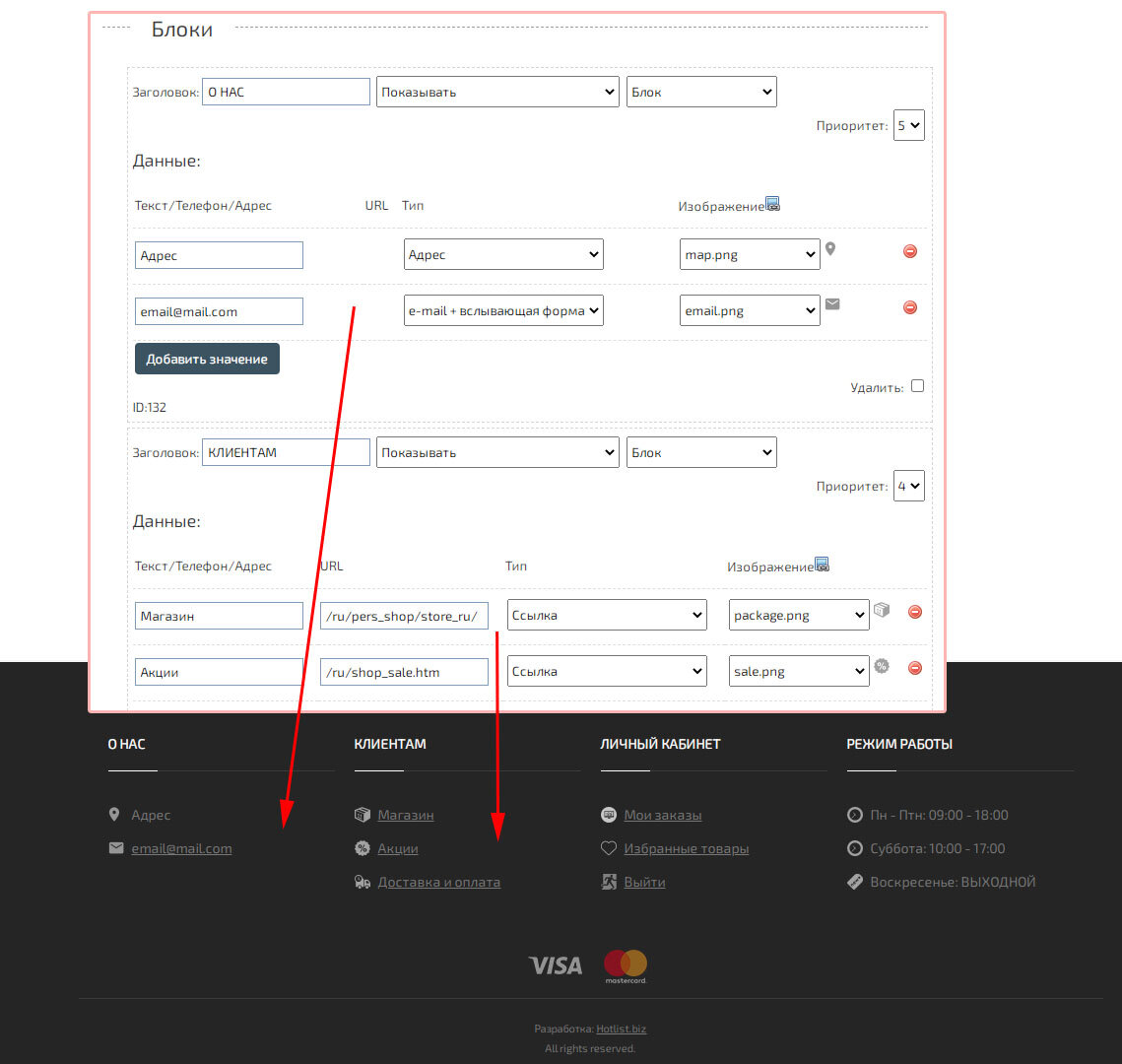
Added Widget for simplified footer management (bottom block)
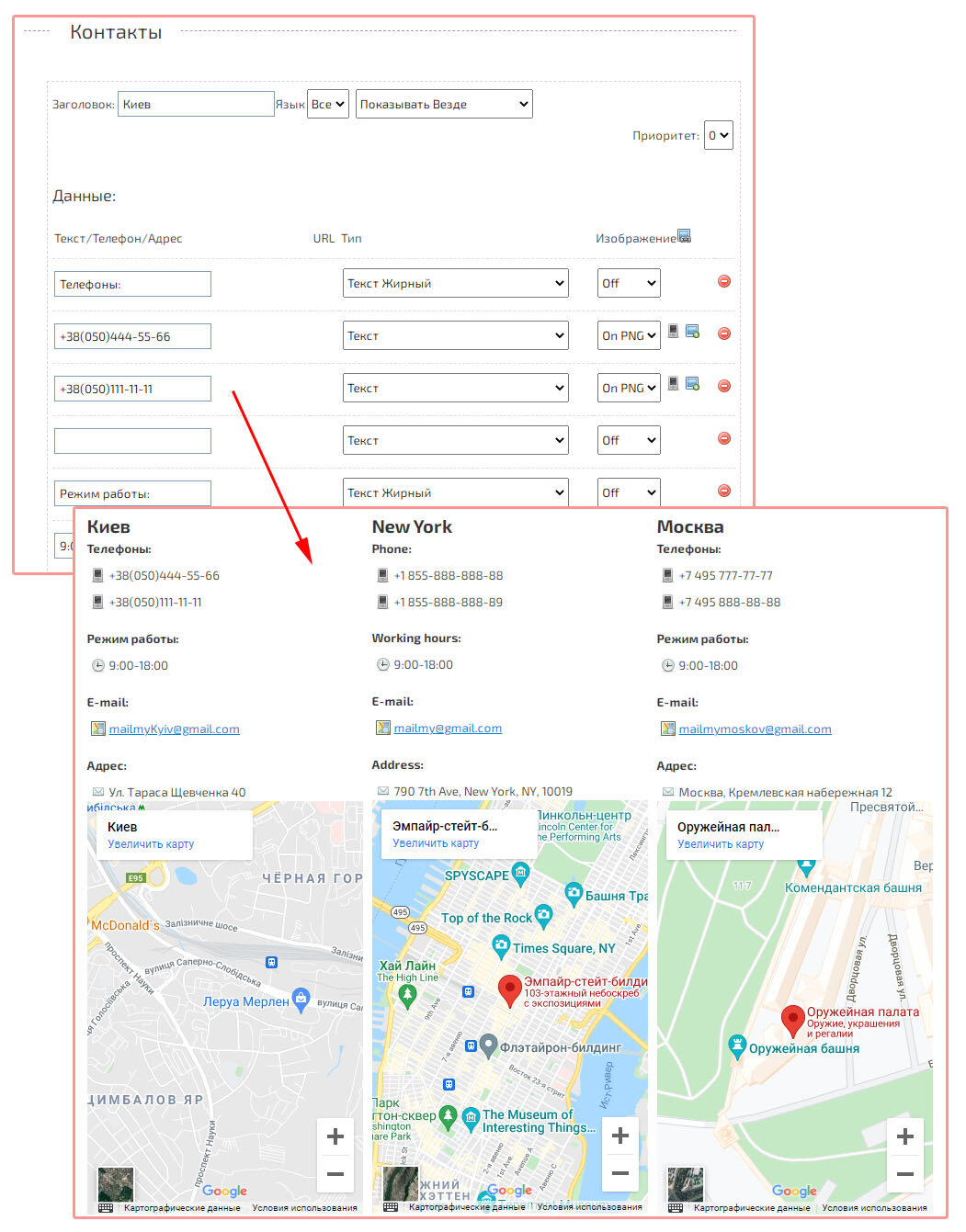
Added Widget with contacts. The widget allows you to quickly design a page with contacts, without the skills of working with HTML.
Added the function of splitting the line with IMAGES. For example, if images in your price list are specified with a space in one cell, then you can automatically separate this data.
If the data with images is not divided into cells, then you can perform the conversion automatically. The «Image Link (Main)» cell will be split if it contains links and a space is inserted between them. If you use automatic cell division with images, then do not specify cells with additional images 1,2,3,4… It is enough to specify only the Main image.
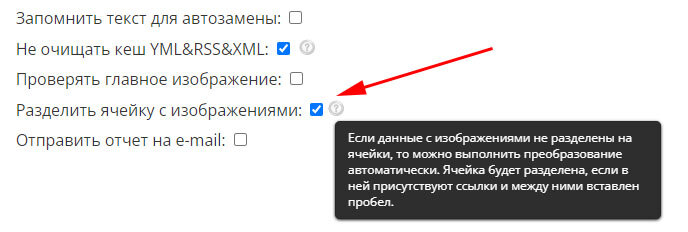
If the data with images is not divided into cells, then you can perform the conversion automatically. The «Image Link (Main)» cell will be split if it contains links and a space is inserted between them. If you use automatic cell division with images, then do not specify cells with additional images 1,2,3,4… It is enough to specify only the Main image.
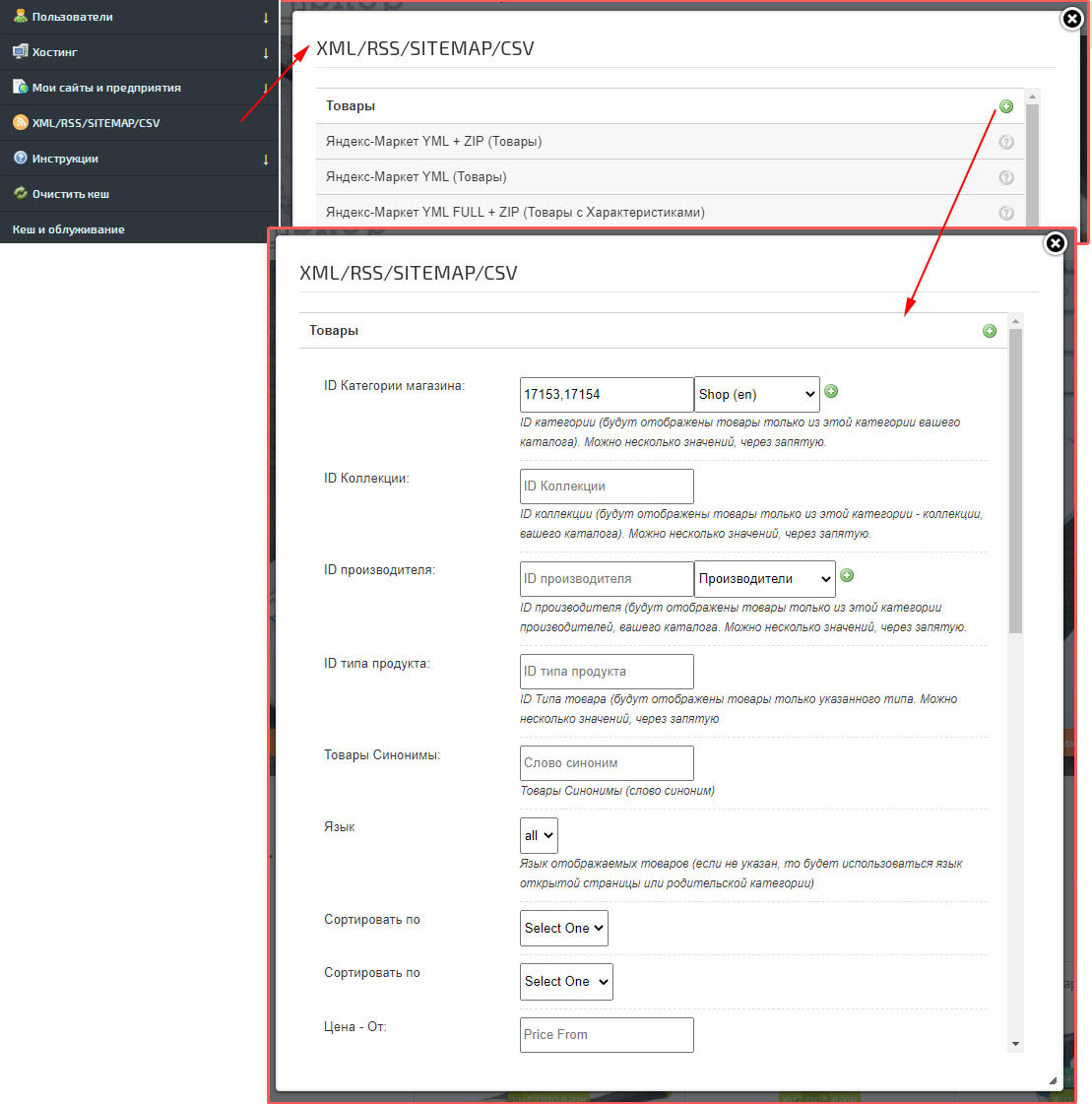
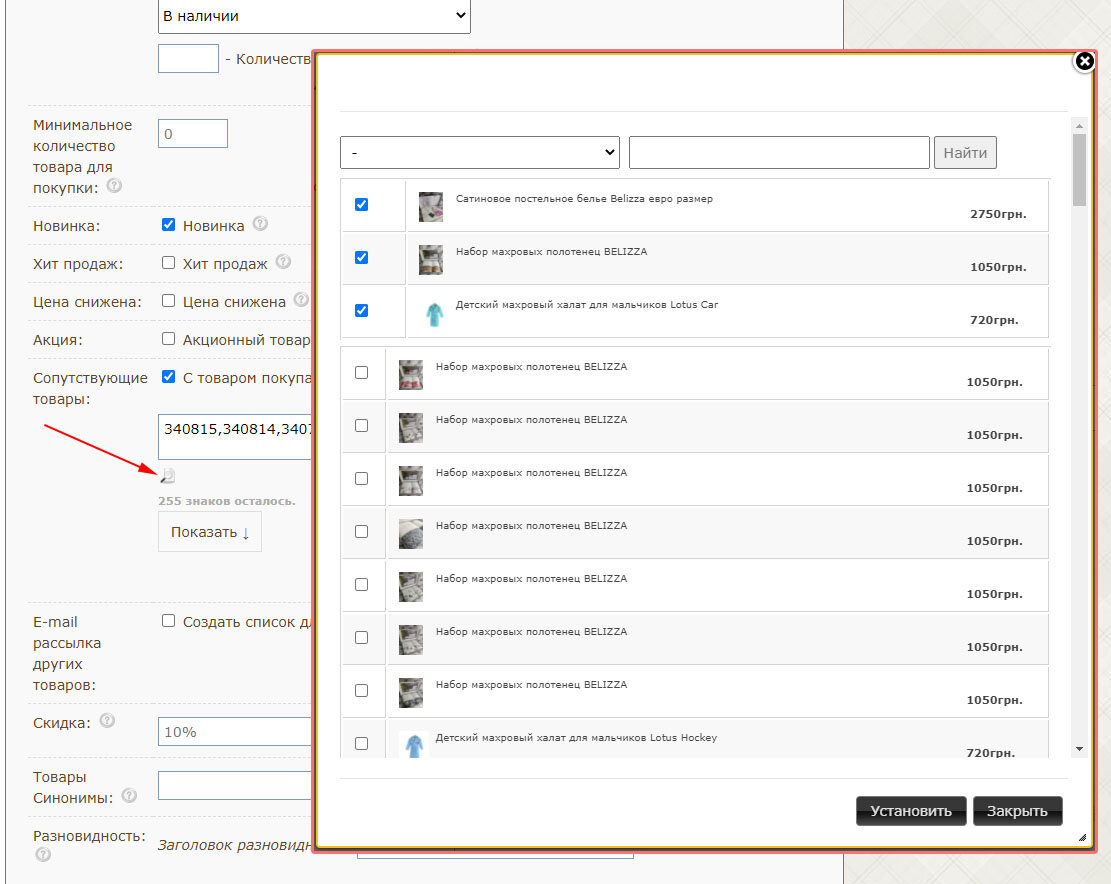
Added a pop-up window for managing the list of "Related products", "Synonymous products" and "E-mail distribution of other products".
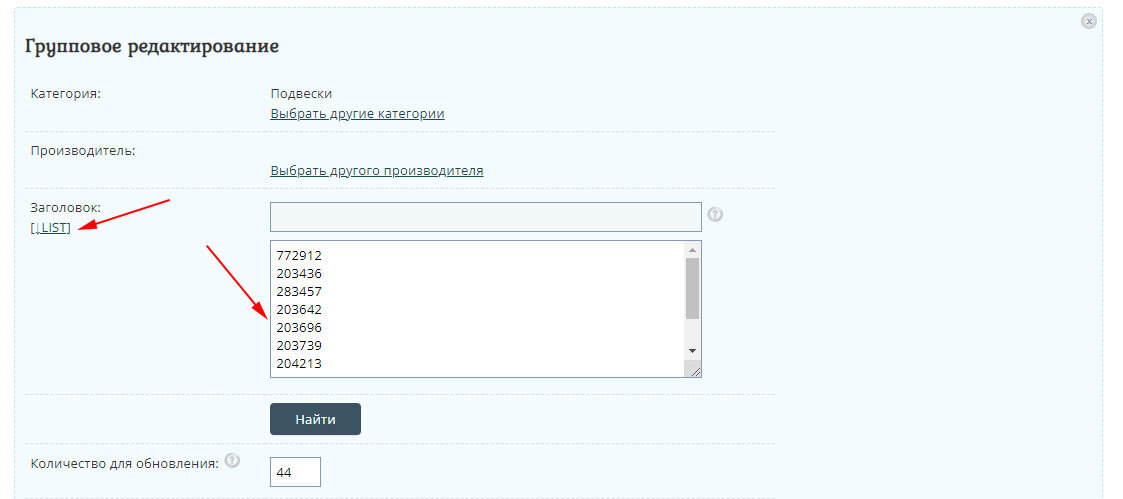
Added search in the form of a list for group editing.
Added template demo and quick install. The template is implemented with the ability to change the color scheme in the design editor.
View Demo
Install template.

View Demo
Install template.

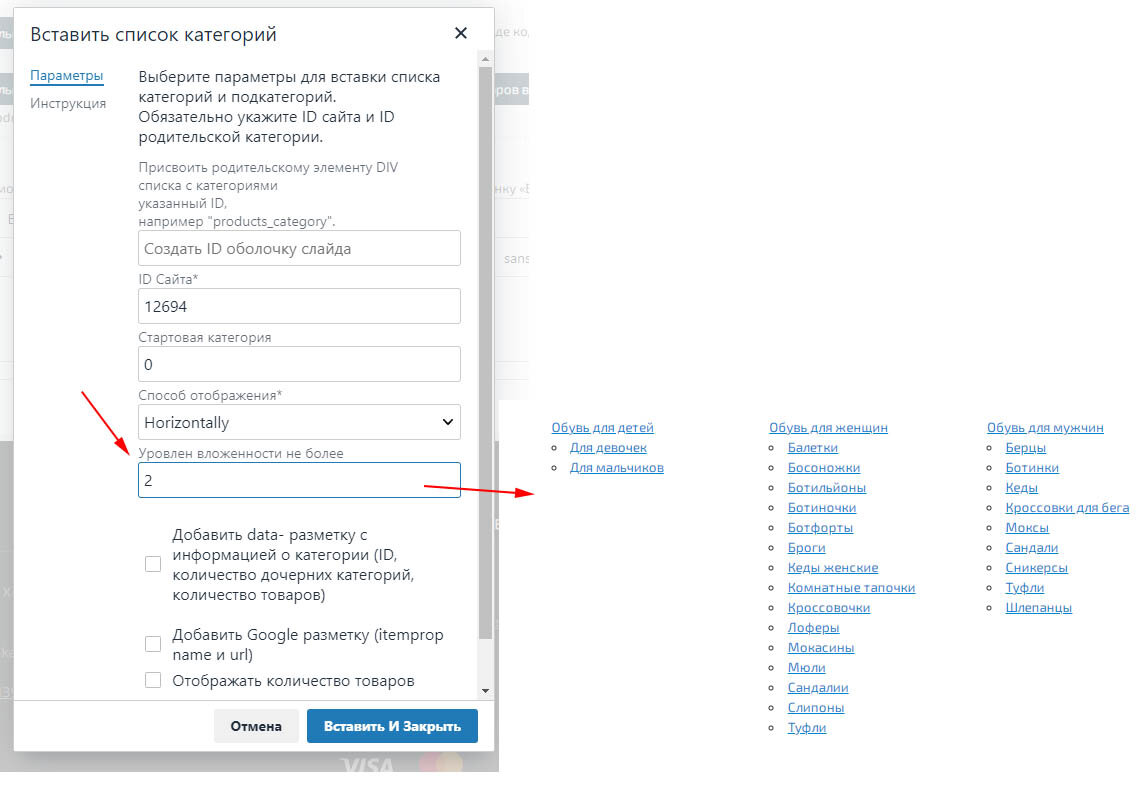
Added the ability to set a limit for entries in child subcategories. For example, if you need to specify Parent and first child subcategories, you can set the "Nesting level" - "2". In addition, if you specify the wrapper ID "hotengine-categories-lists-horizontal", then the appropriate styling will be assigned to place the block inside the pages.
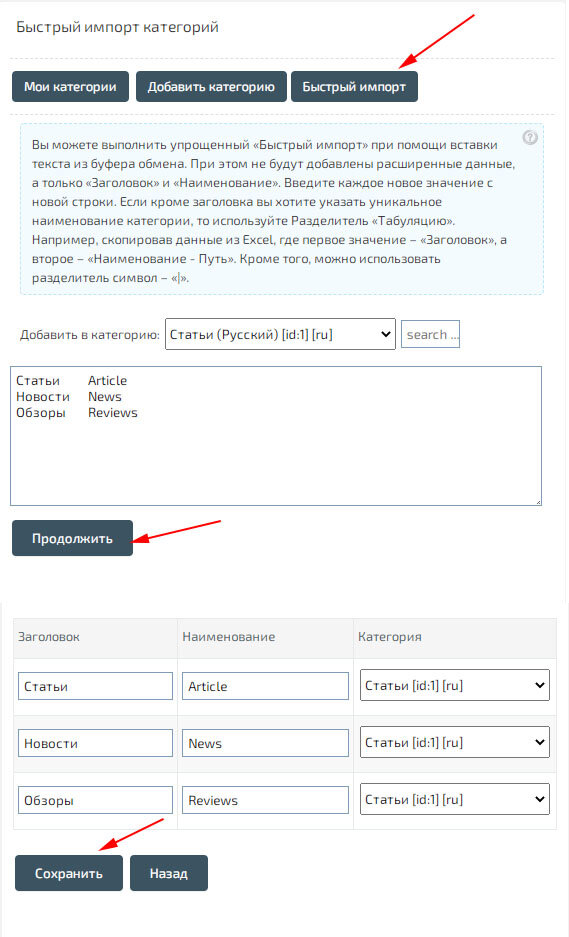
Added quick import of "Articles catalog categories".
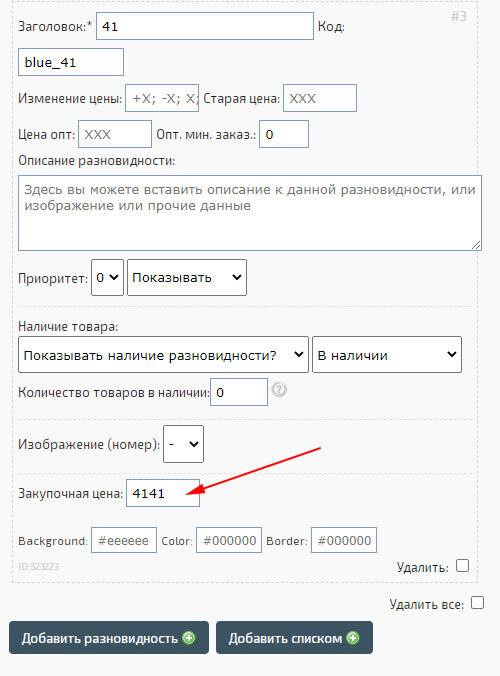
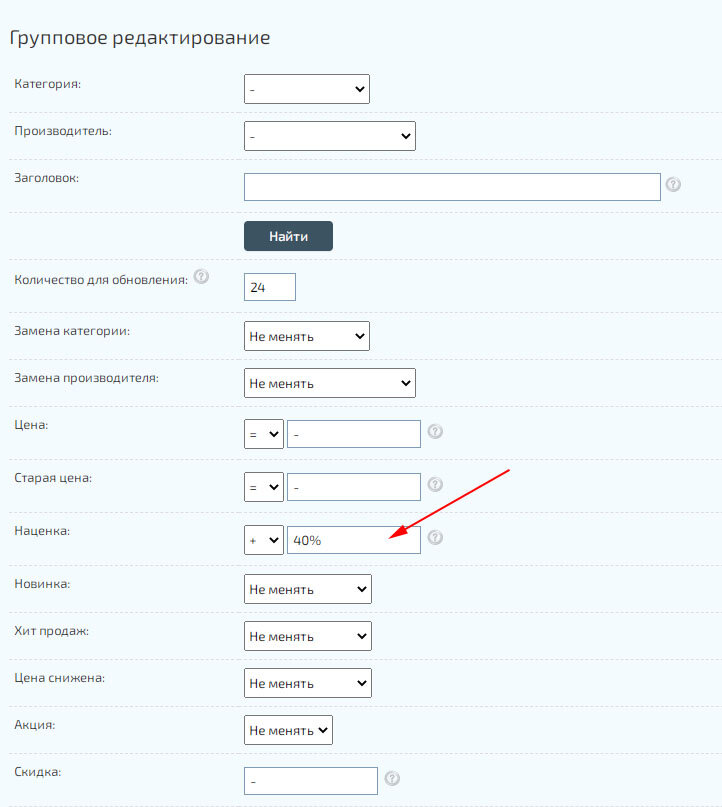
Added a group change "Prices" - "Markup", based on the "Purchase price". The function takes into account the "Markup" only for those product cards for which the "Purchase price" is specified.
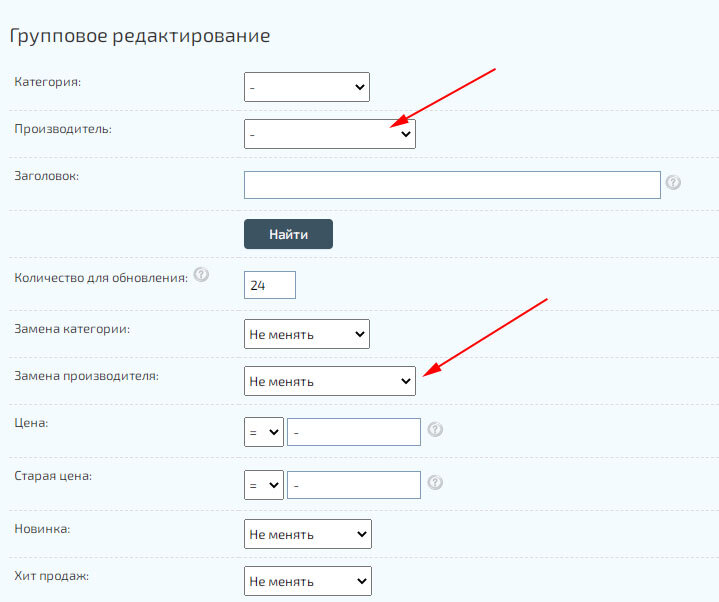
Added search and change of "Manufacturers" to the group editor.
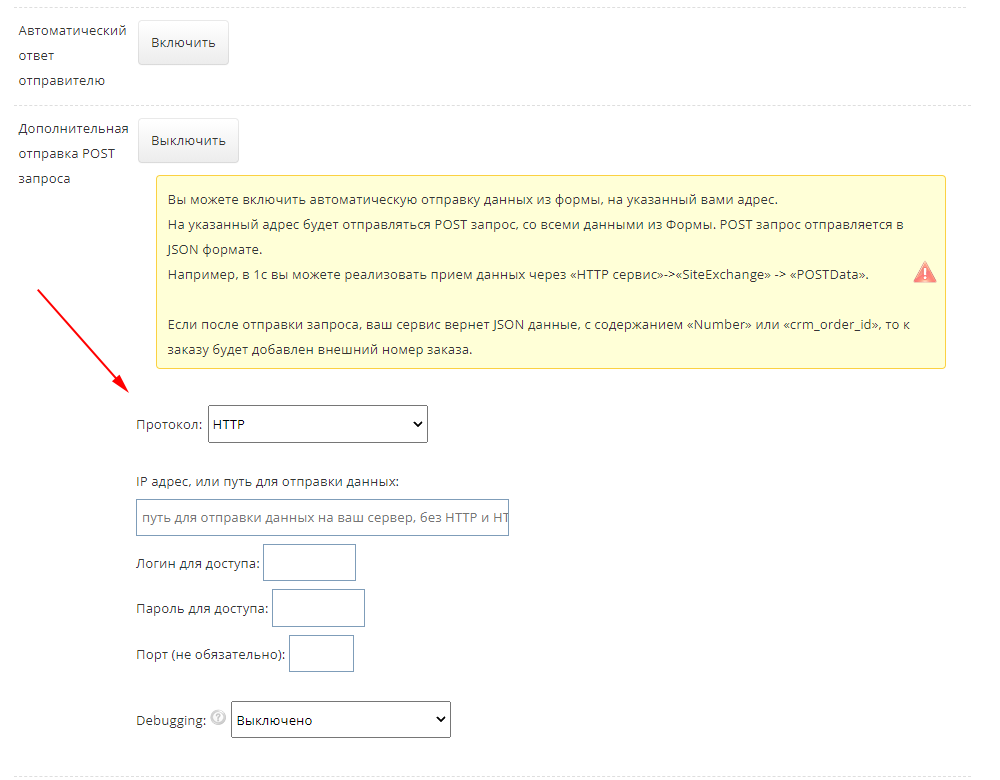
Updated parameters for sending data when submitting Forms on the site. And also added the "Debug" mode.
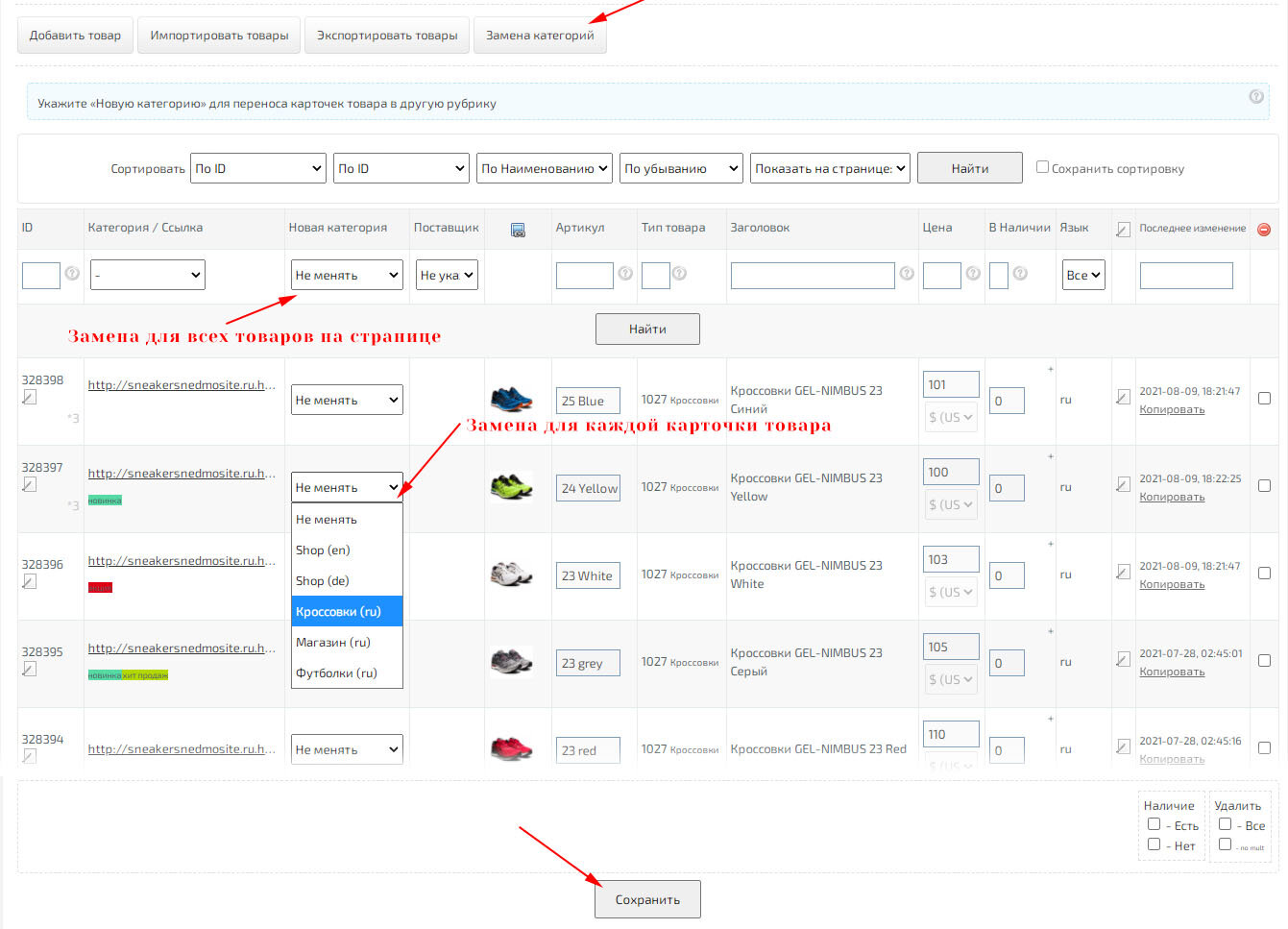
Added the ability to massively change categories of product cards on the page for viewing and managing the list of products.
Updated image compression module. Compression for JPEG images improved by 3 times.

Added autocomplete product ID in sales statistics when changing the list of ordered products.

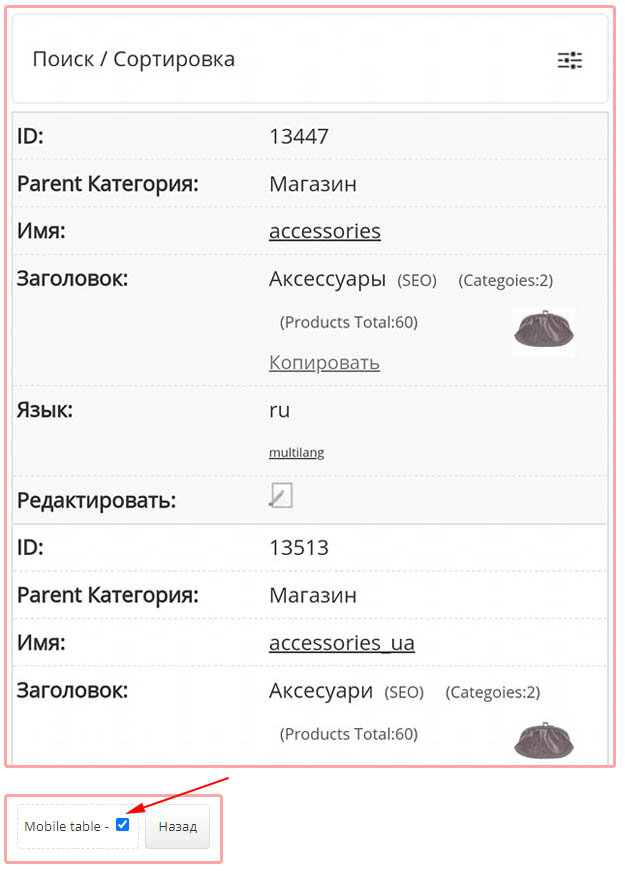
Added mobile display of the table with categories in the Admin Center
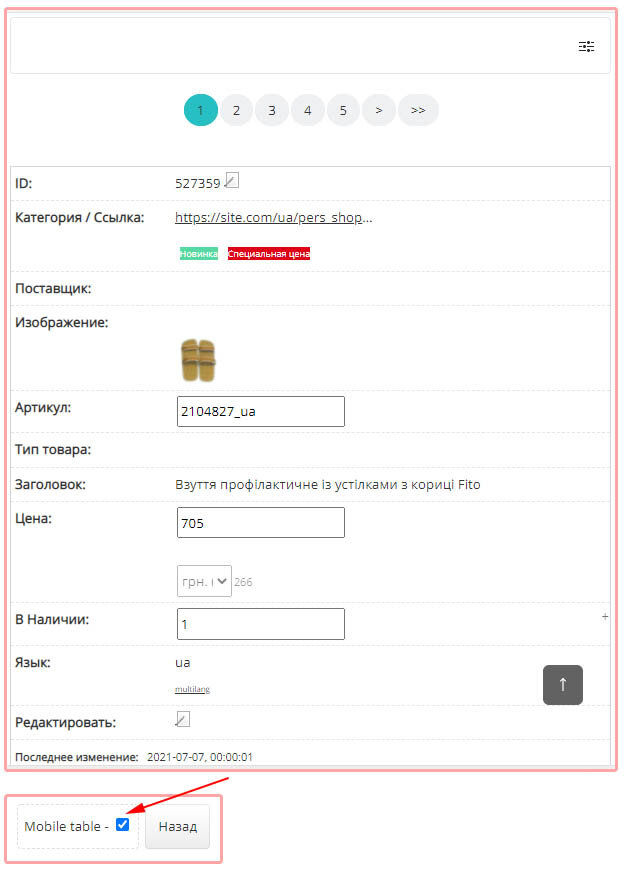
Added mobile display of the table with products in the Admin Center
The service interface in the sales statistics has been updated.cs.
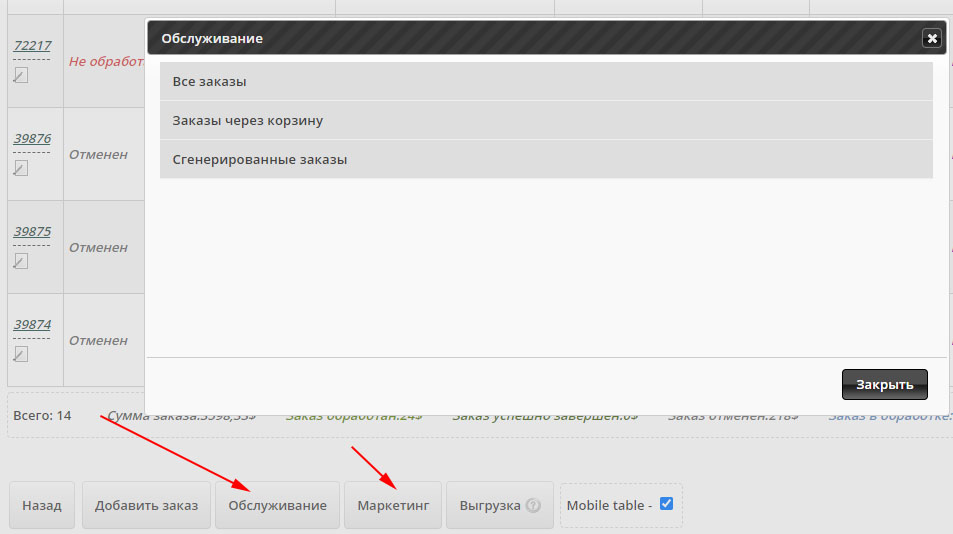
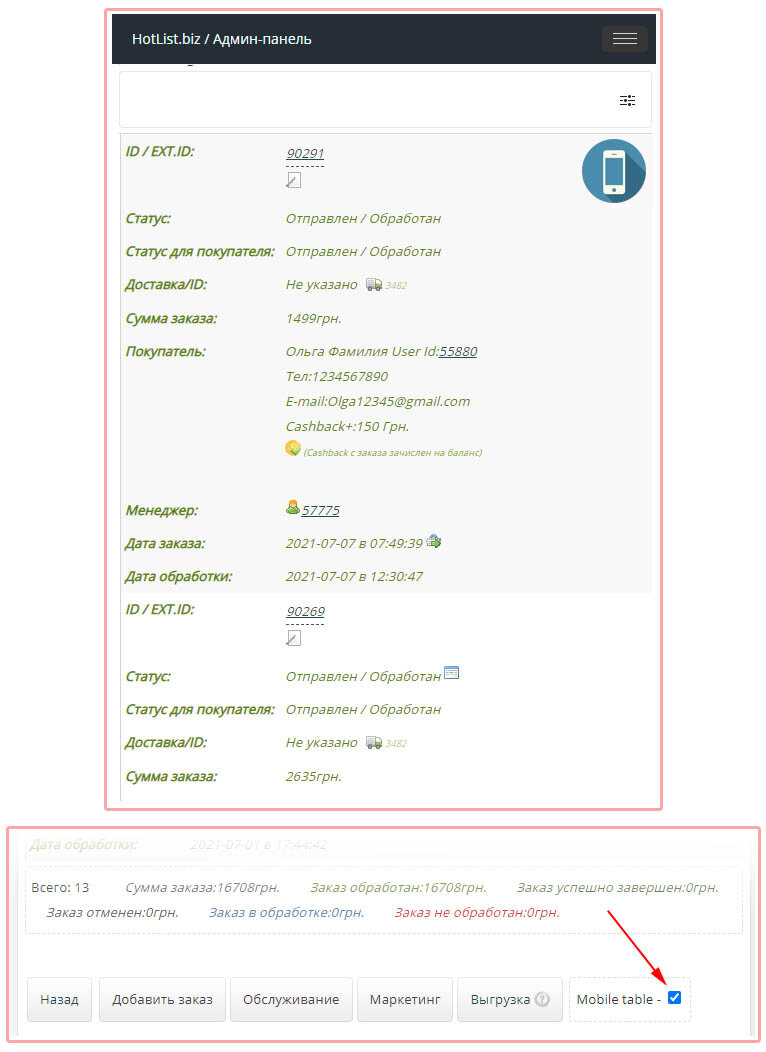
Added mobile display of the table in the sales statistics.