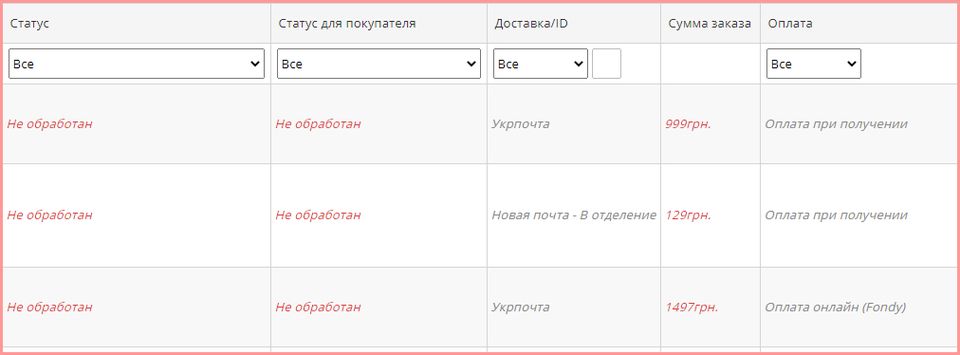
Updates and News
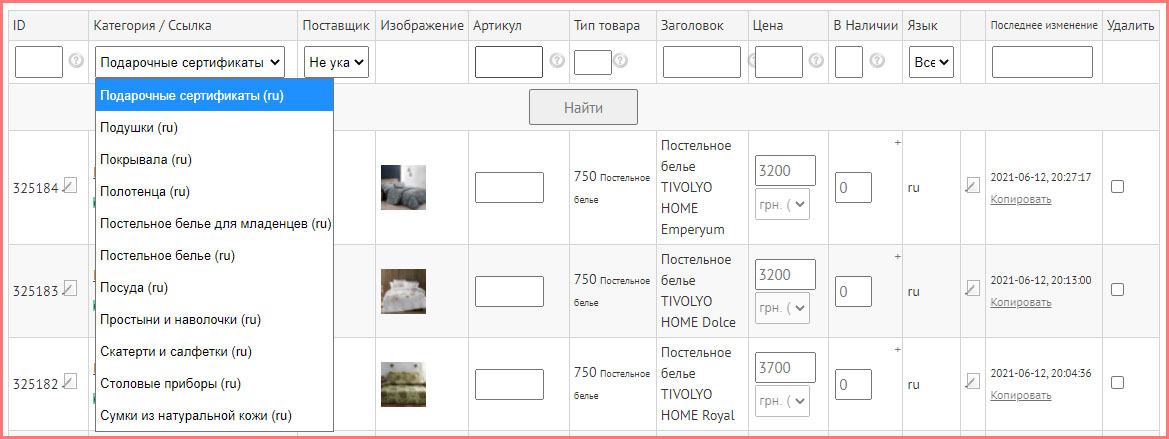
Replaced filter "By site" to select "Categories" when viewing the list of products in the Admin Center.
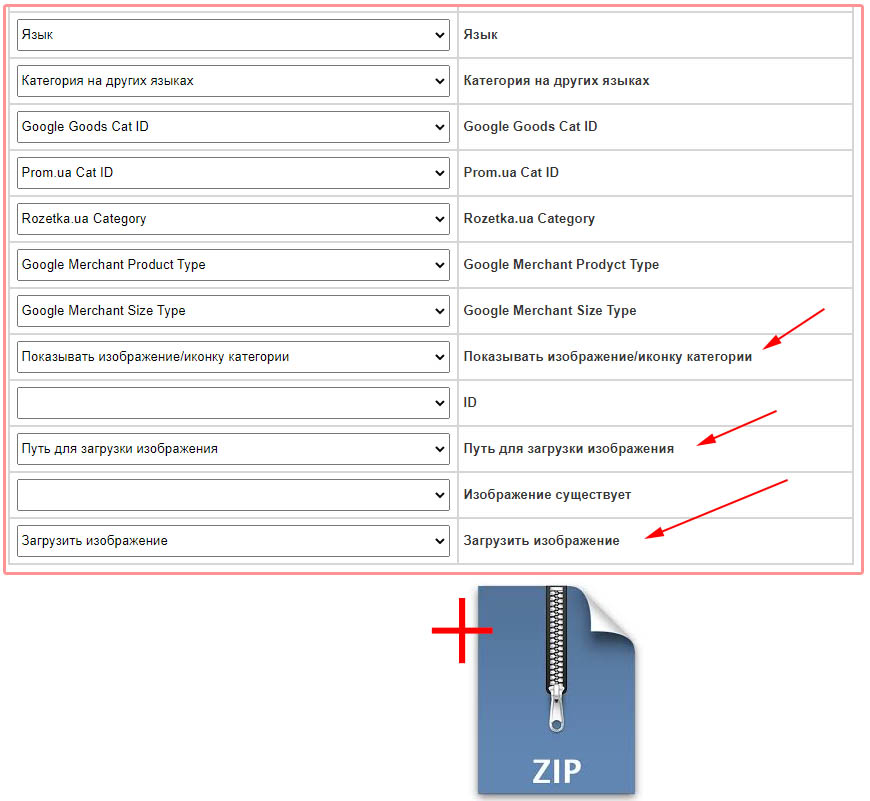
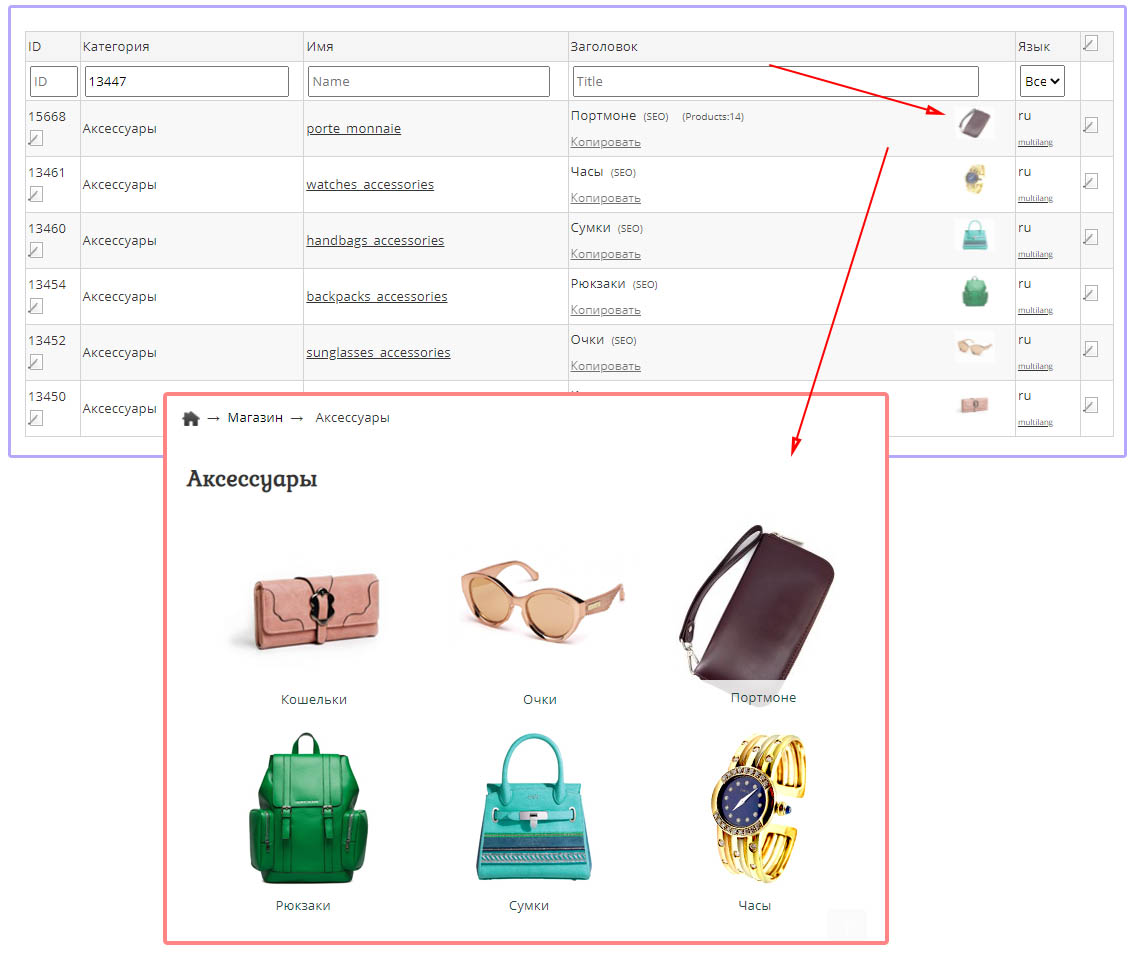
Added support for importing categories in a ZIP archive with attached images.
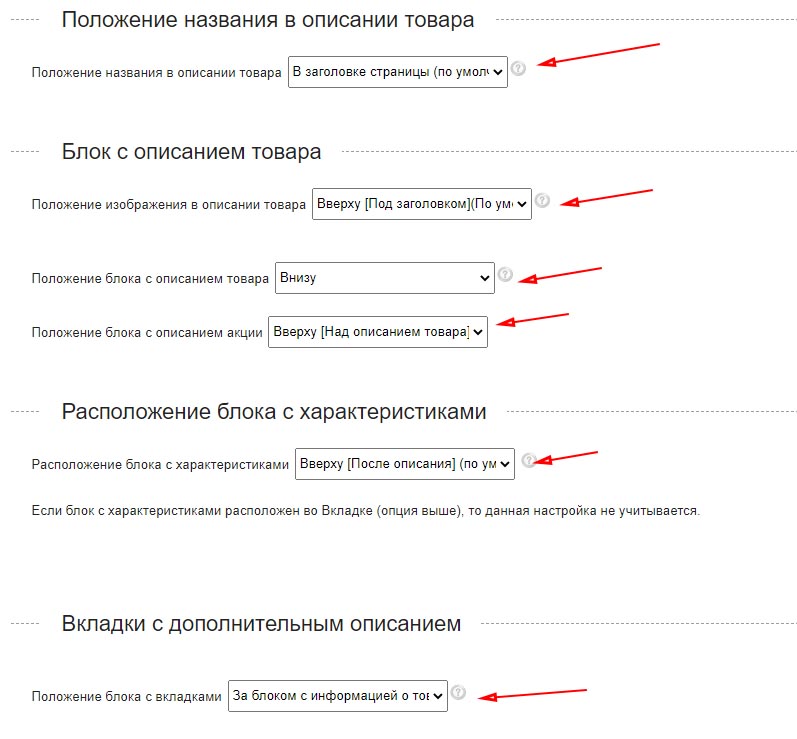
Updated the settings for the arrangement of elements in the product card.
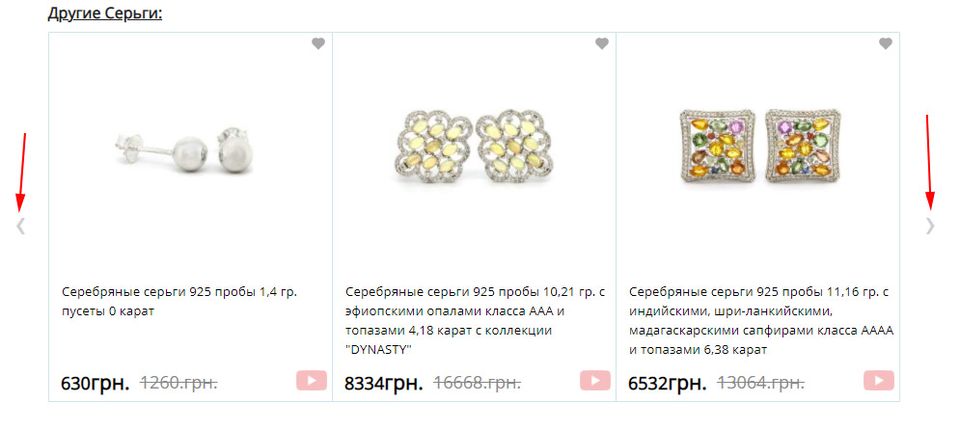
Updated CSS style of the day for product and article scroll buttons. Attention! If you changed the style of buttons earlier, then you need to update it. The scroll button is implemented using the CSS AFTER pseudo-element.
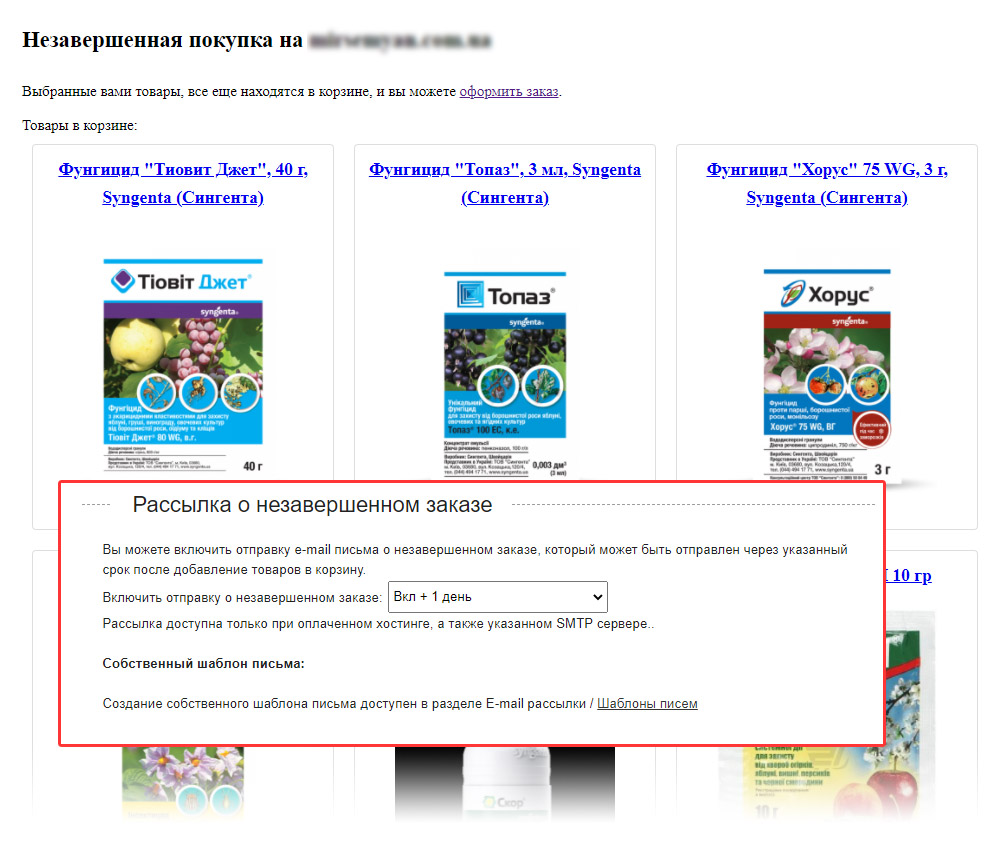
Added informing about unfinished purchase. The function is available for sites with paid hosting. You can specify the period after adding an item to the cart to send out the mailing. The setting is located in the tab "Store", "Checkout", "Newsletter about an unfinished order". You can create your own template in the "My Templates" section.


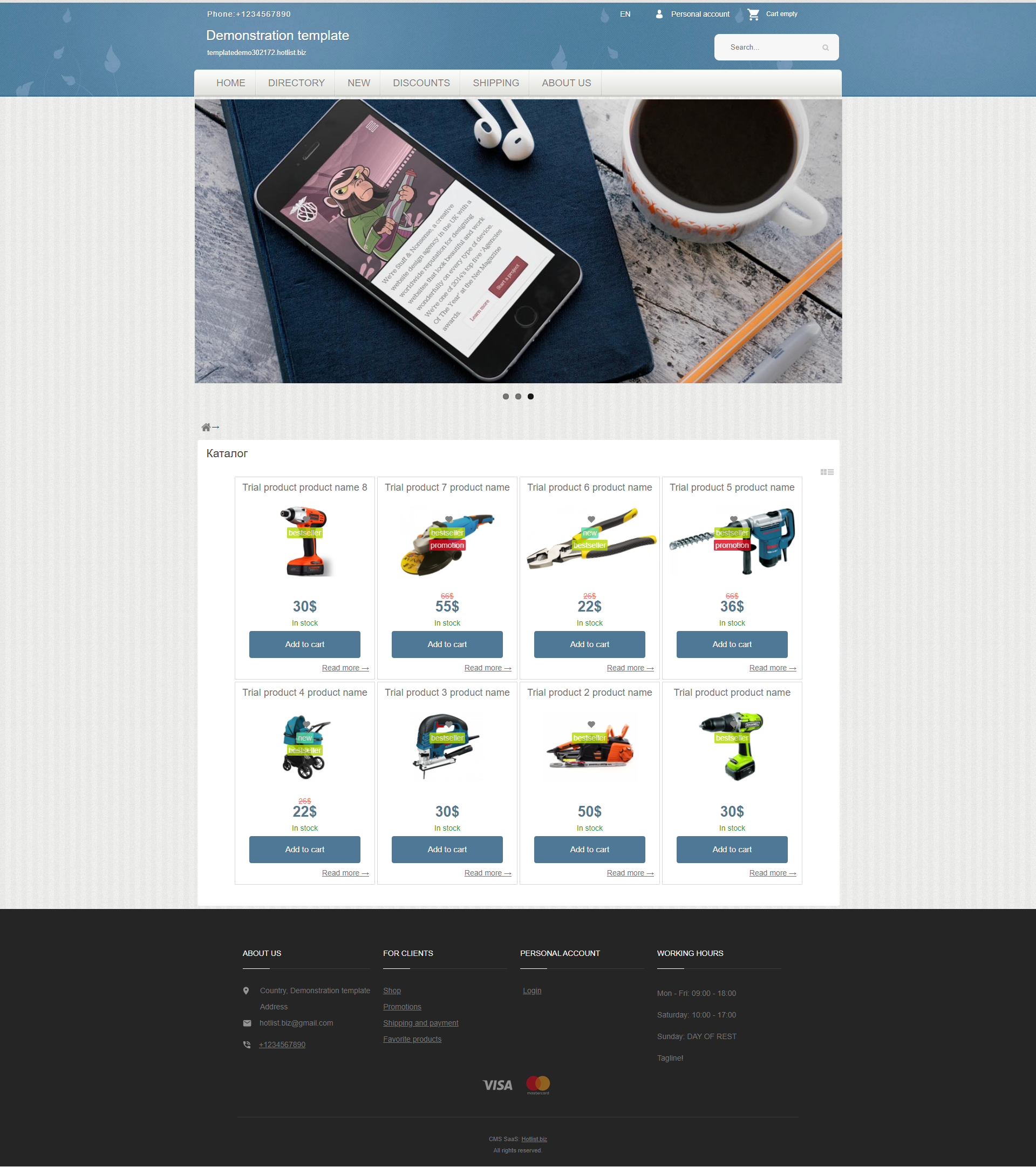
Added automatic installation of a template in several languages at once.
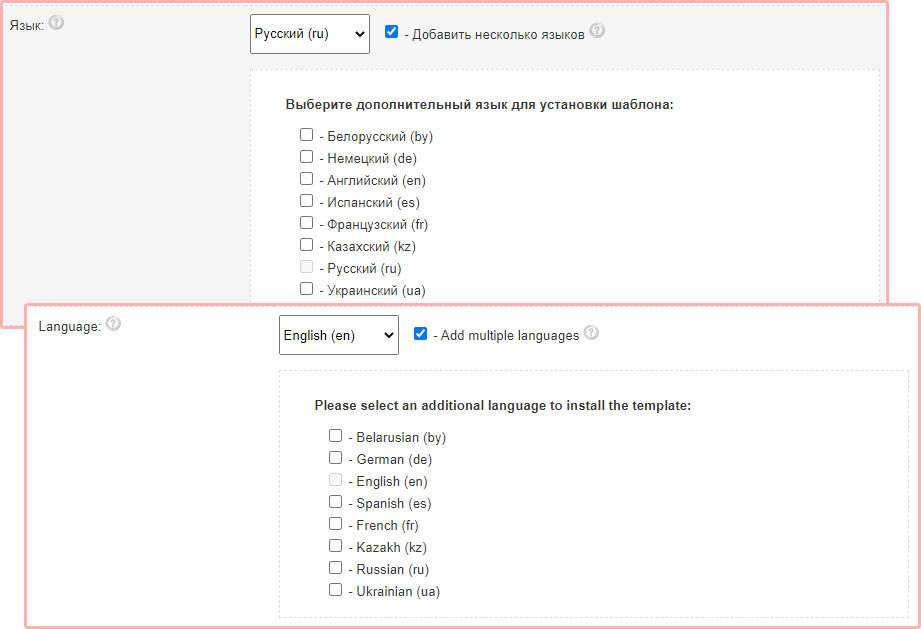
The site translation function has been updated, as well as the implementation of the translation of the main sections for managing sites into English.
How to make a website "Multilingual":
1) In the site settings, in the "Languages and start page" tab, specify "Available languages".
2) In the site header, place the SHORTCODE of the drop-down menu with the language lists ({HOTENGINE-SC : langmenu})
3) All major important messages and labels are still implemented through CSS styles and can be changed in the "Design Editor". To translate "Tabs", "Delivery Methods" and "Payment Systems" - use the section "Settings", "Store", and while creating an element, specify the required Language for labels and messages.
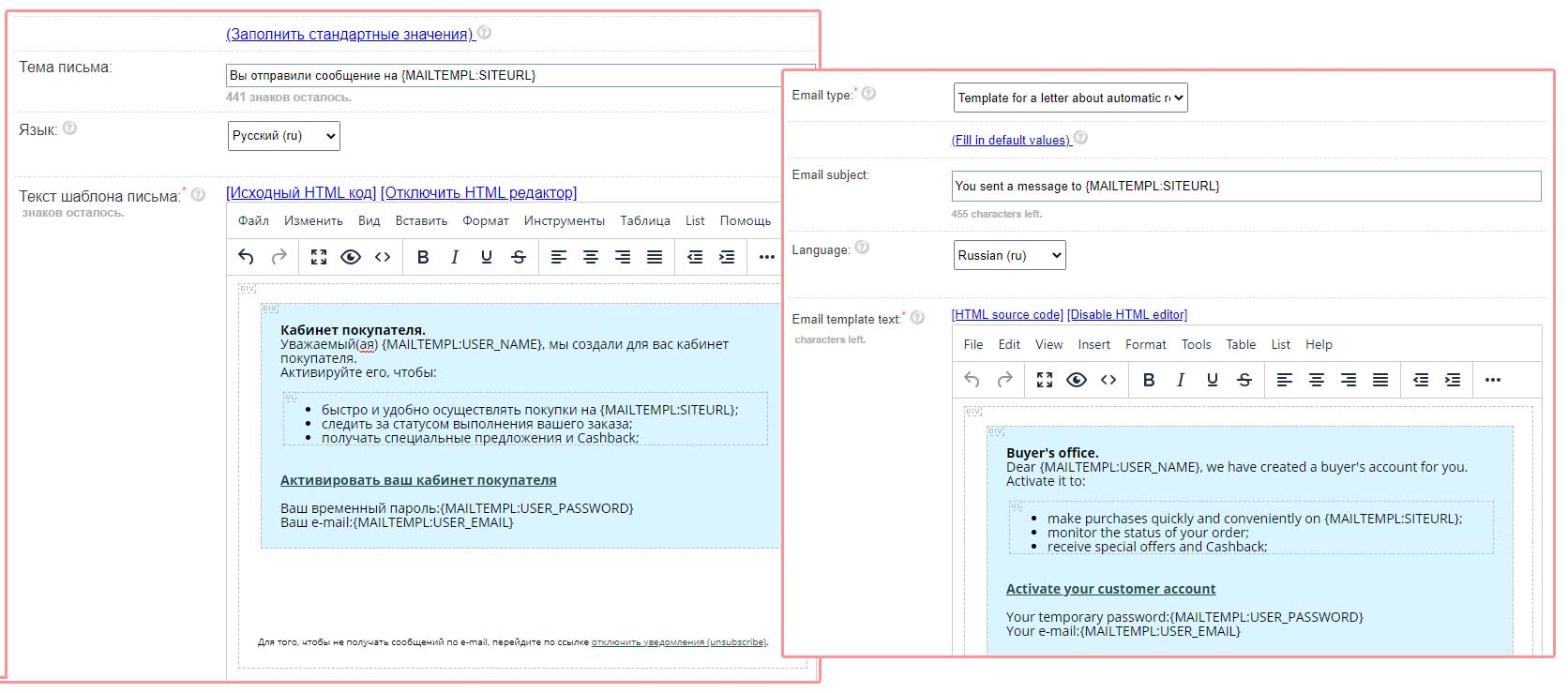
4) To translate the Letter Templates, use the section "E-mail mailing lists" - "Letter Templates".
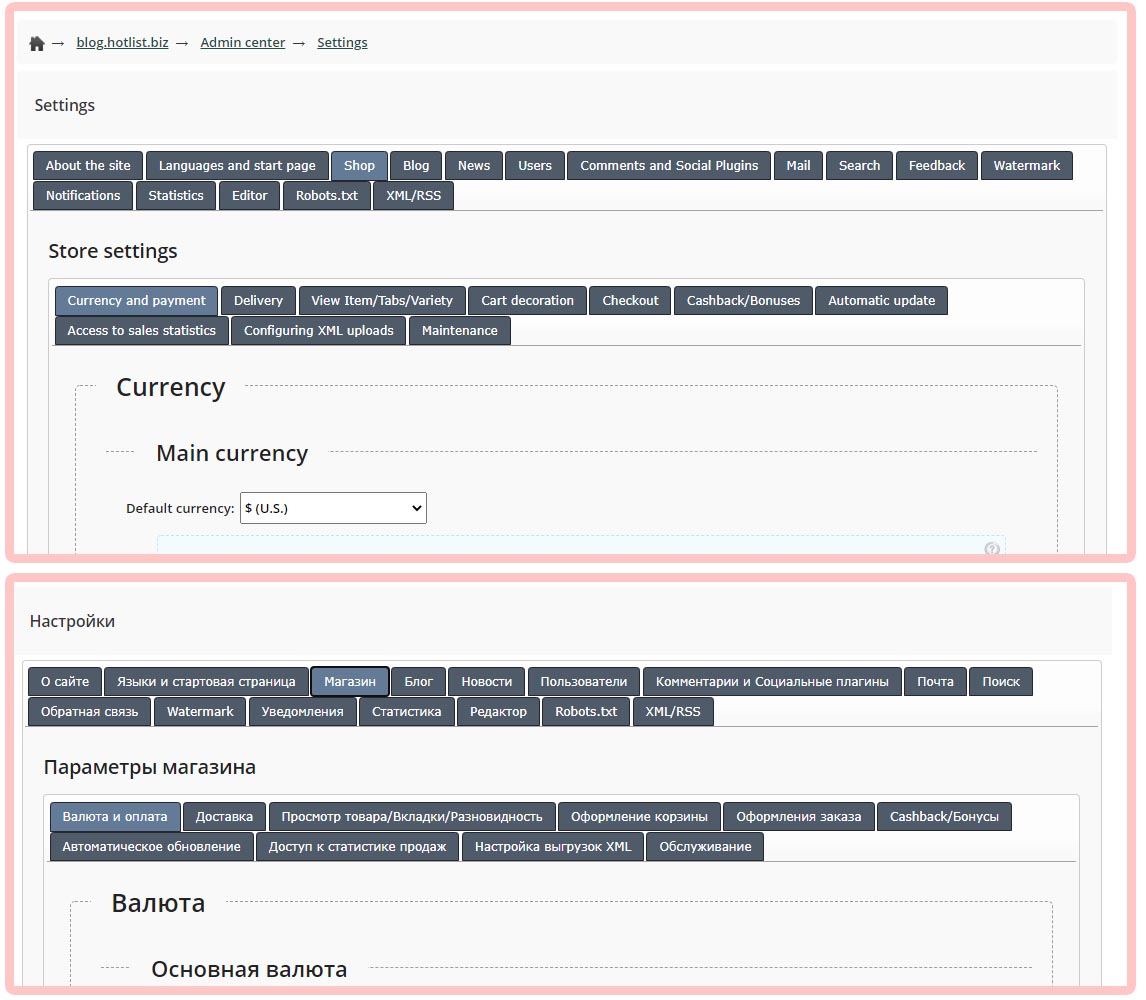
How to make a website "Multilingual":
1) In the site settings, in the "Languages and start page" tab, specify "Available languages".
2) In the site header, place the SHORTCODE of the drop-down menu with the language lists ({HOTENGINE-SC : langmenu})
3) All major important messages and labels are still implemented through CSS styles and can be changed in the "Design Editor". To translate "Tabs", "Delivery Methods" and "Payment Systems" - use the section "Settings", "Store", and while creating an element, specify the required Language for labels and messages.
4) To translate the Letter Templates, use the section "E-mail mailing lists" - "Letter Templates".
Added a Template for a letter for automatic registration of users when ordering. You can change the template in the section "E-mail newsletters", "Letter templates".
Updated styles of "Varieties": Added images, SKUs, prices, wholesale prices, texts, as well as new styles.
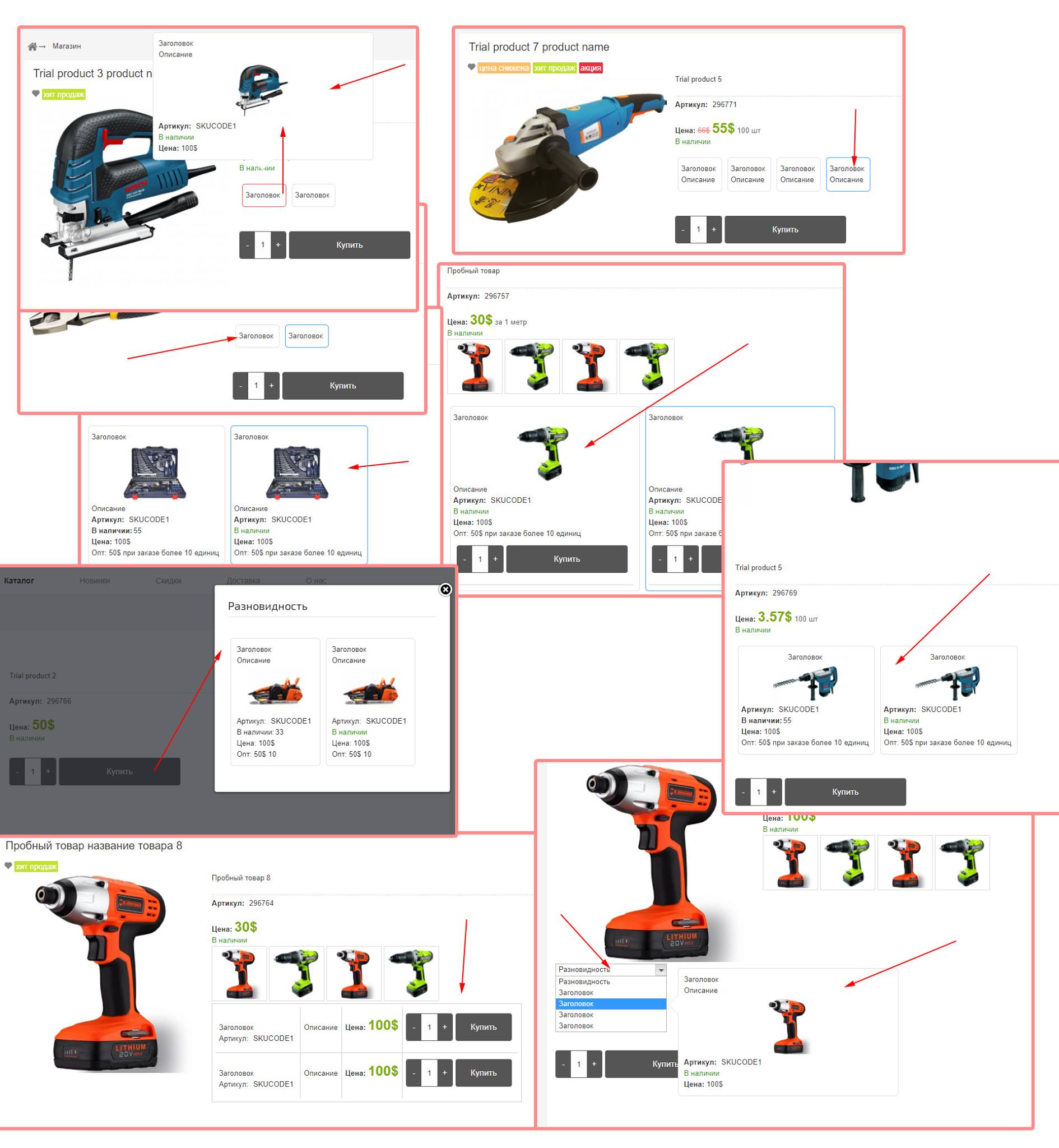
Added "Wholesale Price" for varieties, as well as a minimum quantity to get the wholesale price.
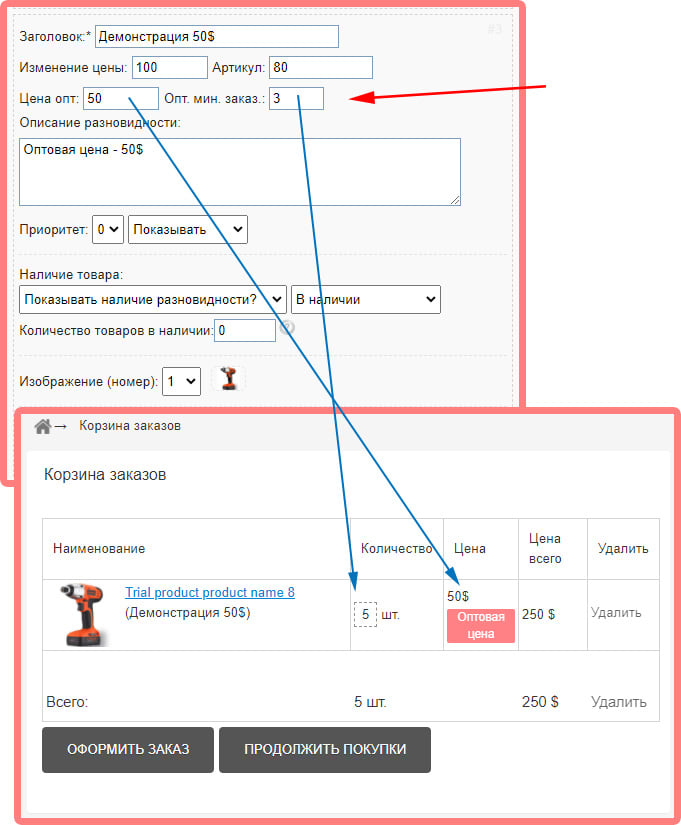
Added the ability to use images in varieties. Added new styling for varieties.
Demo http://templatedemo297606.hotlist.biz/en/pers_shop/demo_en/297618.htm
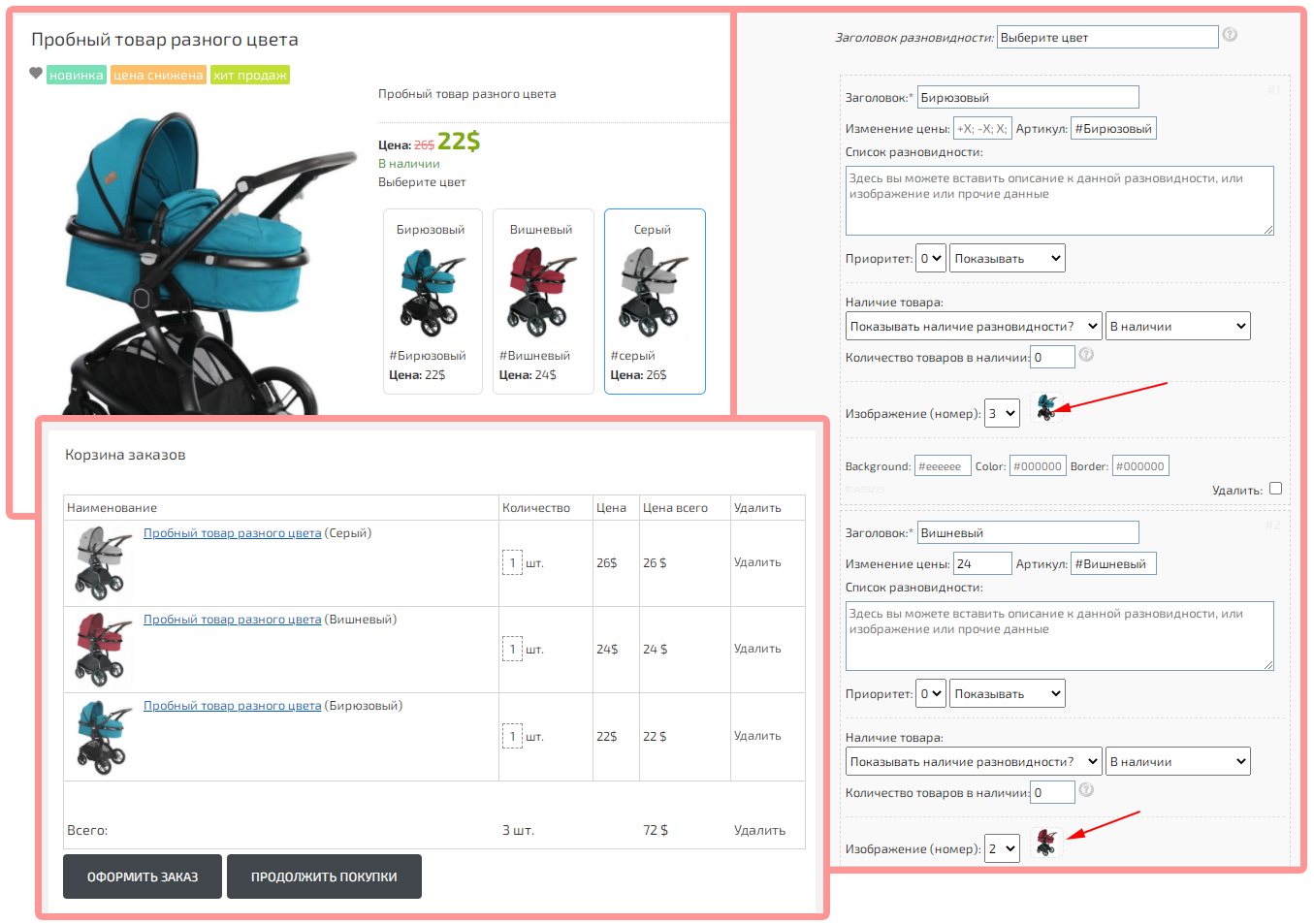
Demo http://templatedemo297606.hotlist.biz/en/pers_shop/demo_en/297618.htm
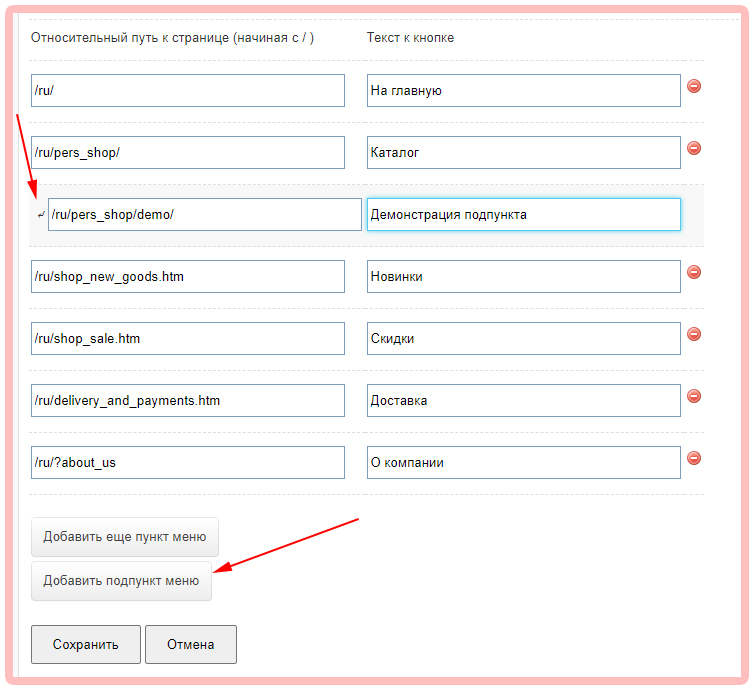
Updated the editor of the Main Menu. Added the ability to create drop-down menu items.
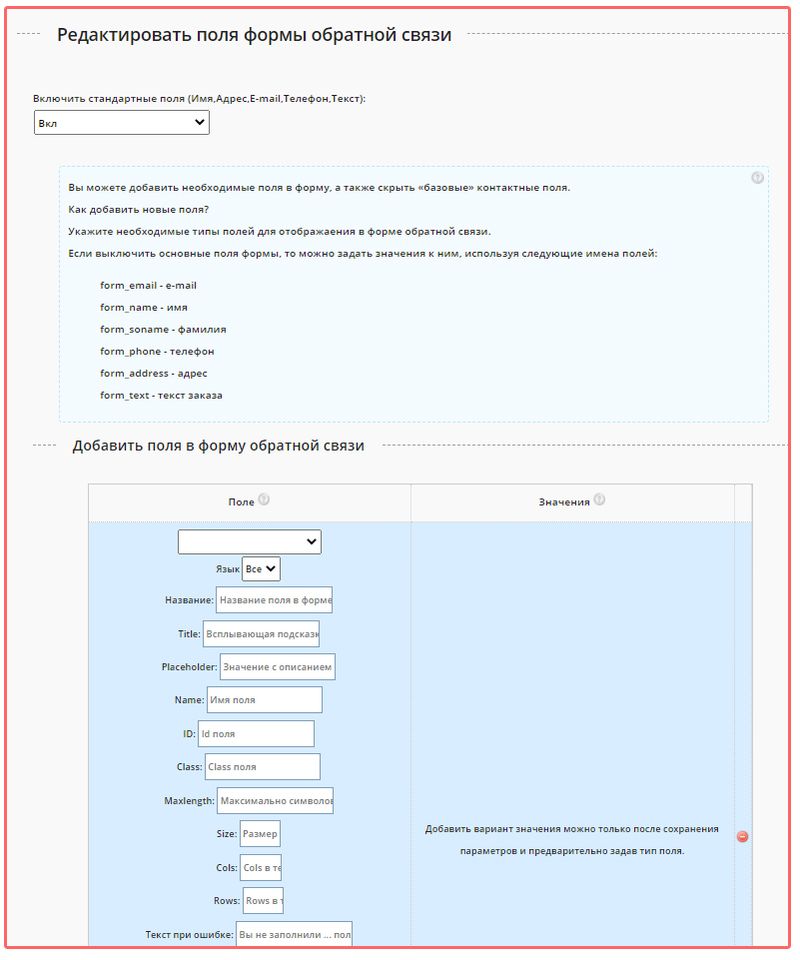
Added an advanced editor of fields for the Feedback Form. You can create up to 50 fields, with different data types (text fields, strings, file uploads, chachkbox and select elements). Form management is located in the settings, in the "Feedback" tab.
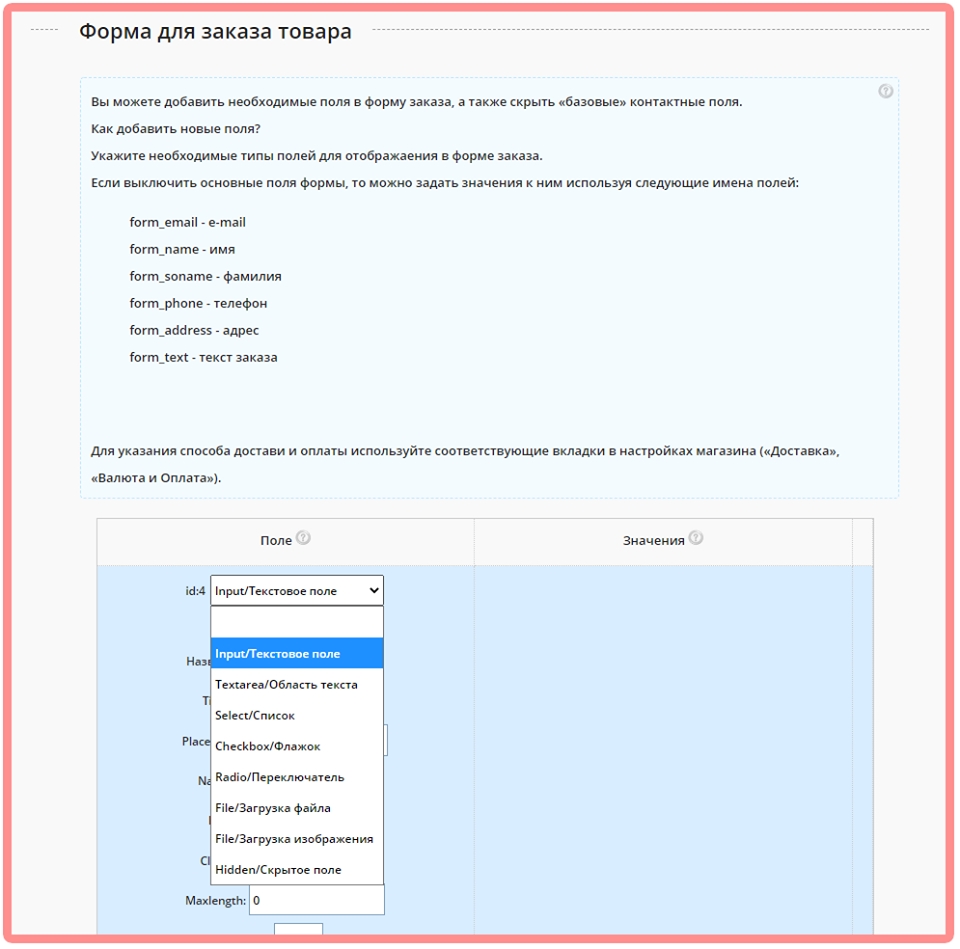
Added an advanced editor of fields for the Order Form. You can create up to 50 fields, with different data types (text fields, strings, sending files, chachkbox and select elements). Form management is located in the settings, in the "Shop", "Checkout" tab.
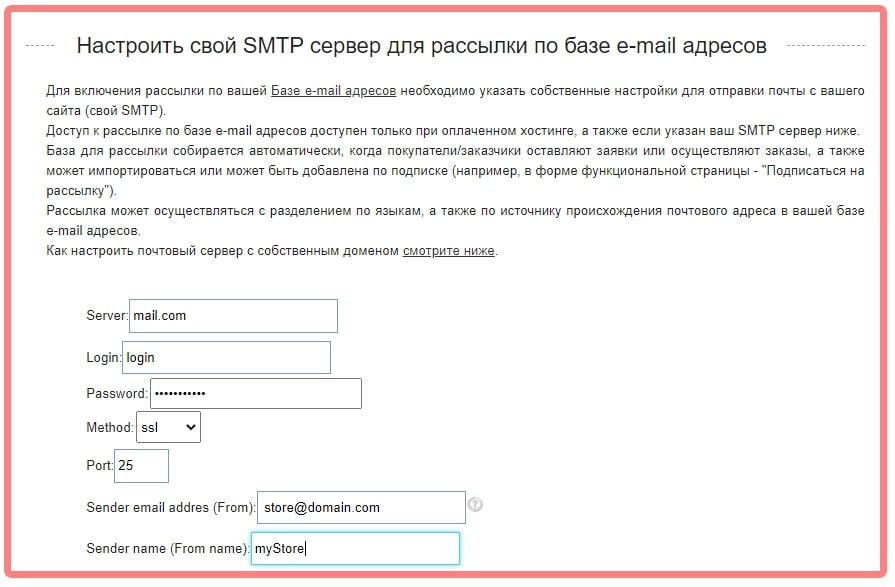
Added the ability to specify an additional SMTP server for sending via the Database of e-mail addresses. The collection of the database is carried out automatically and contains the e-mail addresses of all your customers, and can also be added manually. Access to the mailing list is free of charge, but you must send a request to enable access to the mailing function via the feedback form https://boostore.pro/feedback.html
Added information about the new selected method of payment and delivery (Selected by the buyer).