Updates and News
Updated goals, added audiences, and added the ability to quickly set up dynamic remarketing.
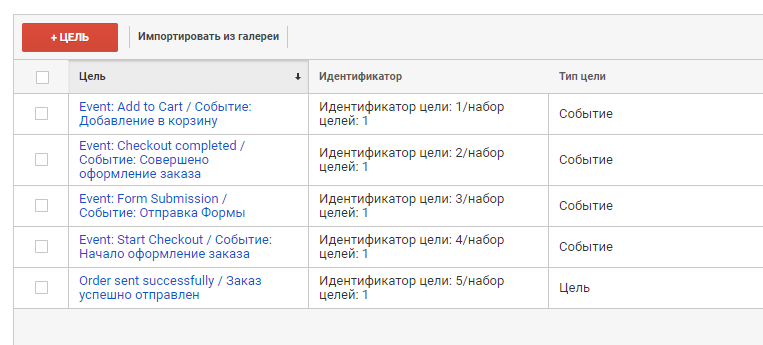
Setting Goals:
To track goals by events, you need to Import ready-made Goals at https://analytics.google.com/analytics/web/template?uid=D48COZFqSTqK9r0ysqqv4Q
We use ecommece goals, regardless of whether your retail and merchants are included.
In addition, you can use events to create goals. To do this, in the Google Analytics Admin panel, create a Goal.
Audience Setup:
You can import ready-made Audiences at the link https://analytics.google.com/analytics/web/template?uid=s2Gj3xilQ-mDR8QQdXc5iQ Audiences are divided into those who viewed the goods, the basket or made the conversion.
To enable audiences, you need to "Enable the dynamic Google Adwords remarketing code" - site settings, in the "Statistics" tab, as well as follow the instructions for creating dynamic parameters. In the dynamic parameters, not only the data on the scanned product cards is transmitted, but also the basket view, as well as the transition to placing the order.
Instructions for setting up dynamic remarketing can be found on the Settings page, in the Statistics tab.
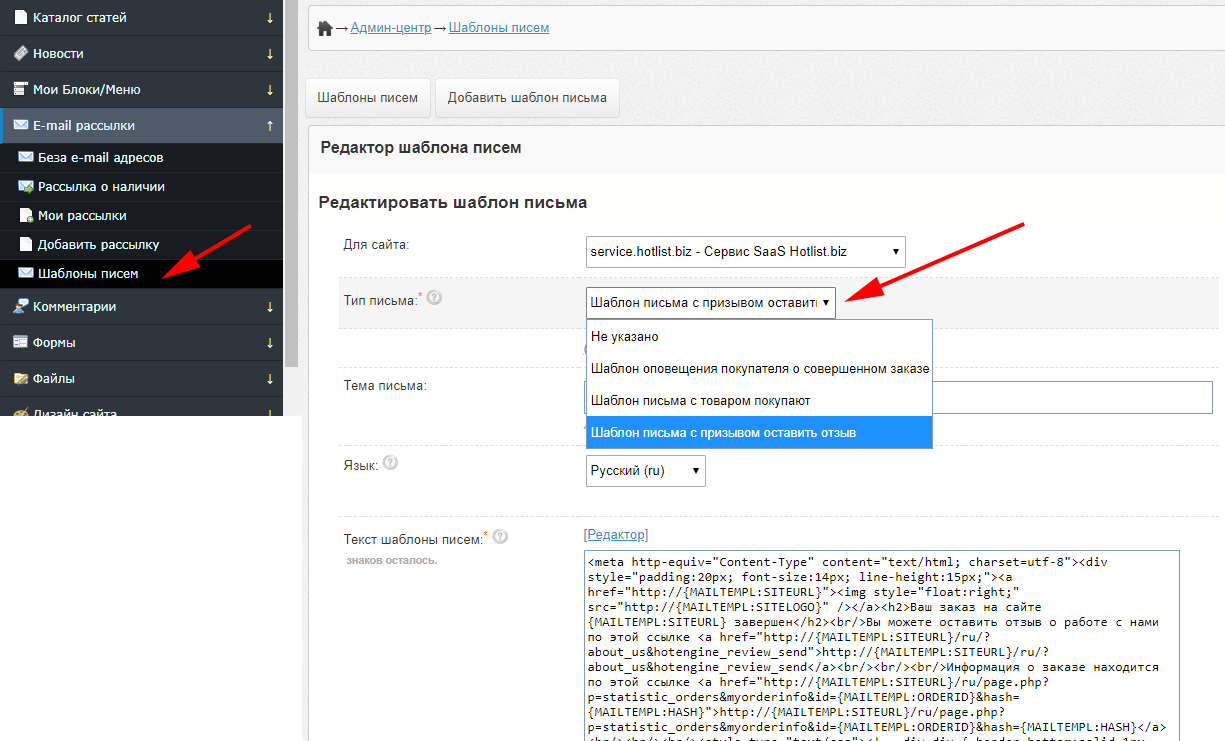
Updated email alert template editor. Previously created templates by users are transferred to a new editor. The new editor provides for the separation of templates in various languages.
An automatic set of goals has been added to track the conversion of sites created on the BooStore platform:
https://analytics.google.com/analytics/web/template?uid=D48COZFqSTqK9r0ysqqv4Q.
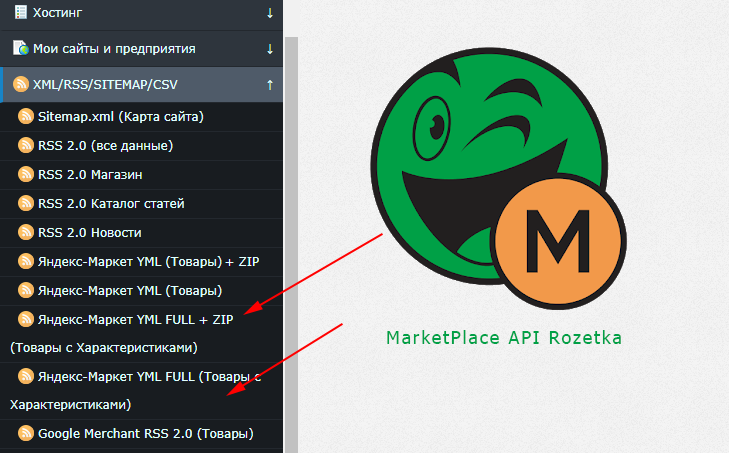
Added XML / YML upload for MarketPlace Rozetka and Yandex Market with product characteristics.
Added microdata shema.org in online shopping categories.
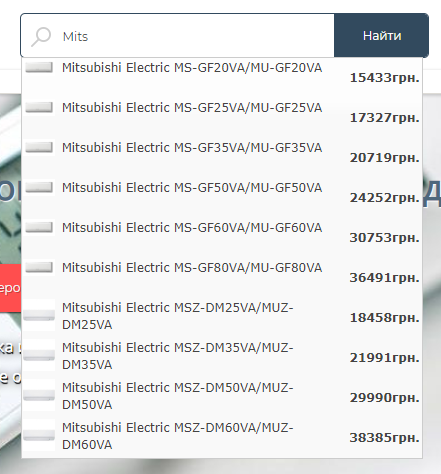
Issuance of the search query results in JSON format / tips when searching.
To get JSON data with the product name, price, image and link, you can perform an AJAX request to the file "/ajax.php?search_shop"
In the GET / POST variable "search" you must pass part of the product name or ID. The request can be executed only with paid hosting with a parked domain. The data can be used to implement the issuance of prompts in a search form.
Sample code for implementing hints, in settings, in the "Search" tab.
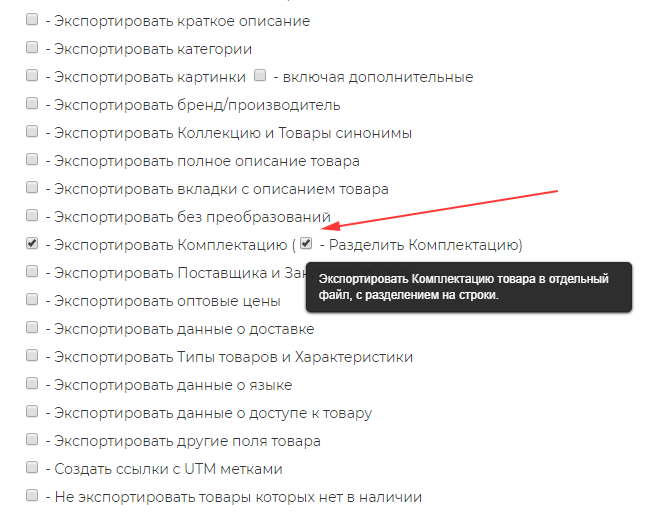
Added export of the Product bundle to a separate file with a section on the line. Added import configuration from a separate file.
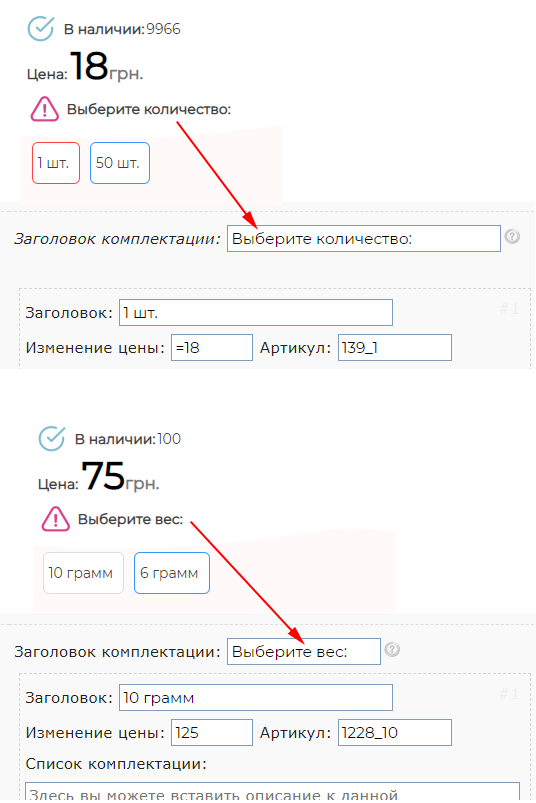
Added header for block with bundle. If the title is specified, it will be displayed above the block.
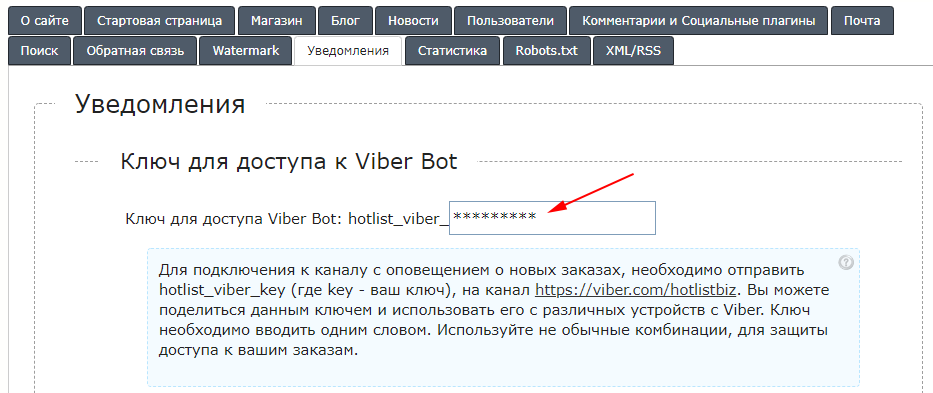
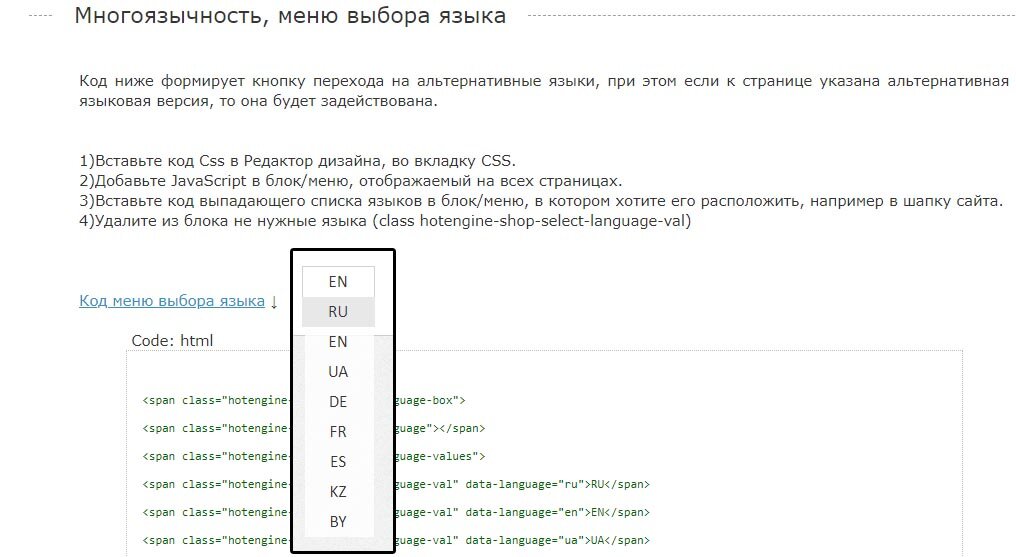
Added notification of new orders in Viber. BooStore Bot-channel. Keys are available for both the store and the Form Designer. You can create a key in the "Settings" section, "Notifications". https://viber.com/hotlistbiz
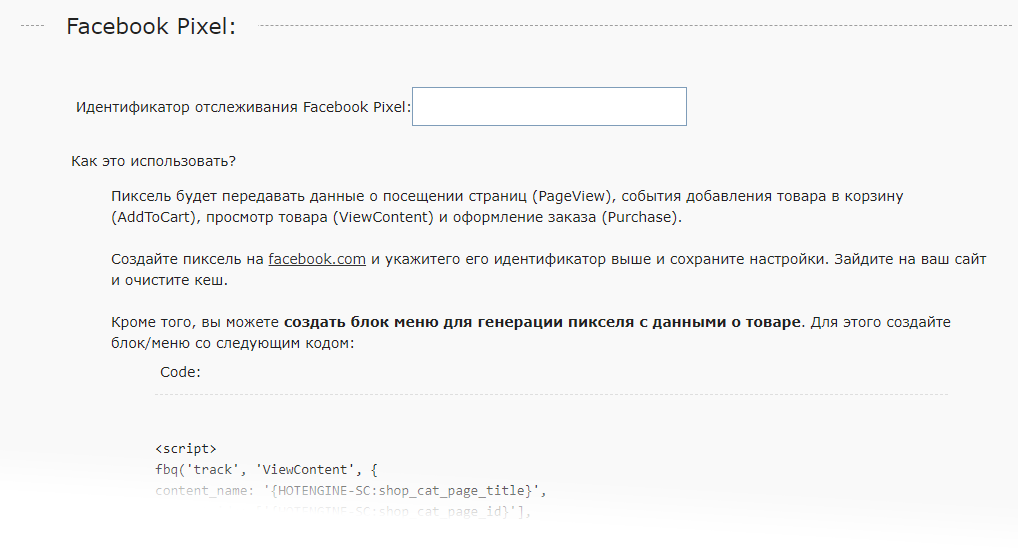
Added the ability to use Pixel Facebook - automatically. You only need to specify the pixel ID of Facebook.
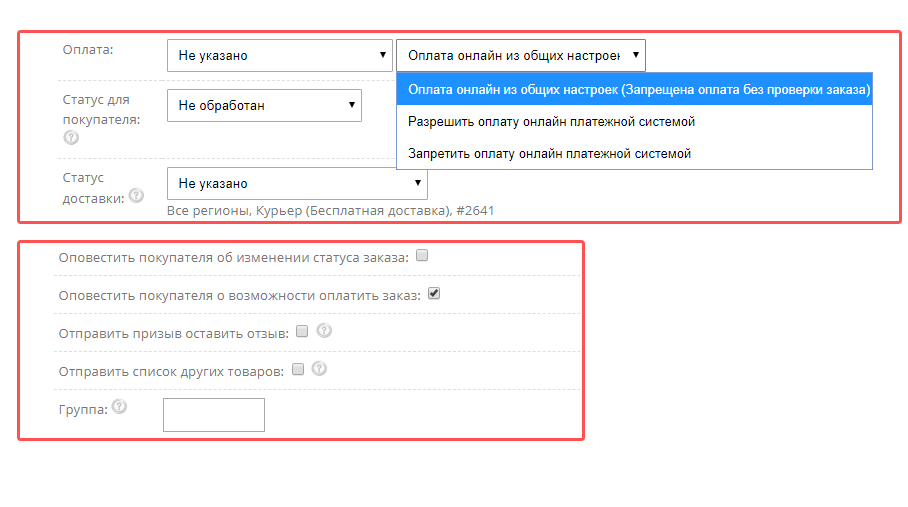
Added function to restrict online payments, as well as notification about status changes. You can disable online payment for orders in the general settings, and enable it individually, after checking the availability of goods. After changing the status, you can send an email with a link for payment.
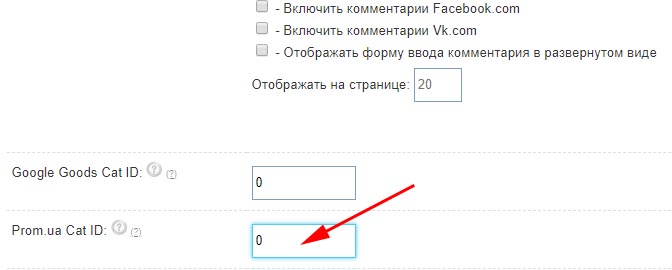
Added the ability to specify the portal category ID of "Prom.ua" portal.
Attention! 08/21/2018 changed the main encoding of the platform
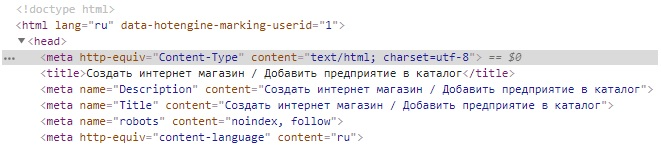
Attention! 08/17/2018 will be used in maintenance and operation services. Can be used at work.

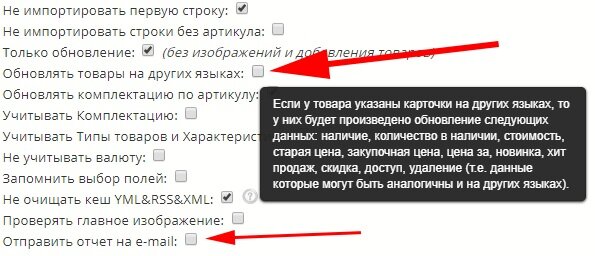
Added sending of the report to e-mail, after import. And also the function of updating the data of goods in other languages is added.
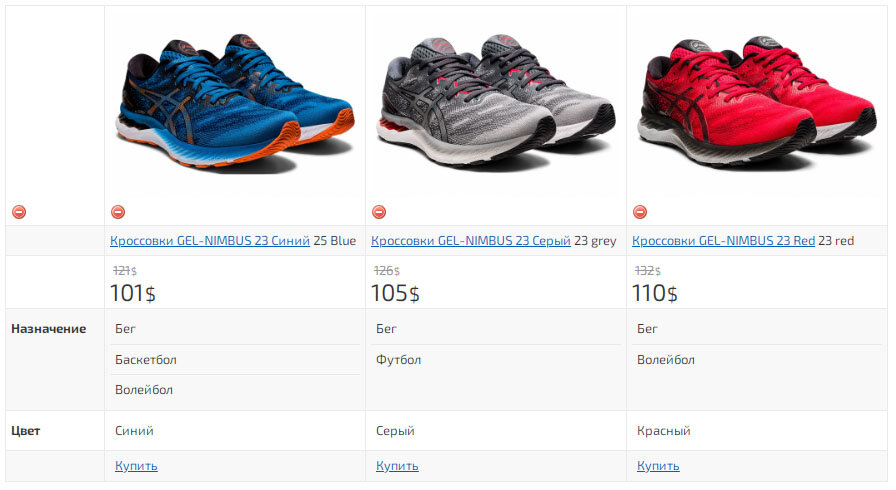
Added a comparison of products by characteristics. Instructions for inclusion can be found on the page "Shop", "Product types and characteristics".
Added automatic update of the exchange rate. The exchange rate is updated daily.
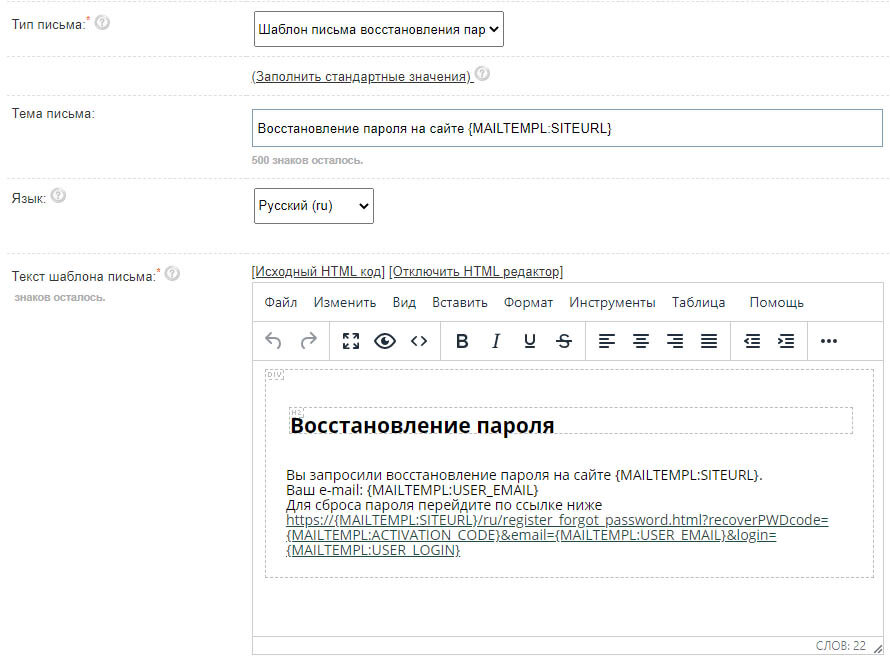
Added editable email template for password recovery.
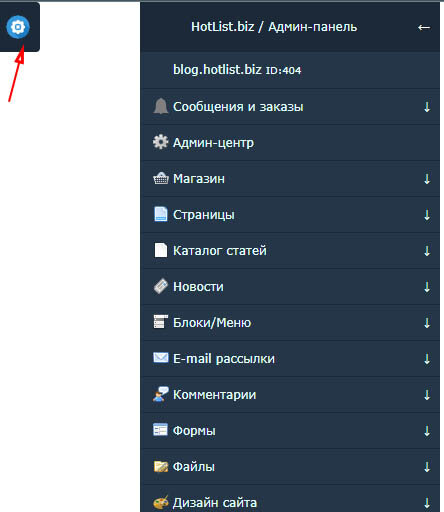
Updated Admin Panel. Improved mobility. Added automatic hiding of the panel when switching to Sales Statistics.