Updates and News
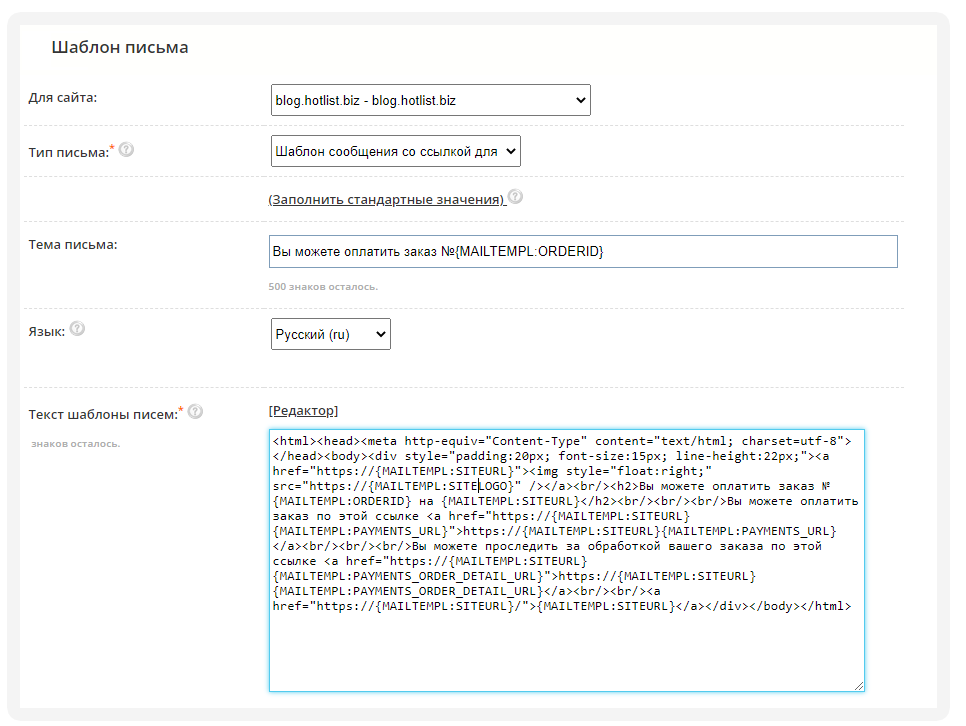
Added "letter template" with a button for payment. Support for many languages, individual design and transfer of order parameters. The letter is useful in the case when payment is included only after order confirmation (Allow online payment). A letter will be sent when the order status changes, if the corresponding checkbox is checked.
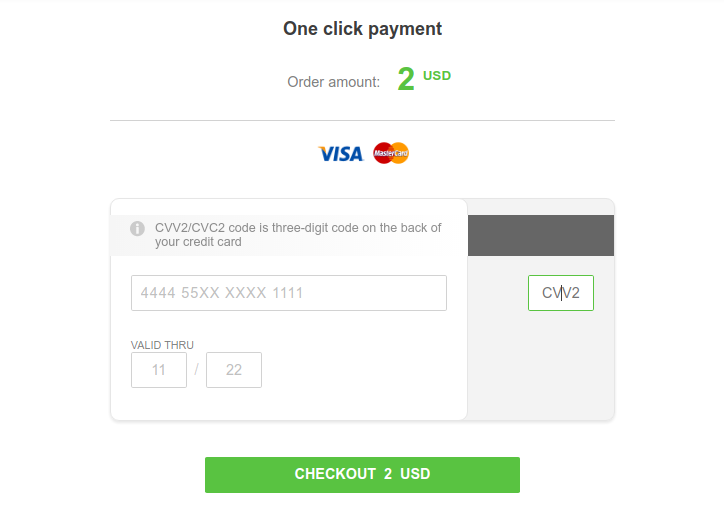
Added payment system https://fondy.eu/ (with support for many languages, currencies, GooglePay and Applepay). And also added control of pages of messages about the status of payment.
We have made the transition to the HTTP / 2 protocol

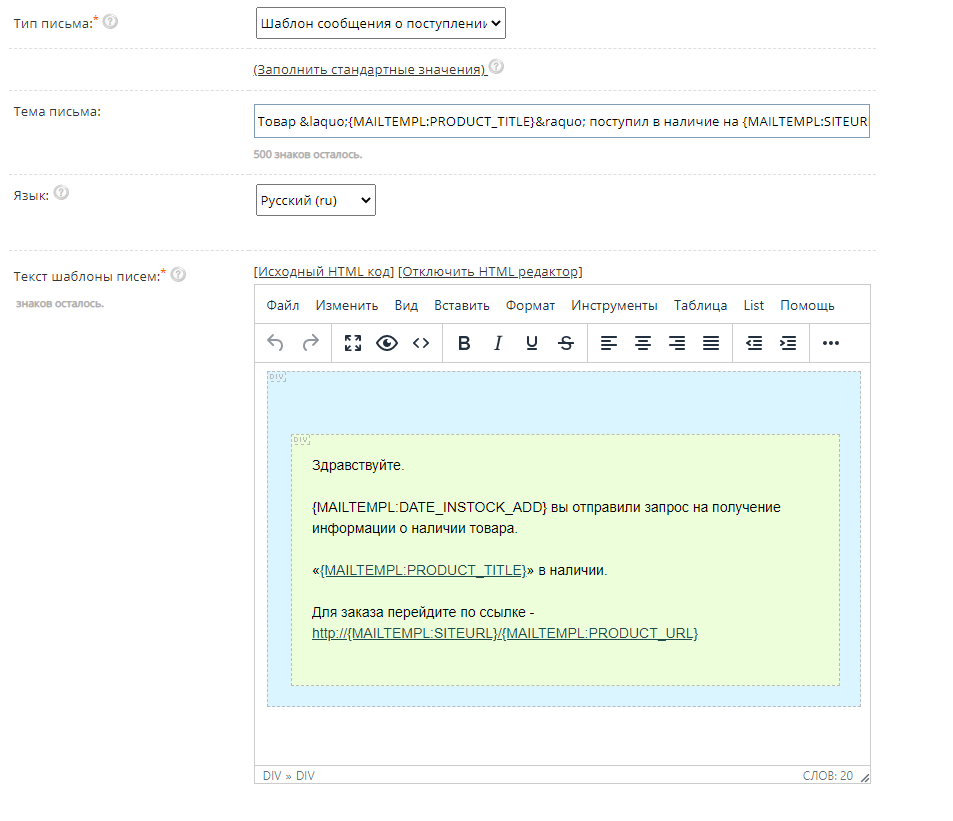
Added the ability to specify your own template for in-stock messages.
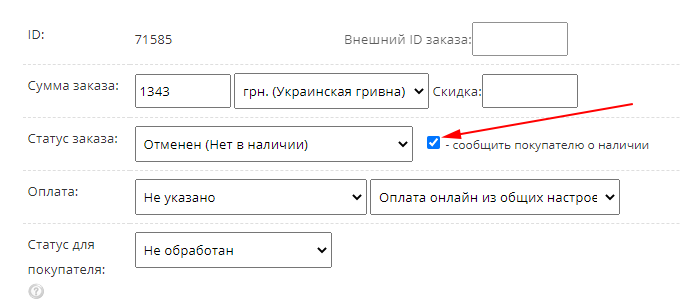
Added informing the client about the availability of goods specified in the order with the status "Canceled - out of stock".
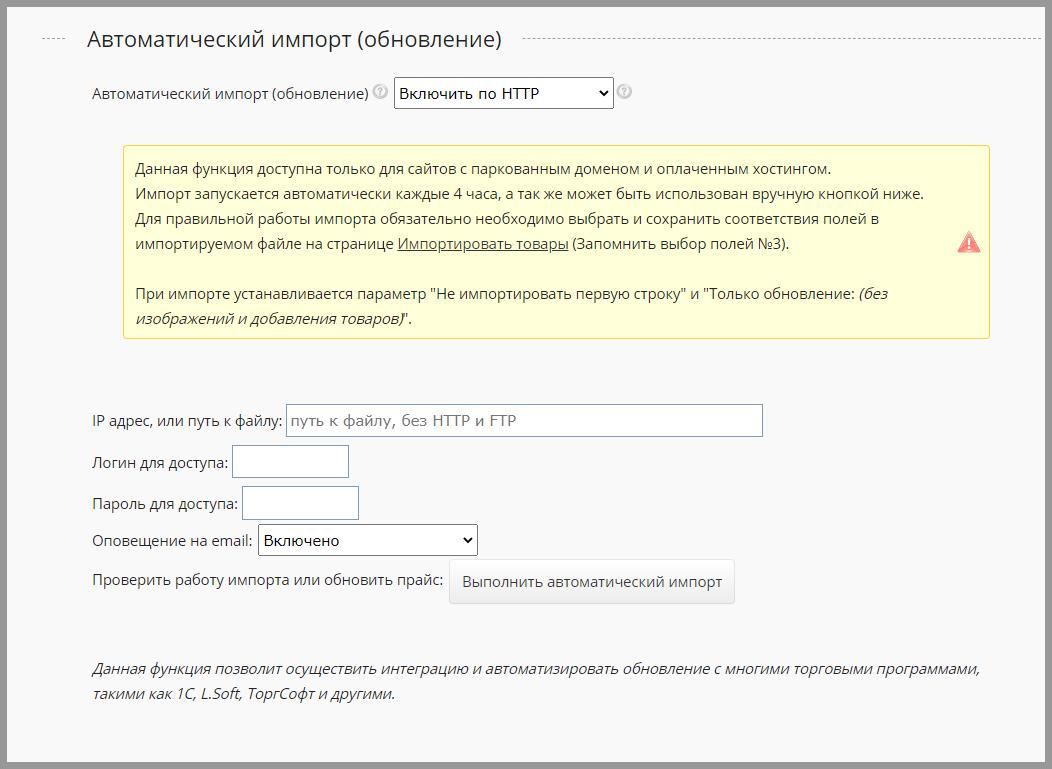
Added the ability to enable email notification about automatic import or update.
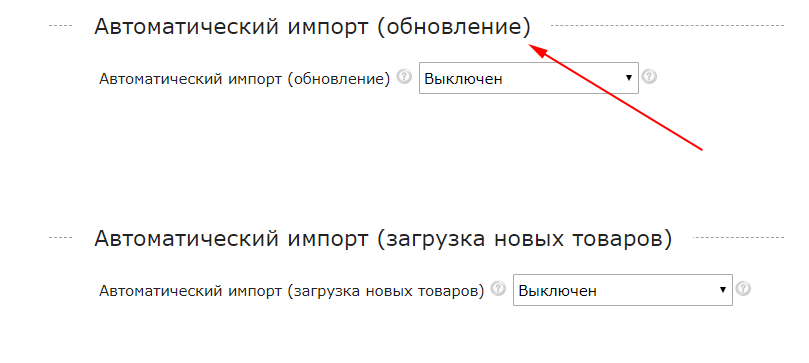
Added separation for automatic import to update and download new products. Updating is carried out every 4 hours. And loading the catalog with new products, every 23 hours. You can specify the settings for Auto Import on the "Settings" page, in the "Shop" tab.
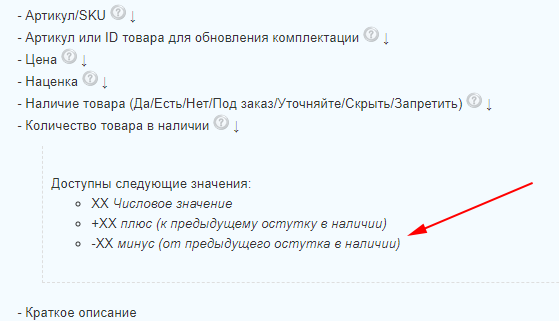
Added the ability to update when importing the "quantity of goods in stock" not only by a numerical value, but also by a mathematical expression.
Added recalculation of the quantity of goods in stock when changing the status of the order in the statistics of sales. To enable this option, go to the settings, in the "Shop" tab. Automatic recalculation of availability can be enabled both when placing an order, and when changing the status of an order. The balance conversion parameter in the sales statistics is displayed if the order status is «Processed» or «Processed and successfully completed».
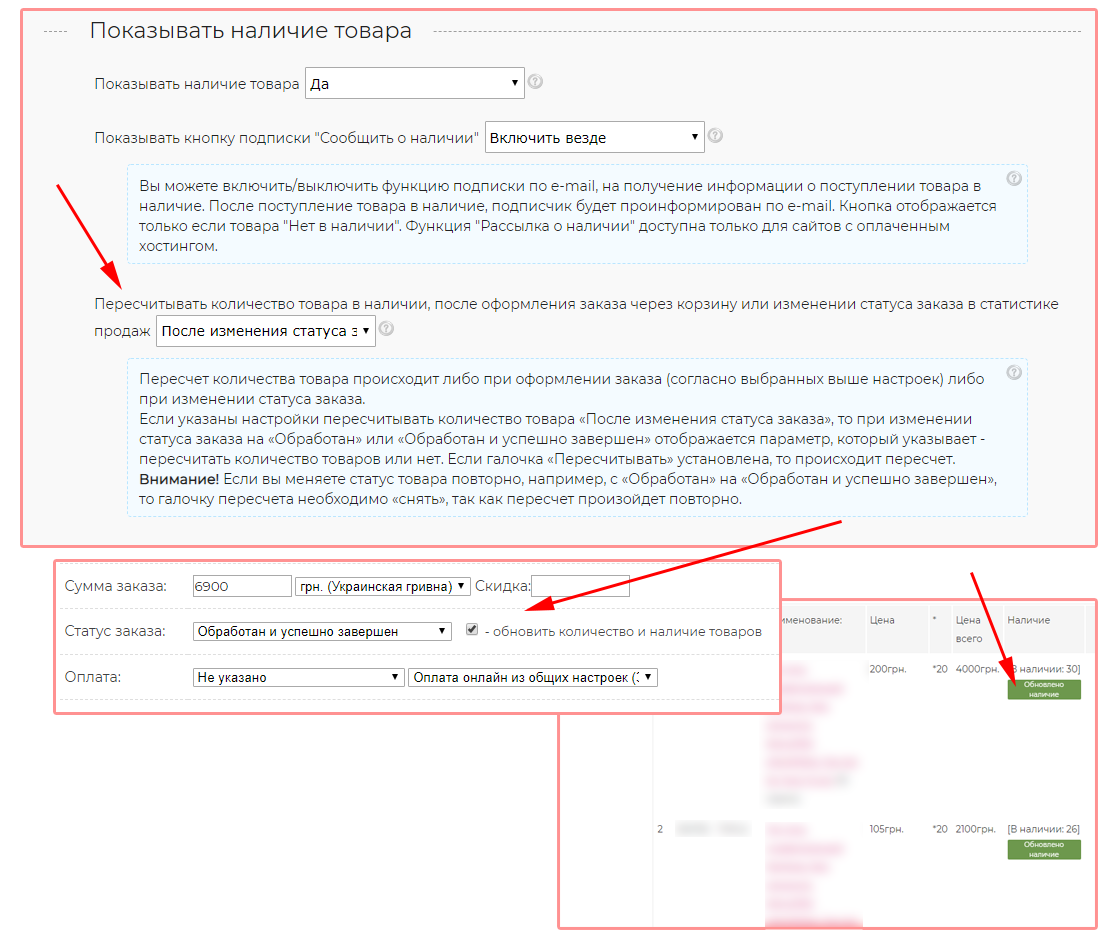
-Updated display of fields in the order.
-Added fields to the editor of the list of ordered goods.
-Added option for calculating discounts (for promotional and non-promotional, as well as wholesale and non-wholesale prices). The discount is not cumulative for promotional and wholesale prices.
- Added the field "Price without discount" to the order snapshot and the editor of the list of ordered goods.
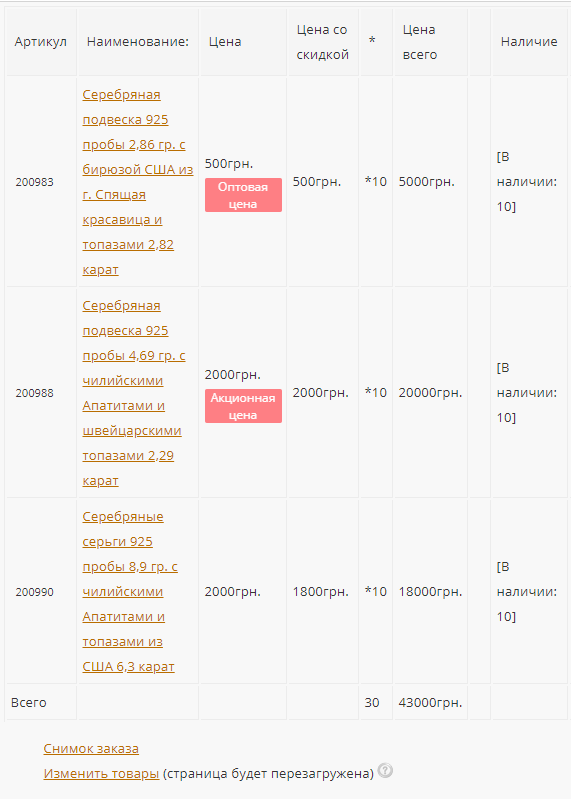
-Added fields to the editor of the list of ordered goods.
-Added option for calculating discounts (for promotional and non-promotional, as well as wholesale and non-wholesale prices). The discount is not cumulative for promotional and wholesale prices.
- Added the field "Price without discount" to the order snapshot and the editor of the list of ordered goods.
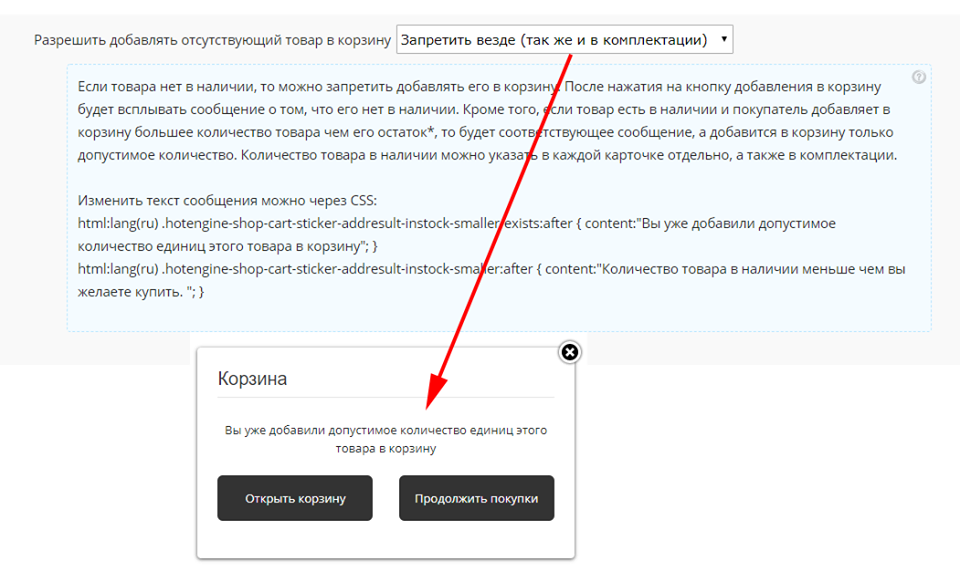
Added the ability to limit the addition of goods to the basket, by its quantity in stock.
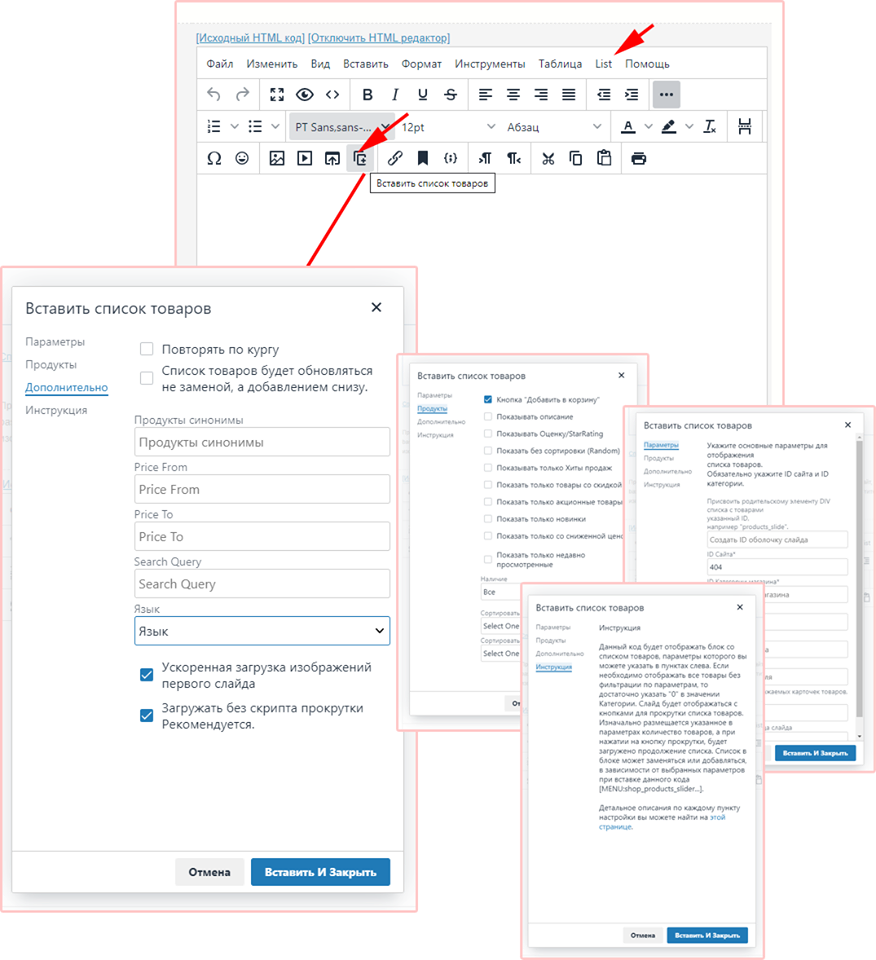
Added visual control for inserting a list of products into the editor.
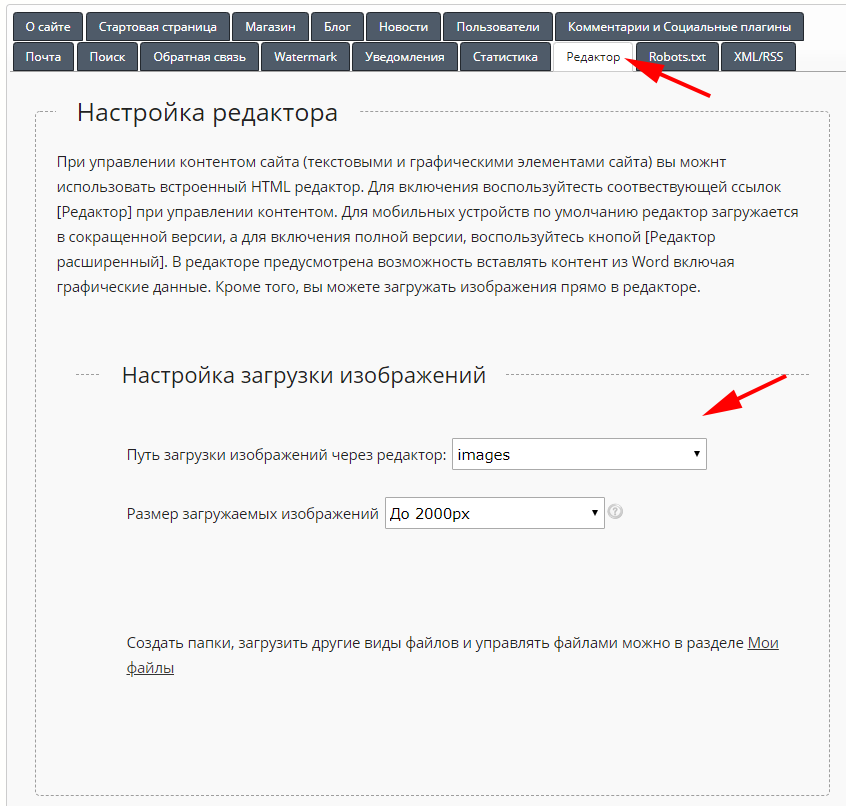
Added the ability to customize the path for loading images when using the design editor.
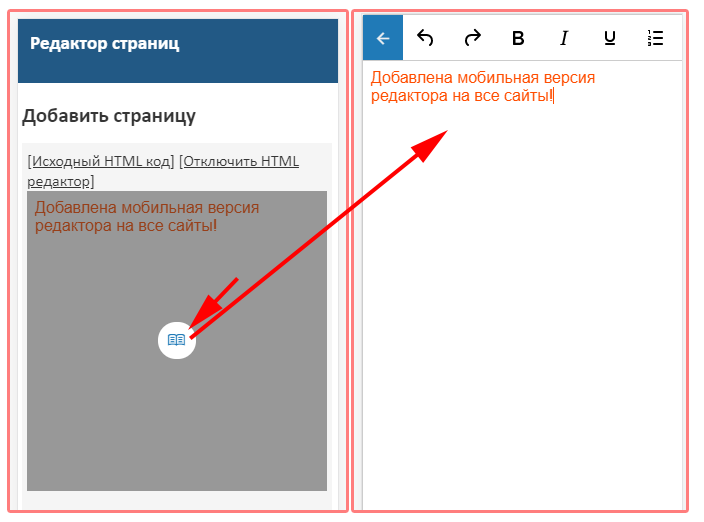
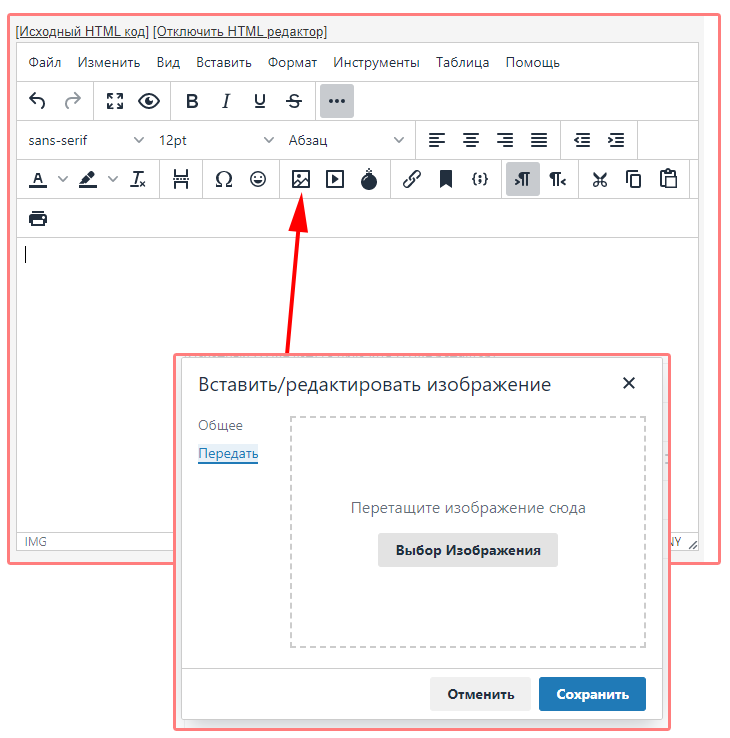
Updated editor (new version of TinyMCE5). Added loading images directly from the editor.
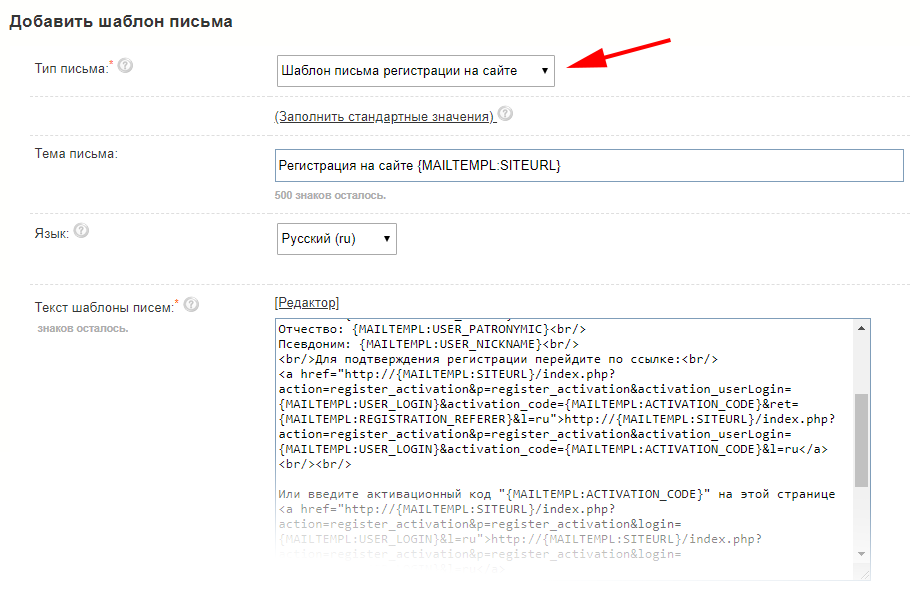
Added registration letter template on the site. You can create your own template in the E-mail newsletter section, Letter templates.
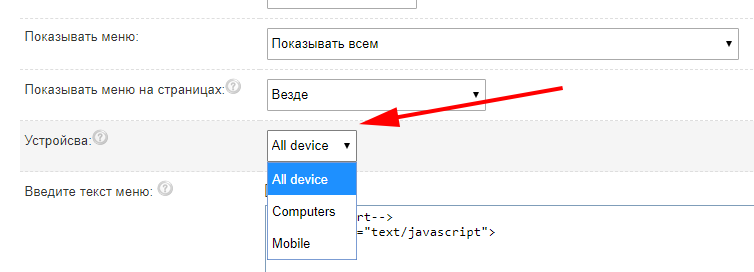
Added option to display blocks / menus on devices. You can enable the display of blocks / menus on all devices, smartphones or computers.
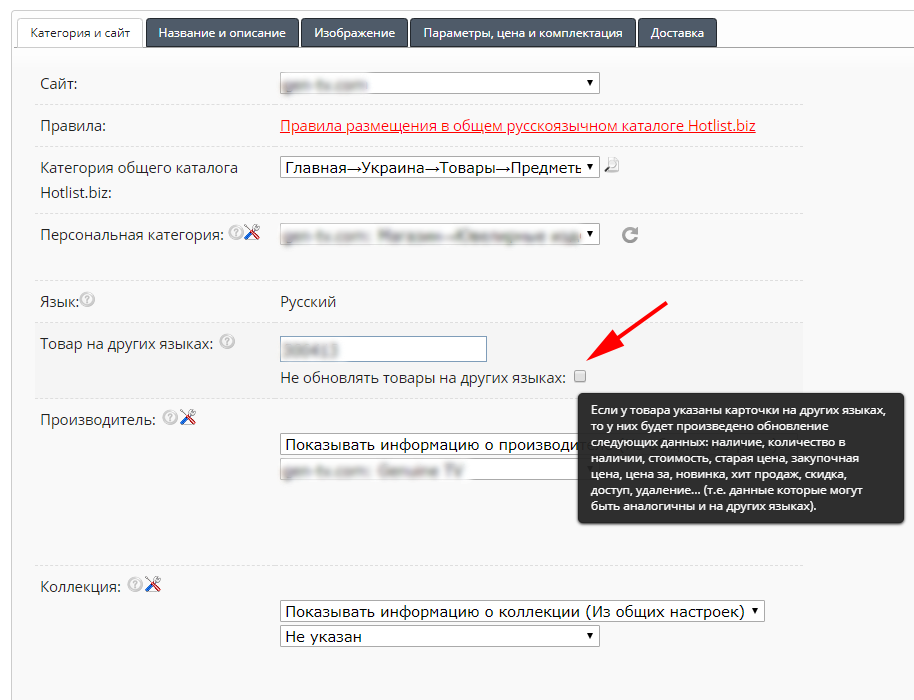
Added automatic change of PRICES, AVAILABILITY, NOVELTY, HIT OF SALES, DISCOUNT, ACCESS, for goods in another language.
Updated goals, added audiences, and added the ability to quickly set up dynamic remarketing.
Setting Goals:
To track goals by events, you need to Import ready-made Goals at https://analytics.google.com/analytics/web/template?uid=D48COZFqSTqK9r0ysqqv4Q
We use ecommece goals, regardless of whether your retail and merchants are included.
In addition, you can use events to create goals. To do this, in the Google Analytics Admin panel, create a Goal.
Audience Setup:
You can import ready-made Audiences at the link https://analytics.google.com/analytics/web/template?uid=s2Gj3xilQ-mDR8QQdXc5iQ Audiences are divided into those who viewed the goods, the basket or made the conversion.
To enable audiences, you need to "Enable the dynamic Google Adwords remarketing code" - site settings, in the "Statistics" tab, as well as follow the instructions for creating dynamic parameters. In the dynamic parameters, not only the data on the scanned product cards is transmitted, but also the basket view, as well as the transition to placing the order.
Instructions for setting up dynamic remarketing can be found on the Settings page, in the Statistics tab.
Setting Goals:
To track goals by events, you need to Import ready-made Goals at https://analytics.google.com/analytics/web/template?uid=D48COZFqSTqK9r0ysqqv4Q
We use ecommece goals, regardless of whether your retail and merchants are included.
In addition, you can use events to create goals. To do this, in the Google Analytics Admin panel, create a Goal.
Audience Setup:
You can import ready-made Audiences at the link https://analytics.google.com/analytics/web/template?uid=s2Gj3xilQ-mDR8QQdXc5iQ Audiences are divided into those who viewed the goods, the basket or made the conversion.
To enable audiences, you need to "Enable the dynamic Google Adwords remarketing code" - site settings, in the "Statistics" tab, as well as follow the instructions for creating dynamic parameters. In the dynamic parameters, not only the data on the scanned product cards is transmitted, but also the basket view, as well as the transition to placing the order.
Instructions for setting up dynamic remarketing can be found on the Settings page, in the Statistics tab.