Updates and News
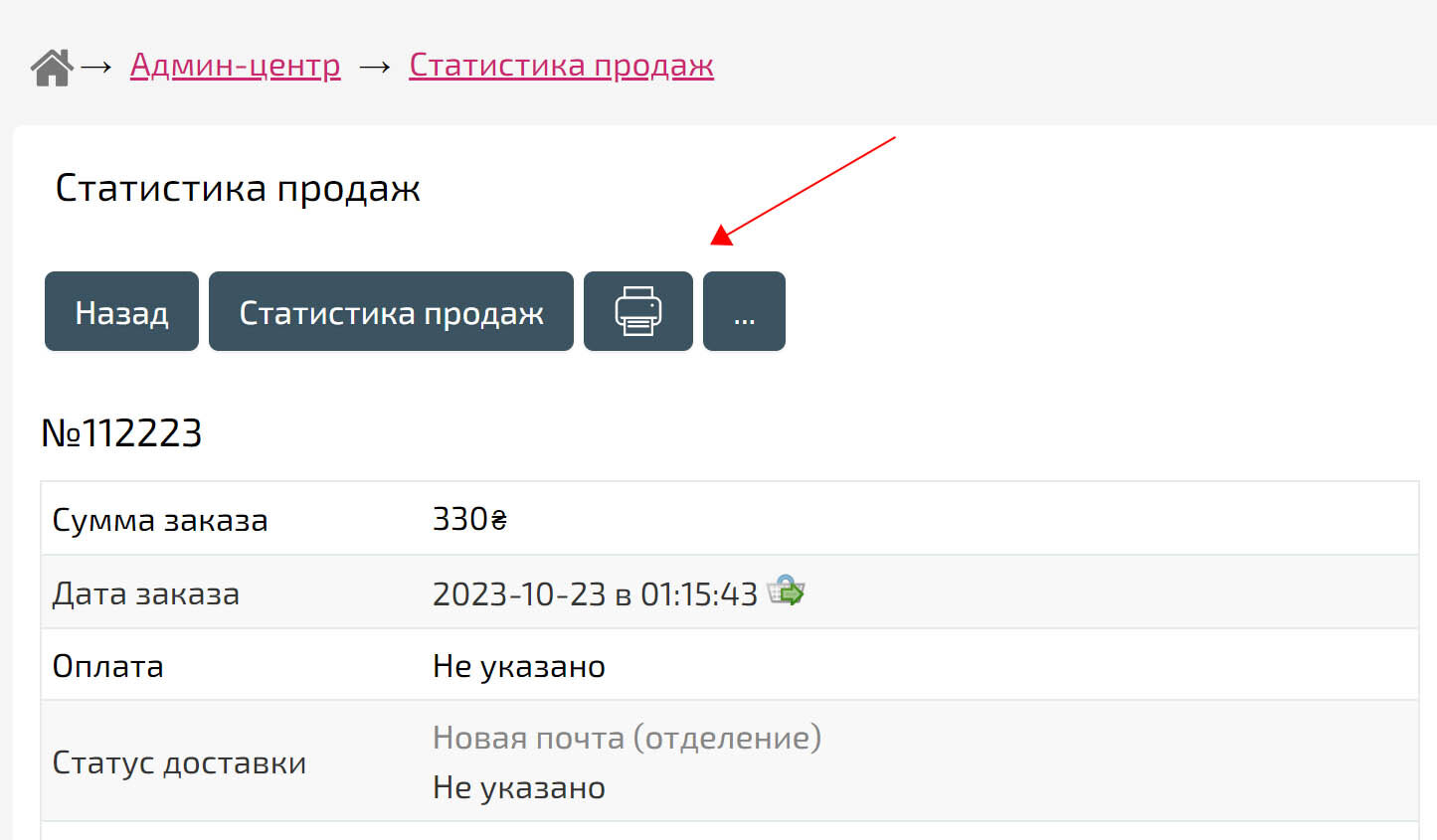
A "Print order" button has been added to sales statistics.
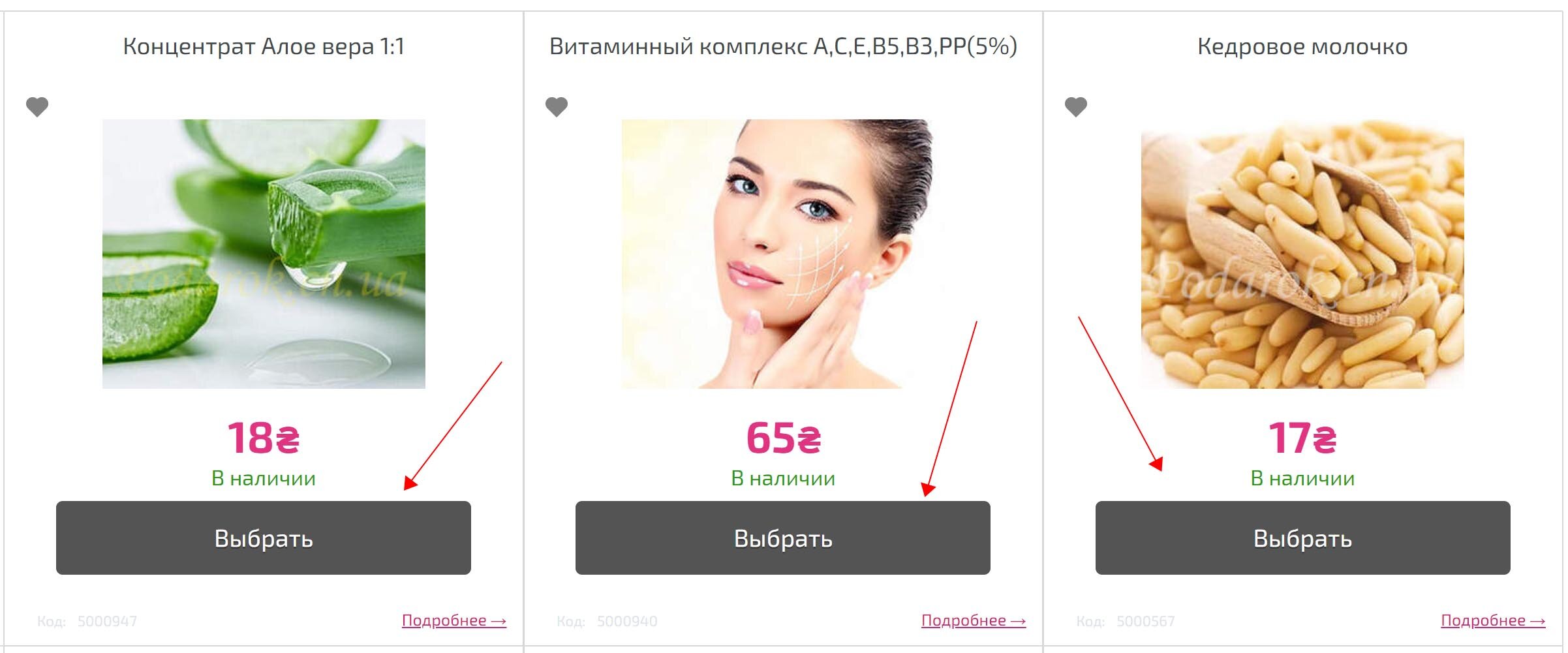
Added a "Select" button for products with varieties. This button can be enabled in the Settings, Store, Product View/Tabs/Varieties section.
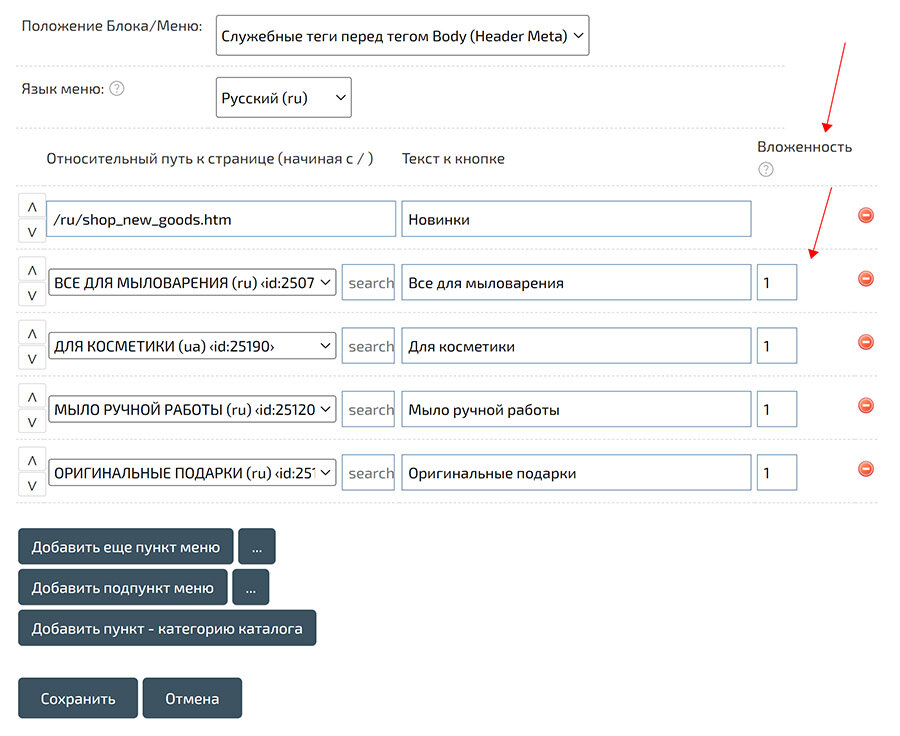
Added the "Attachment level" parameter to the main menu items. This parameter allows you to limit the number of attachments if the item contains many subitems with child subcategories.
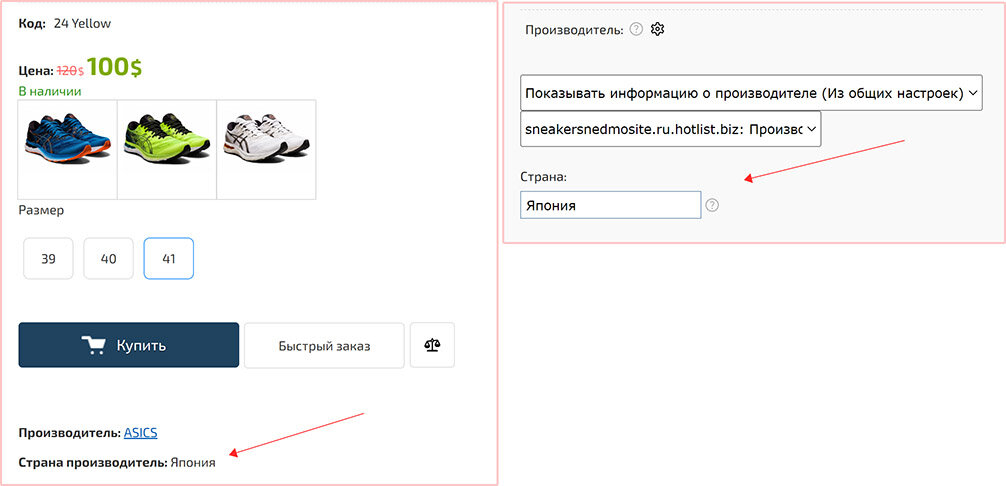
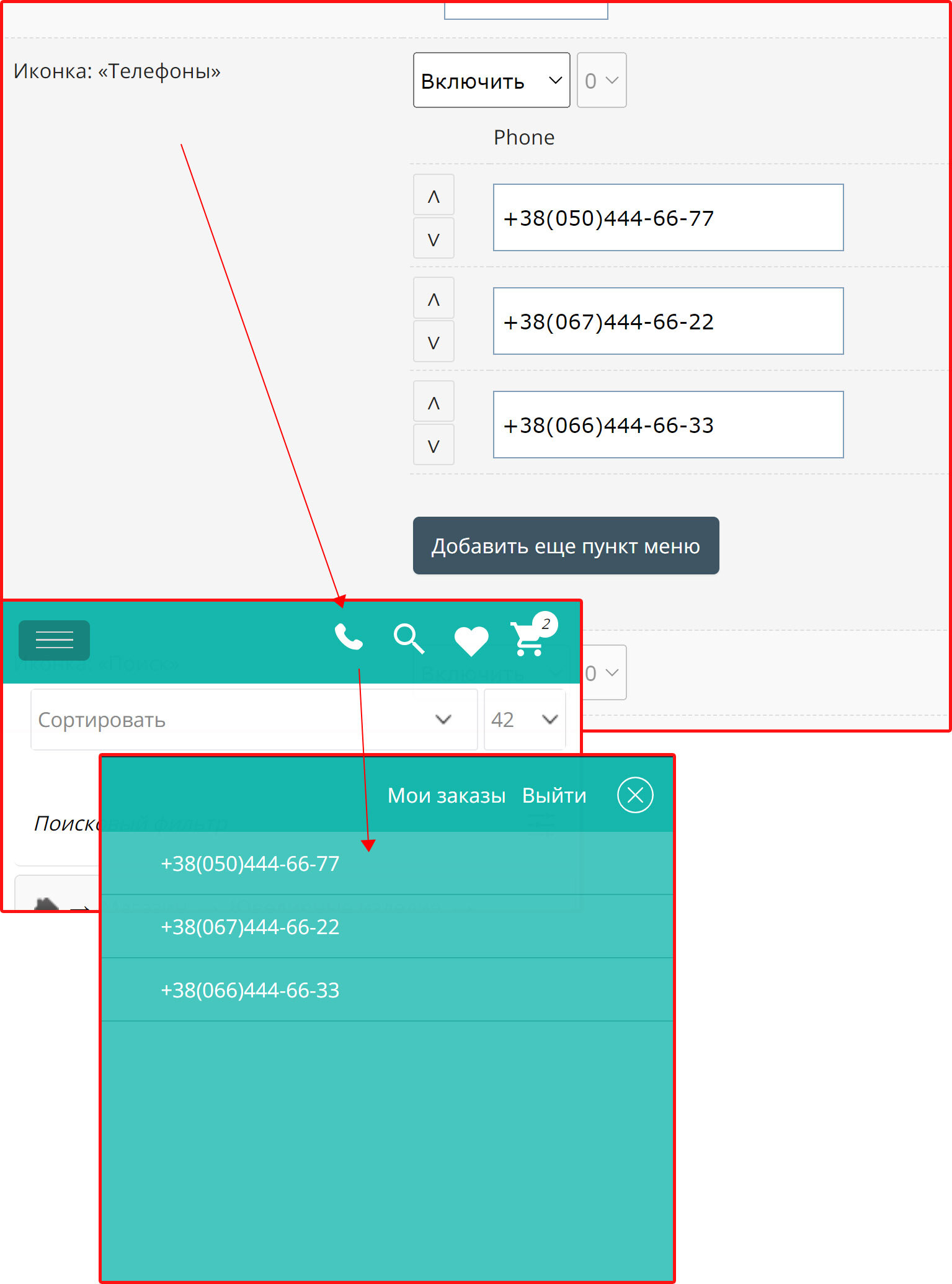
Added a widget to create a menu with a choice of search filter. For example, for use on a general search results page that does not have a search filter set. The widget is created on the "My Blocks/Menu" page as a functional menu.

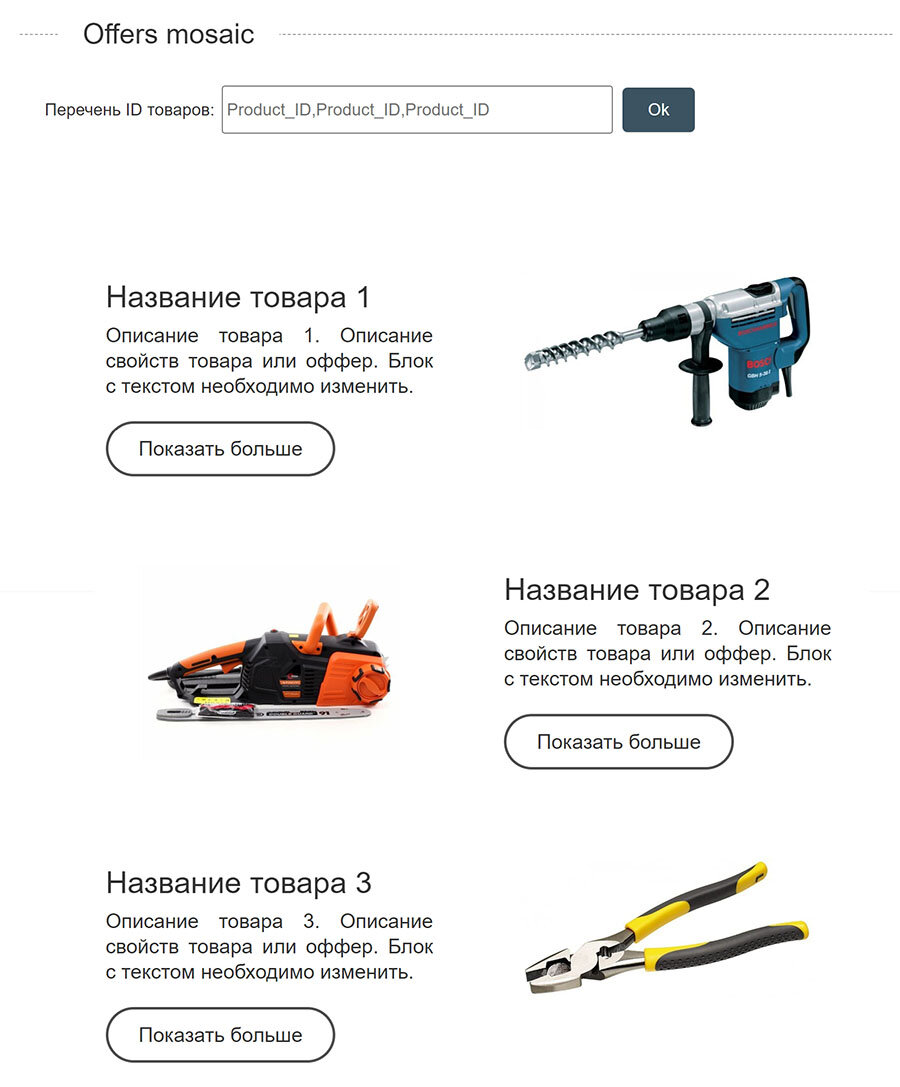
Added HTML widget "Offers Mosaic". Block displaying "Product name", "Short description" and "Show more" button.
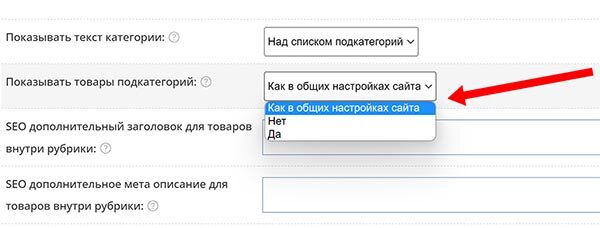
Added option to display products of child categories. The option can be specified both for the entire site and for individual categories.
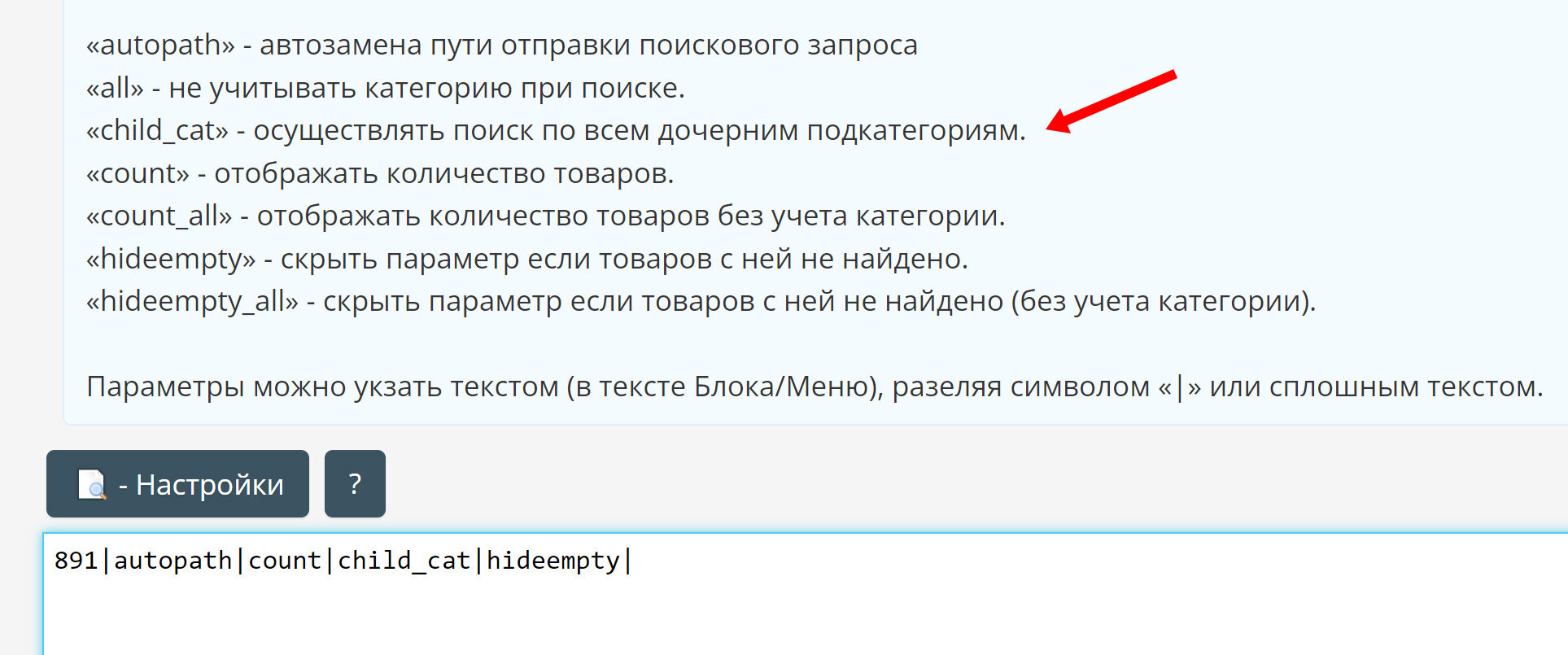
Added option for search filter. You can search for products in the child categories of the main heading.
Updated the layout of the main blocks.
Instead of tables, Grid layout is now used.
Grid layout is a CSS grid that allows you to more easily and consistently create complex responsive web design grid layouts across different browsers.
If you find errors in your design, please contact via the feedback form - https://boostore.pro/feedback.html
Attention! Renamed #hotengine-content_all element to #hotengine-content-container. All styles and blocks/menus have been updated, but if you use styles or scripts as separate files, then you need to rename the reference to the ID with this name.
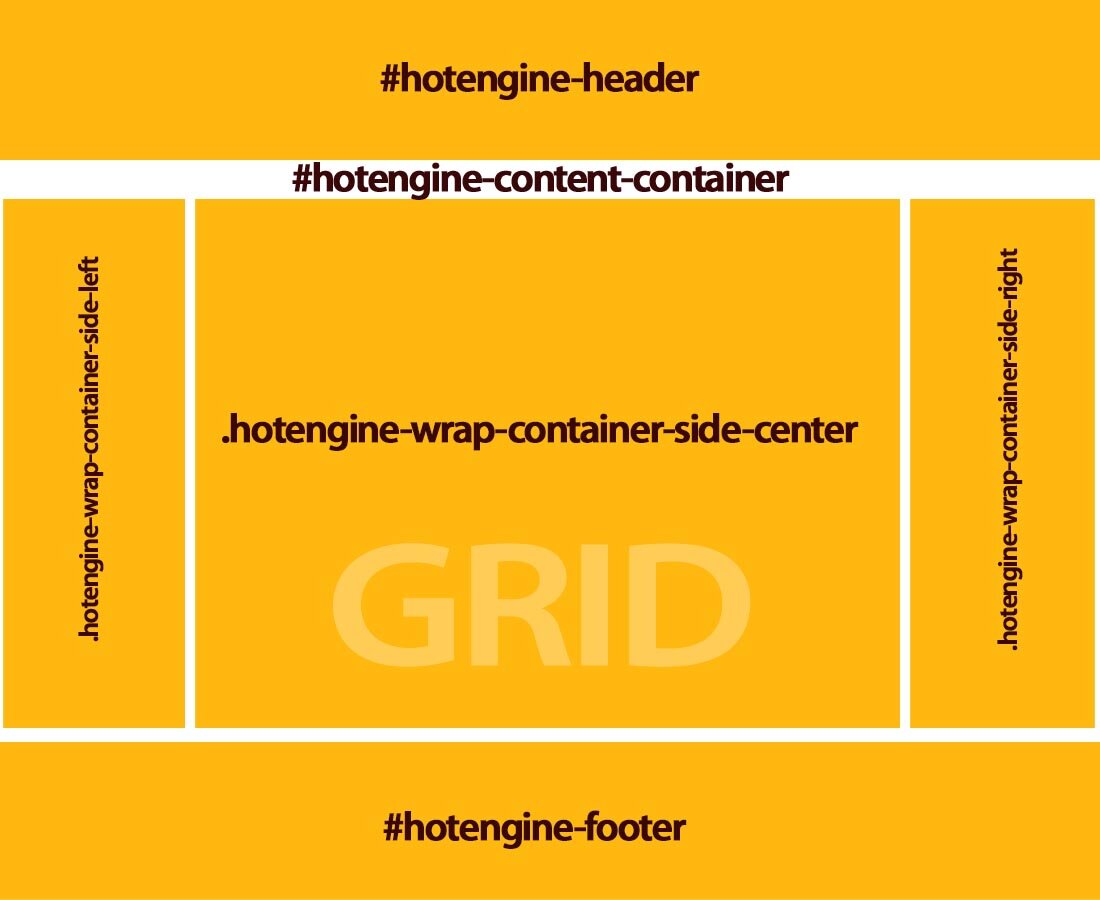
Instead of tables, Grid layout is now used.
Grid layout is a CSS grid that allows you to more easily and consistently create complex responsive web design grid layouts across different browsers.
If you find errors in your design, please contact via the feedback form - https://boostore.pro/feedback.html
Attention! Renamed #hotengine-content_all element to #hotengine-content-container. All styles and blocks/menus have been updated, but if you use styles or scripts as separate files, then you need to rename the reference to the ID with this name.
Added HTML widget with comments/reviews.
The widget is implemented using JavaScript, which loads reviews from the specified page in JSON format.
The widget automatically loads the next comment when the end of the list is reached.
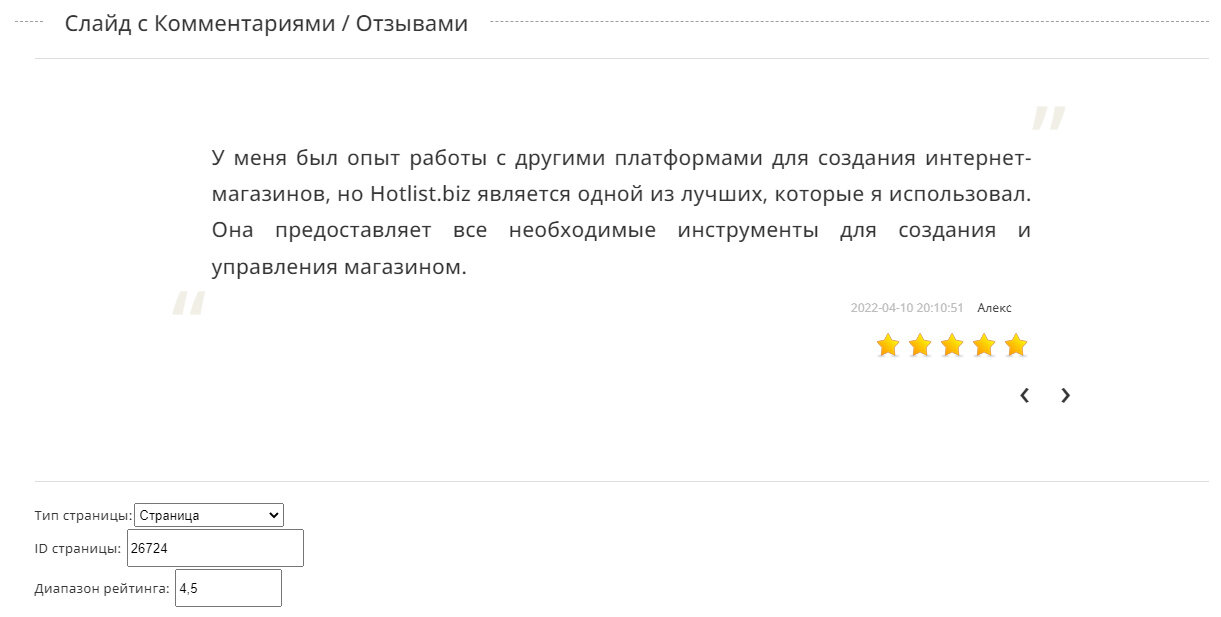
The widget is implemented using JavaScript, which loads reviews from the specified page in JSON format.
The widget automatically loads the next comment when the end of the list is reached.
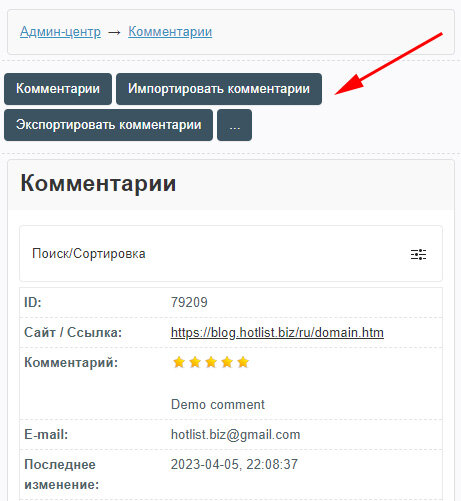
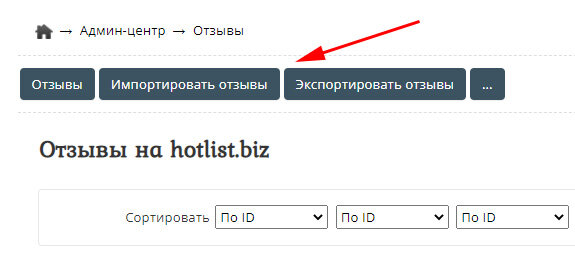
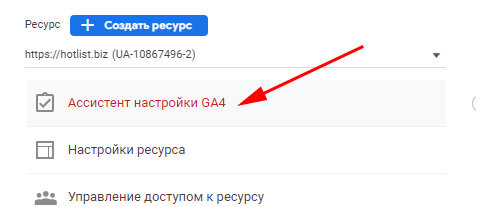
Google Universal Analytics will no longer process data from July 2023.
Google Analytics Universal events will be permanently disabled soon.
All events have been moved to Google Analytics 4.
Added two additional options when importing products.
1.Do not import the product without category.
2.Do not import goods without photos.
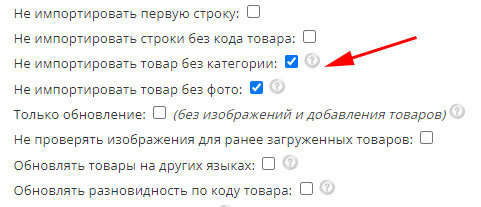
1.Do not import the product without category.
2.Do not import goods without photos.
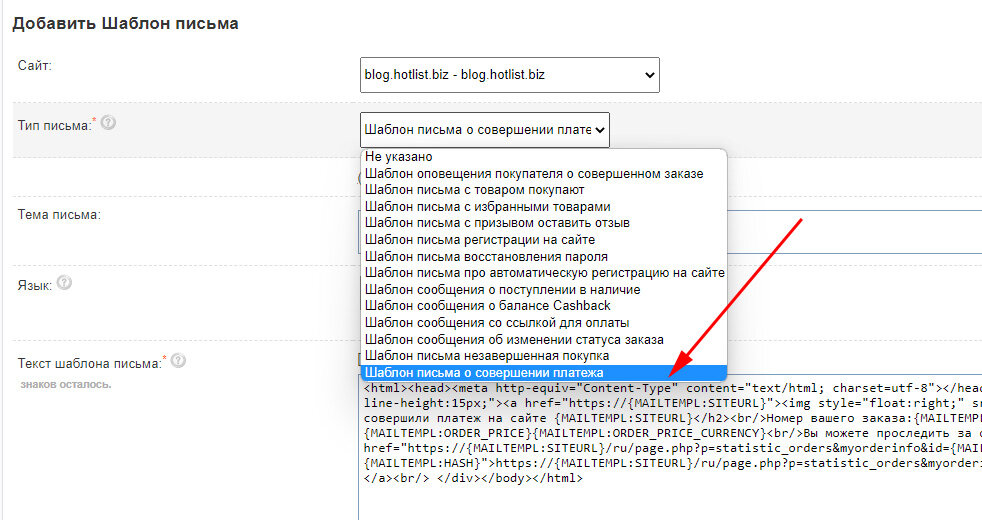
Added own notification to the buyer about the payment. You can enable the message in the settings of payment systems. You can edit your message in the Email Template Catalog.
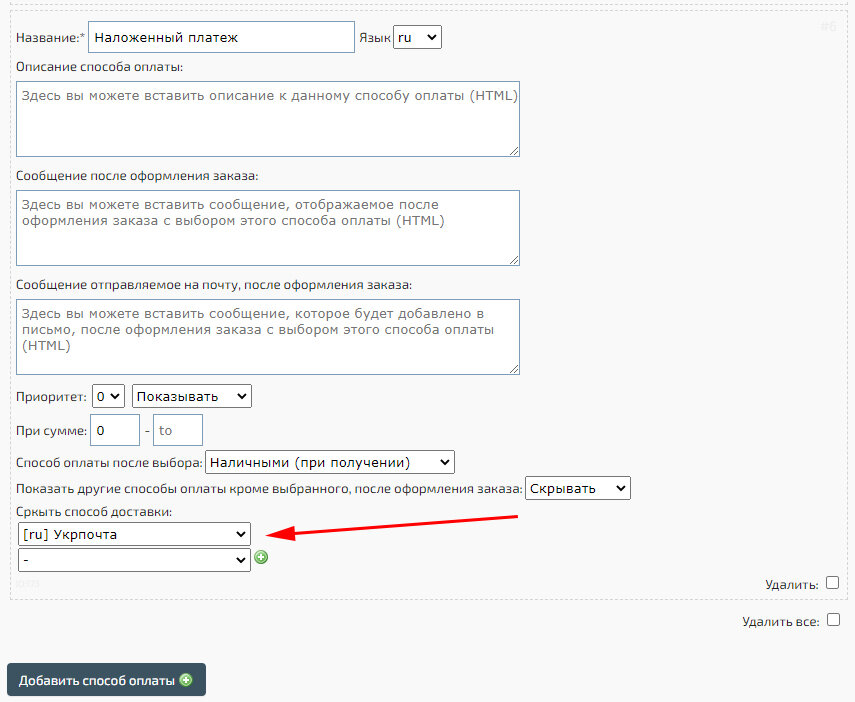
Added an option to hide certain payment methods when choosing a shipping method. A similar dependency has been added to hide shipping methods when changing payment methods.
Added XML unloading of goods for the Epicenter shopping center - epicentrm.com.ua

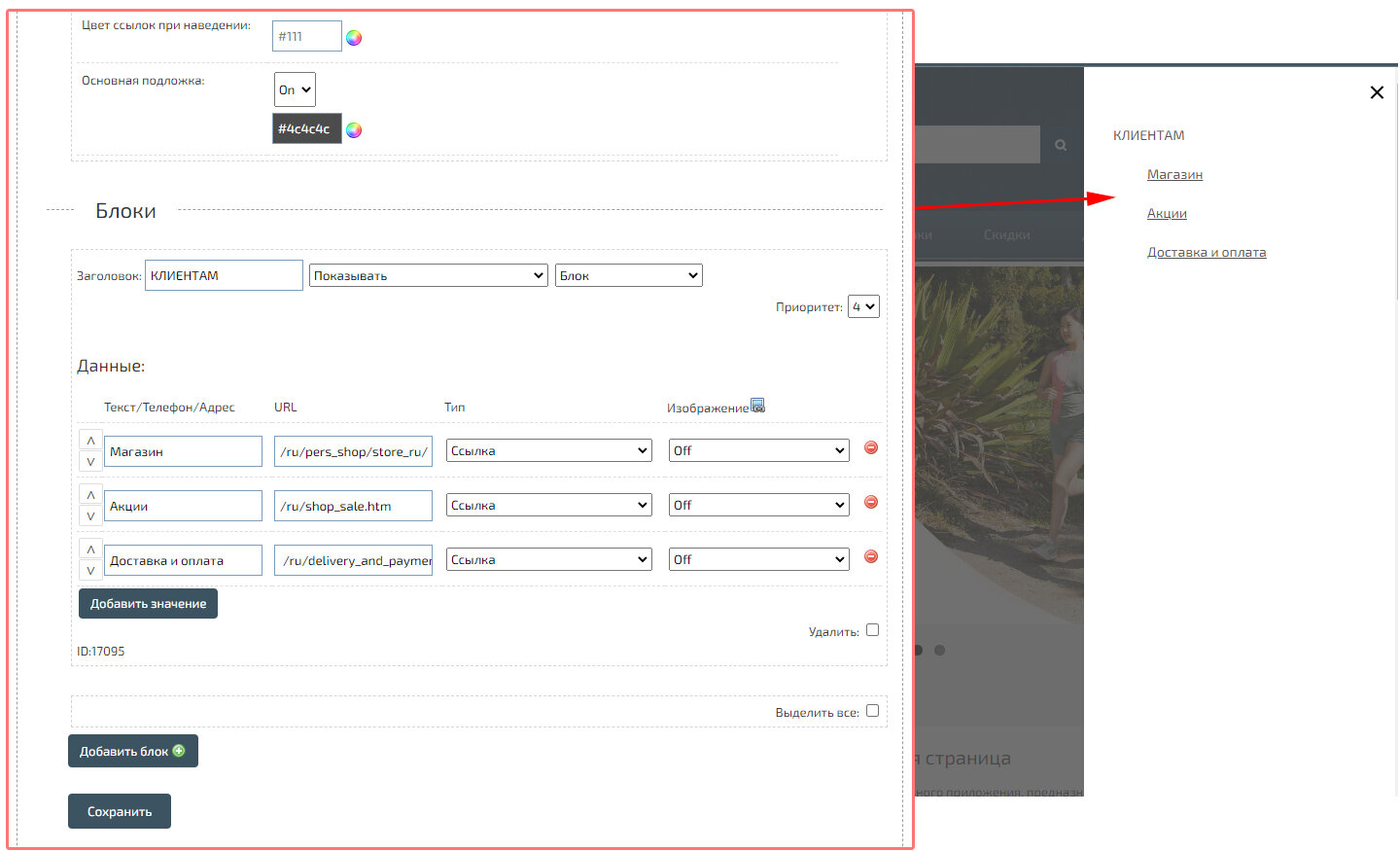
“Slide menu widget” is a block with a button that allows you to create a pop -up/extending window, with points and subparagraphs. The widget can be used as the main menu or as an auxiliary. To accommodate the widget, use the code {HOTENGINE-SC:slide_menu_widget}.
Attention! For a mobile menu, use another designer - a mobile menu: an application, with greater flexibility.
Added the function of translating search filters and product characteristics. To simplify site management and speed up the process of import/export of goods, you can translate feature values by adding text values to them in other languages, without having to create an additional product type.
