Updates and News
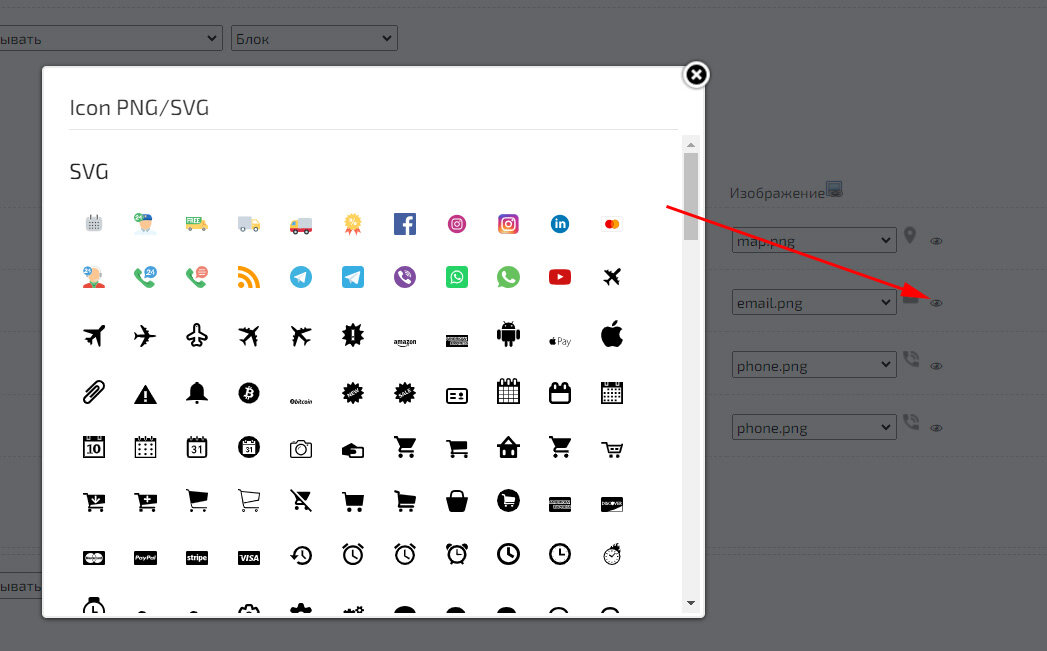
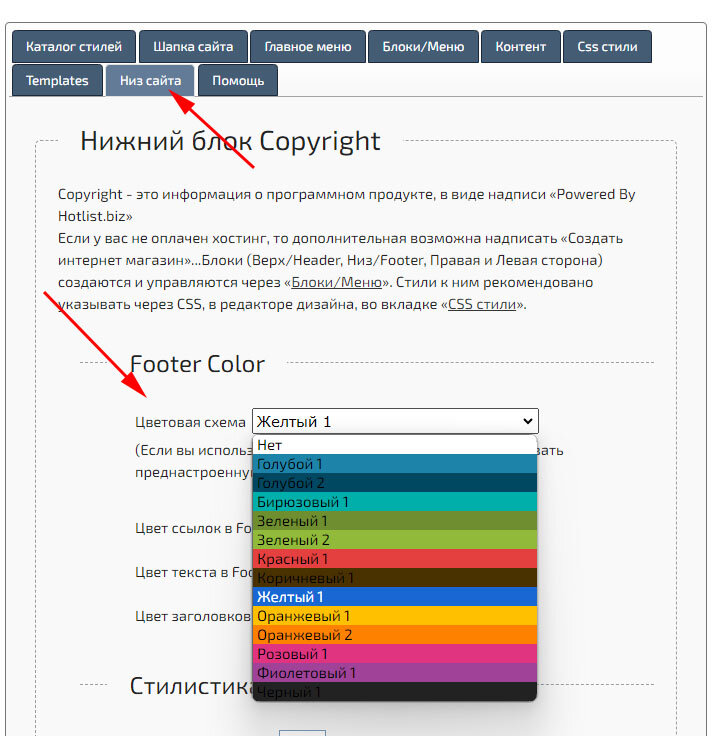
Added SVG icons to the Footer Widget, as well as the ability to change their color.
Added Store Summary.
The summary contains information about orders with different statuses, a list of the most purchased products, as well as information about availability in the store.
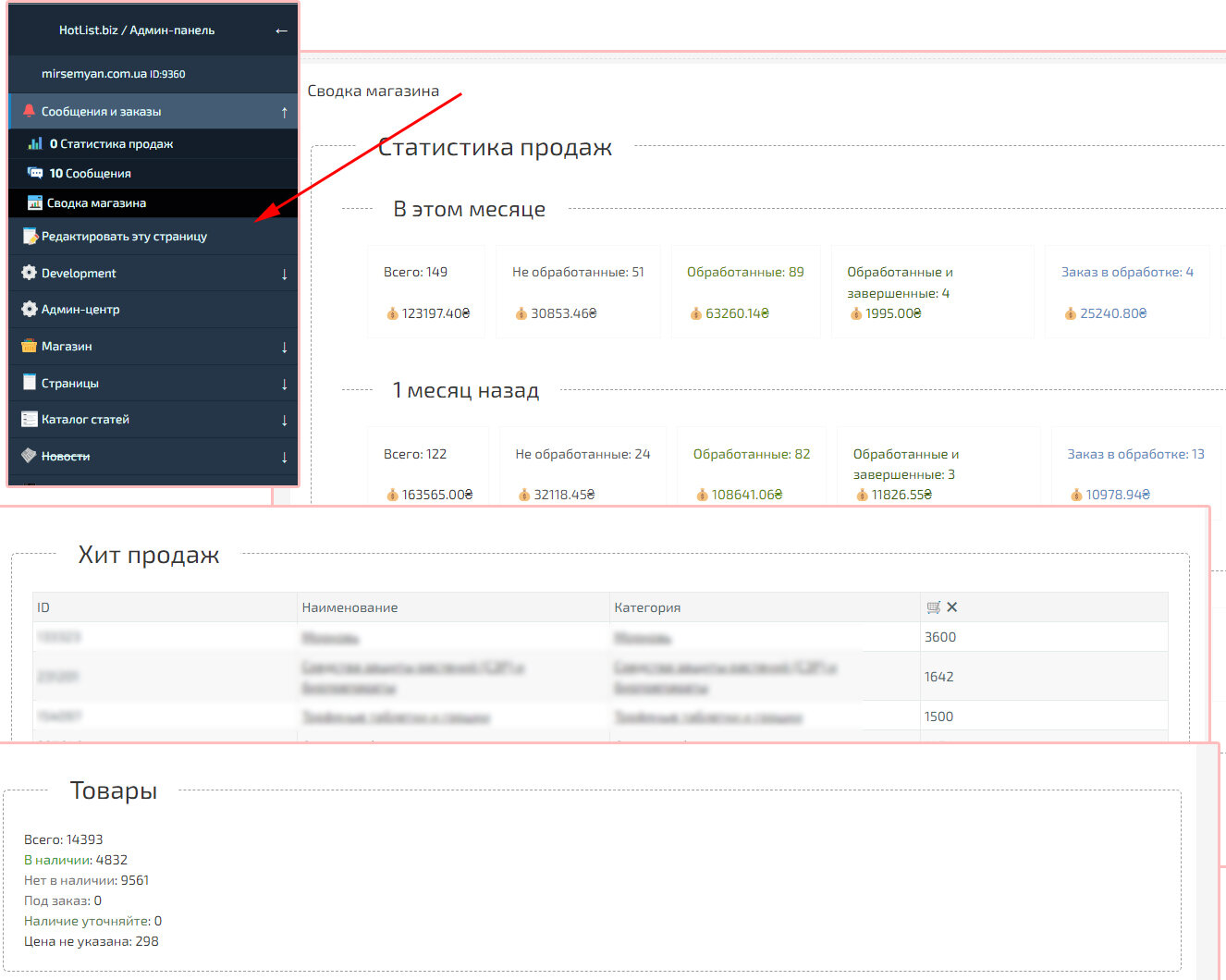
The summary contains information about orders with different statuses, a list of the most purchased products, as well as information about availability in the store.
Added an information panel with the results of the latest import.
This page allows you to display the 8 most recent import results. This panel will allow you to see the Product Code and ID, as well as the line where the import process ended. When importing large amounts of data, the page allows you to track the line at which the import was interrupted.
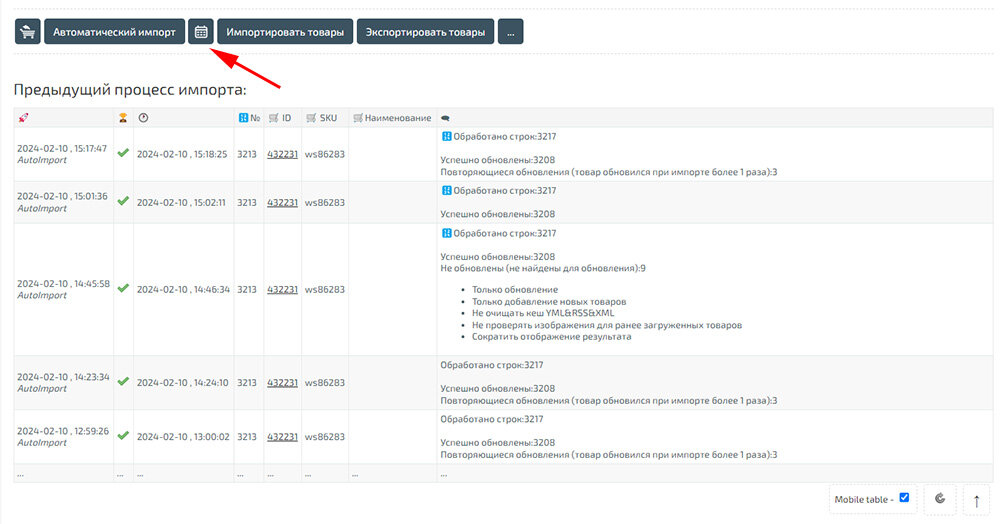
This page allows you to display the 8 most recent import results. This panel will allow you to see the Product Code and ID, as well as the line where the import process ended. When importing large amounts of data, the page allows you to track the line at which the import was interrupted.
Attention! Server transfer completed. Now the BooStore platform is 3 times faster!
If you use our NS servers, then you don’t need to do anything.
If you are using third-party NS servers, replace the "A" entry "88.218.28.193" with "88.218.28.193".
You can also specify the NS server* without changing the "A" record: NS1.BOOSTORE.PRO NS2.BOOSTORE.PRO
* - it is recommended to use our NS servers.
Cloudfire: If you are using Cloudfire, then replace the DNS records in the domain settings, "88.218.28.193" with "88.218.28.193".

If you use our NS servers, then you don’t need to do anything.
If you are using third-party NS servers, replace the "A" entry "88.218.28.193" with "88.218.28.193".
You can also specify the NS server* without changing the "A" record: NS1.BOOSTORE.PRO NS2.BOOSTORE.PRO
* - it is recommended to use our NS servers.
Cloudfire: If you are using Cloudfire, then replace the DNS records in the domain settings, "88.218.28.193" with "88.218.28.193".
2024.02.09 Servers will be transferred and IP addresses will be changed. If you use our NS servers, then you don’t need to change anything.
If you use third-party NS, you will need to change the “A” record with the IP address. In addition, you can specify our NS in the domain settings:
NS1.BOOSTORE.PRO
NS2.BOOSTORE.PRO
All domain owners with third-party NS will be additionally notified by email.

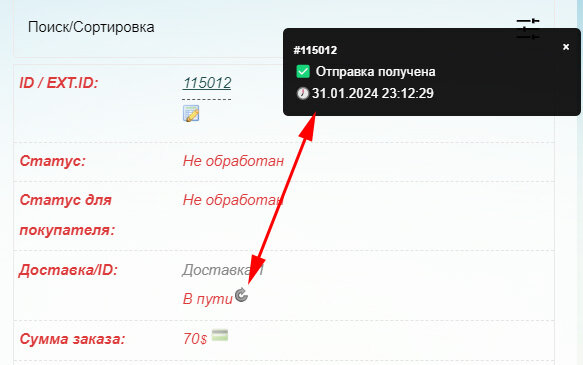
Added import only for new products. The function allows you to skip updating an existing product.
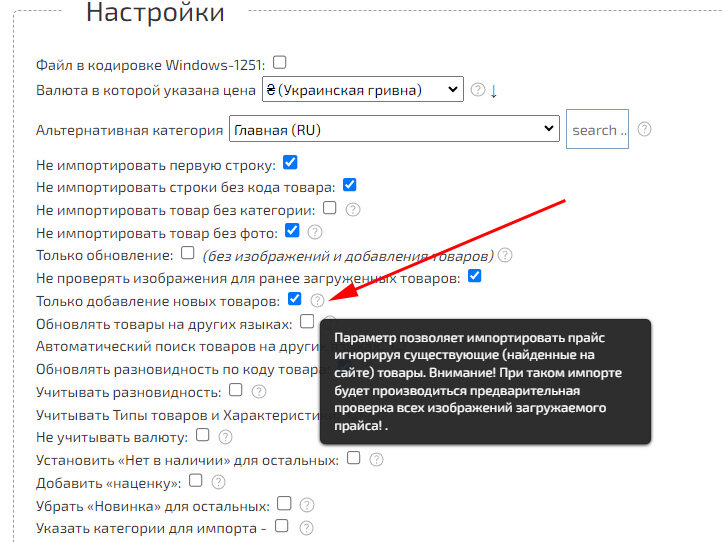
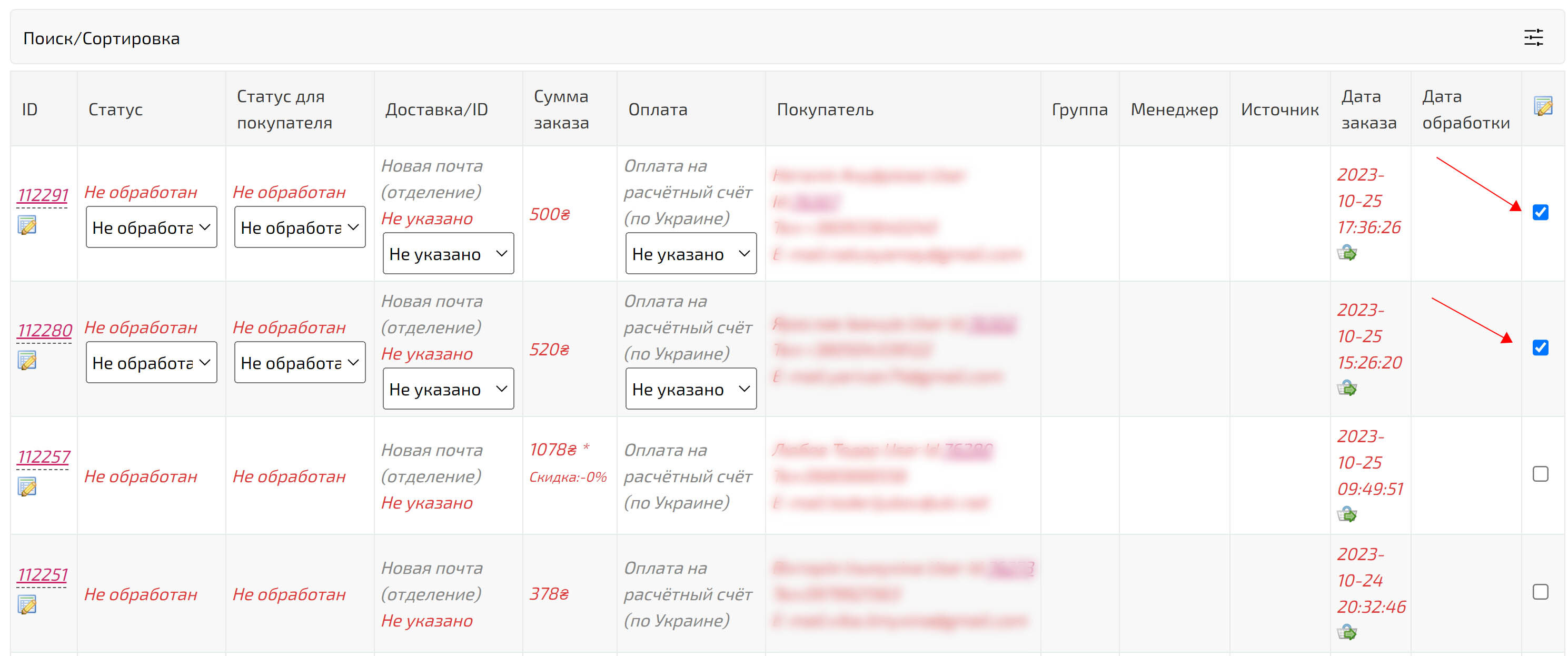
Added delivery status check for orders with the specified TTN Nova Poshta. The delivery method must be one that has the Nova Poshta API enabled and the API KEY specified.
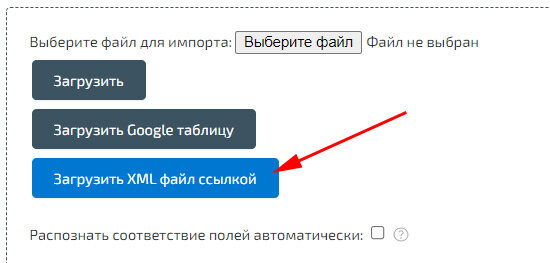
Added import of products from XML/YML without preliminary conversion.
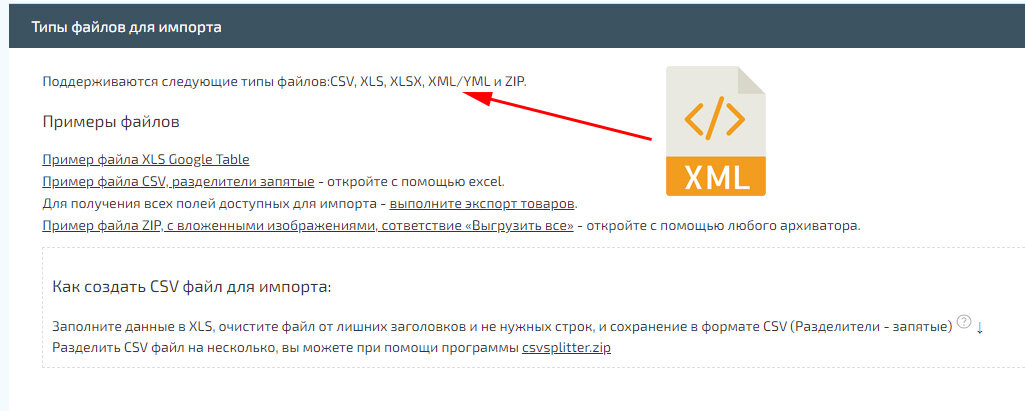
Added automatic cell matching recognition when importing categories, manufacturers and collections.
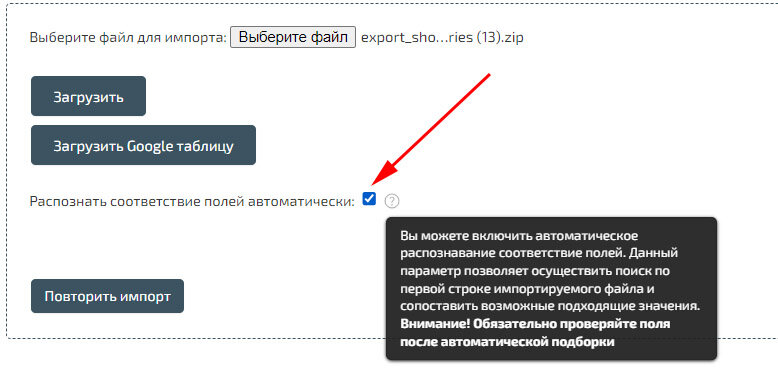
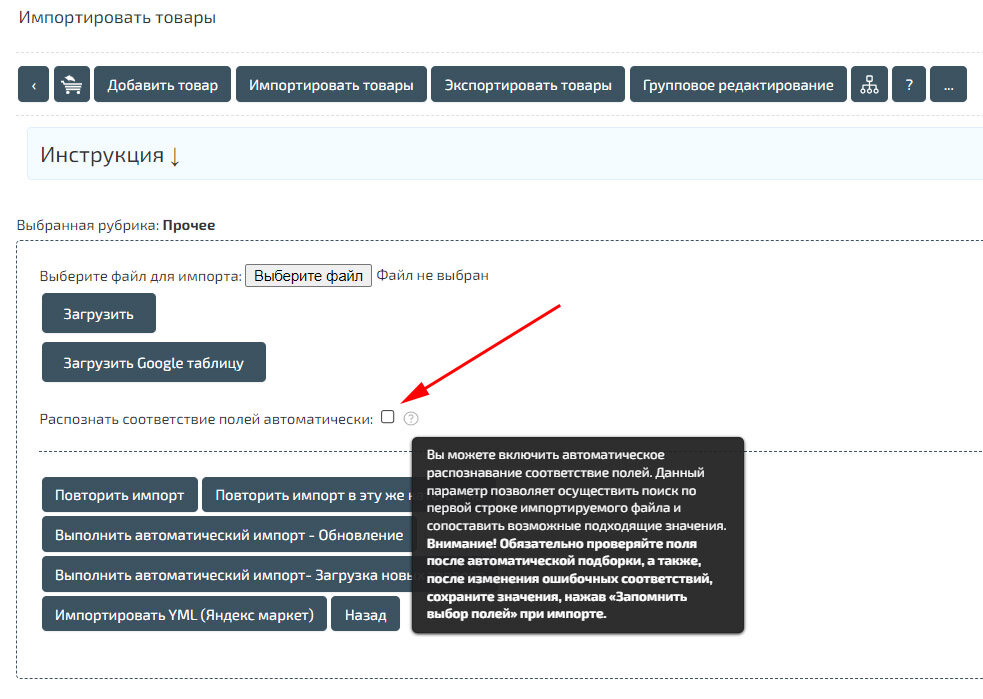
Added automatic cell matching recognition when importing products.
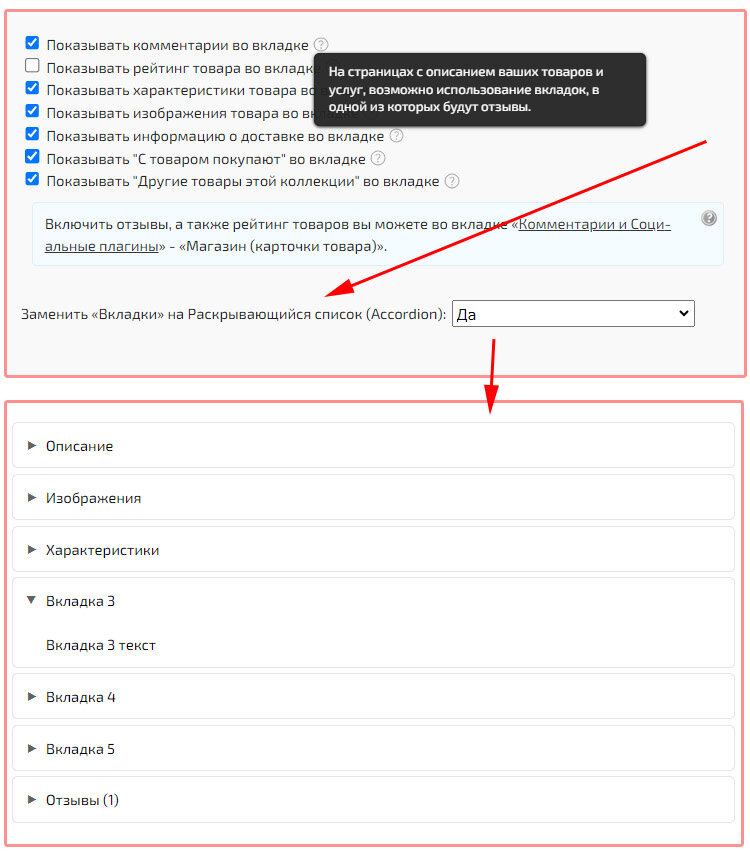
Tabs with descriptions in the product card have been replaced. New tabs are implemented entirely in HTML and CSS, without JavaScript.
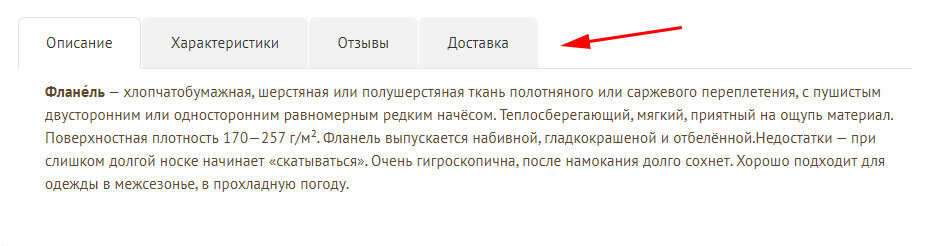
Added function to replace tabs with a drop-down list (Accordion)
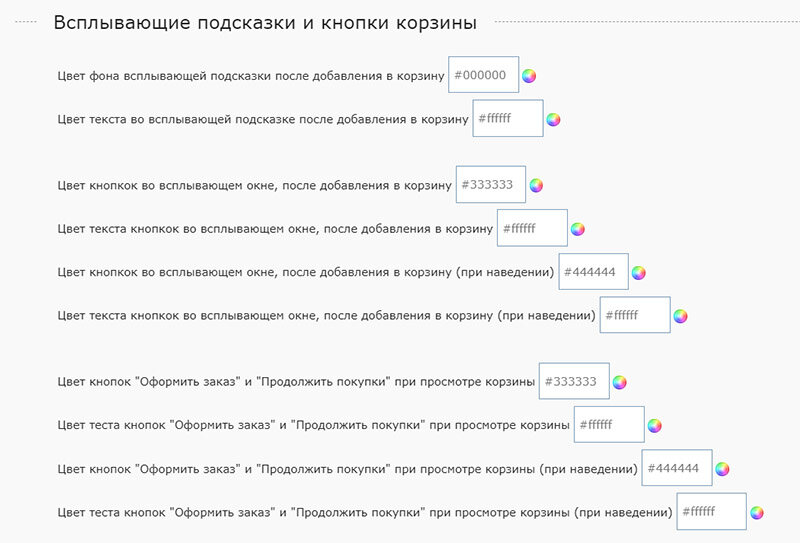
Added changing the color of buttons in the cart and pop-up windows.
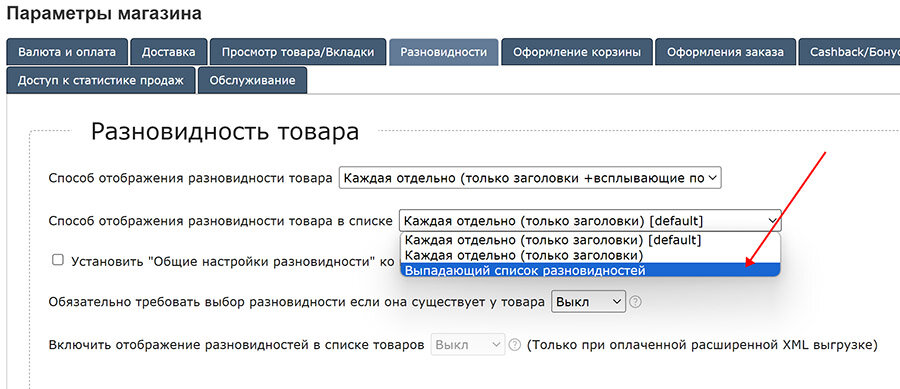
Added a way to display varieties when viewing a list of products.
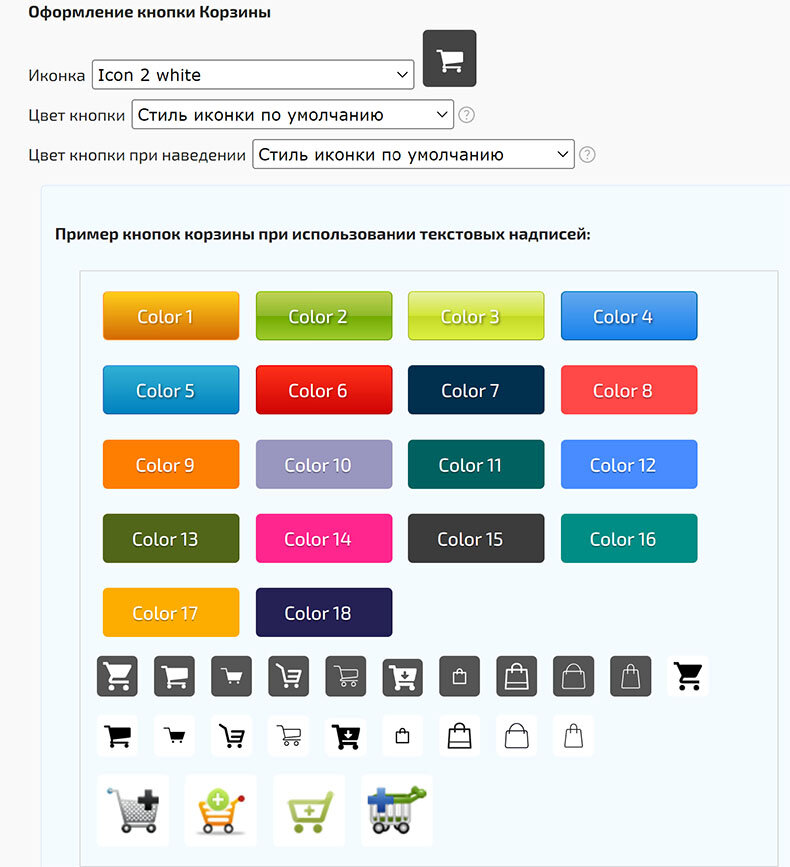
Add to cart button icons have been replaced with SVG format.
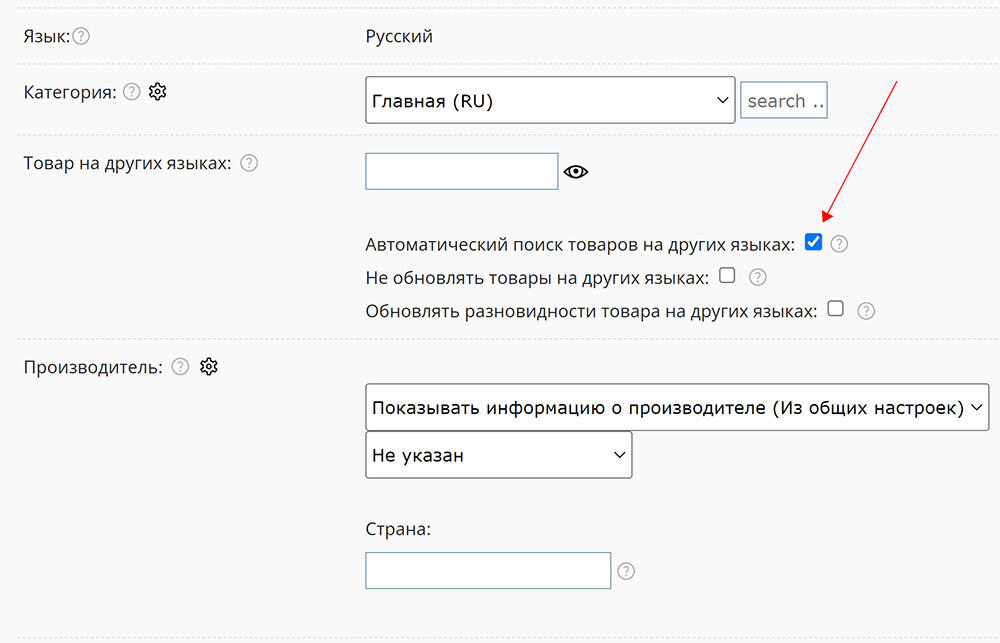
Added a function to automatically set the value "Product in other languages".
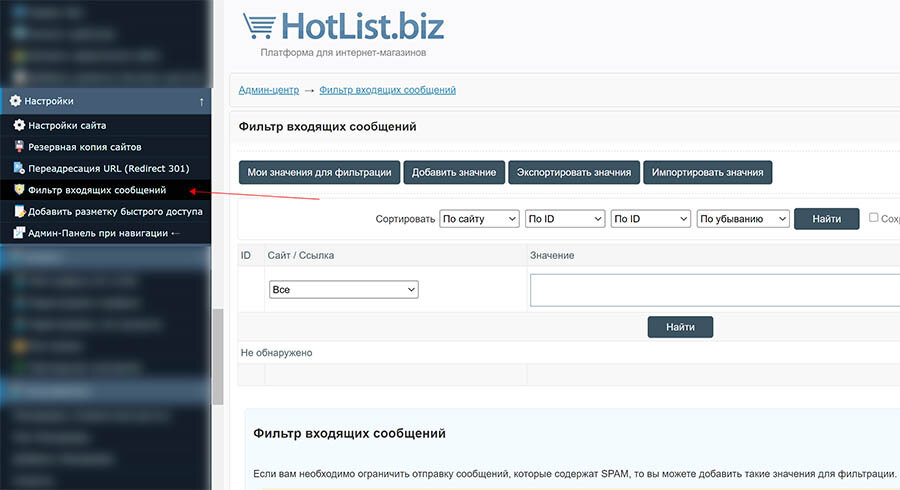
Added filtering of incoming messages (orders and submissions through forms).