
To connect the Wayforpay payment system, register at https://wayforpay.com/. Add a store.
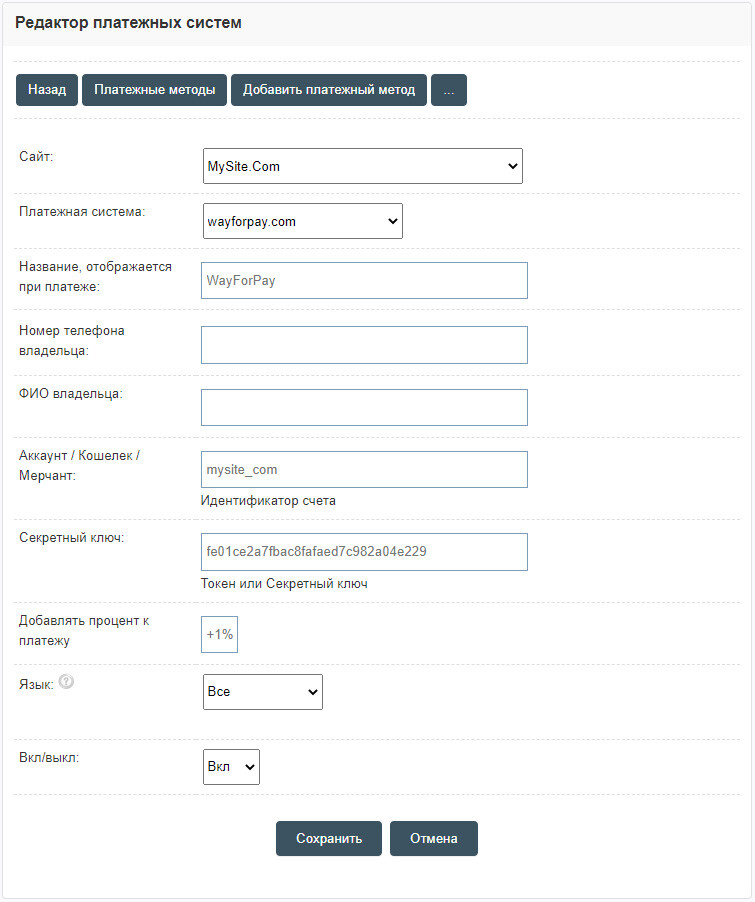
In the Admin panel, go to the "Shop" - "Payment systems" section. Click "Add payment method".
Select "Wayforpay.com" and fill in the received `MERCHANT LOGIN` - Account, and `MERCHANT SECRET KEY` - Secret key.
After filling in the information about the payment method, it will be available in the order form.
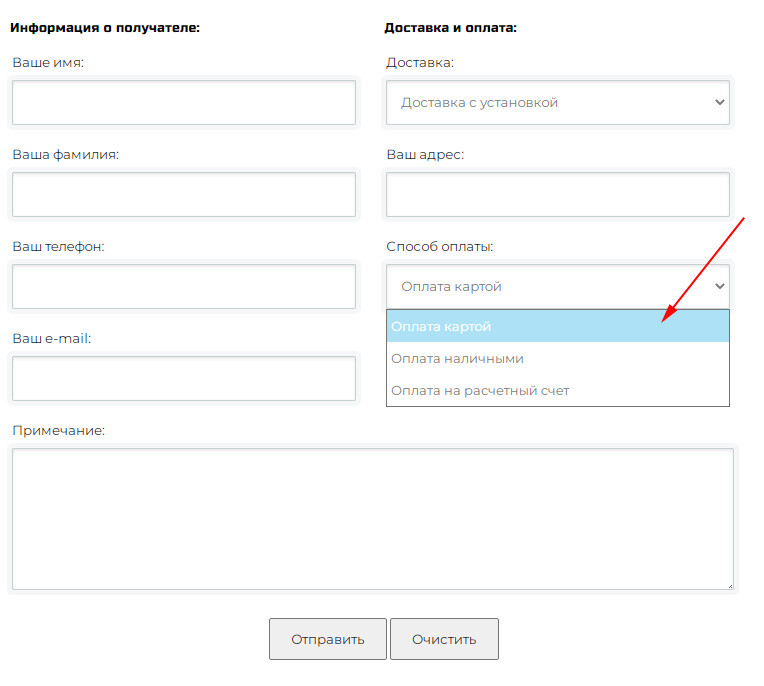
The selected payment method is displayed after placing an order.
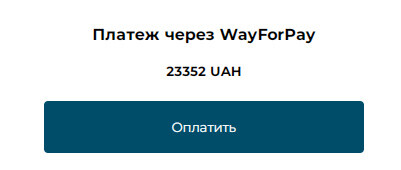
After payment, the data is additionally transferred to Wayforpay "Software PPO", which allows receiving fiscal checks.
In the Admin panel, go to the "Shop" - "Payment systems" section. Click "Add payment method".
Select "Wayforpay.com" and fill in the received `MERCHANT LOGIN` - Account, and `MERCHANT SECRET KEY` - Secret key.
After filling in the information about the payment method, it will be available in the order form.
The selected payment method is displayed after placing an order.
After payment, the data is additionally transferred to Wayforpay "Software PPO", which allows receiving fiscal checks.
Create an online store