
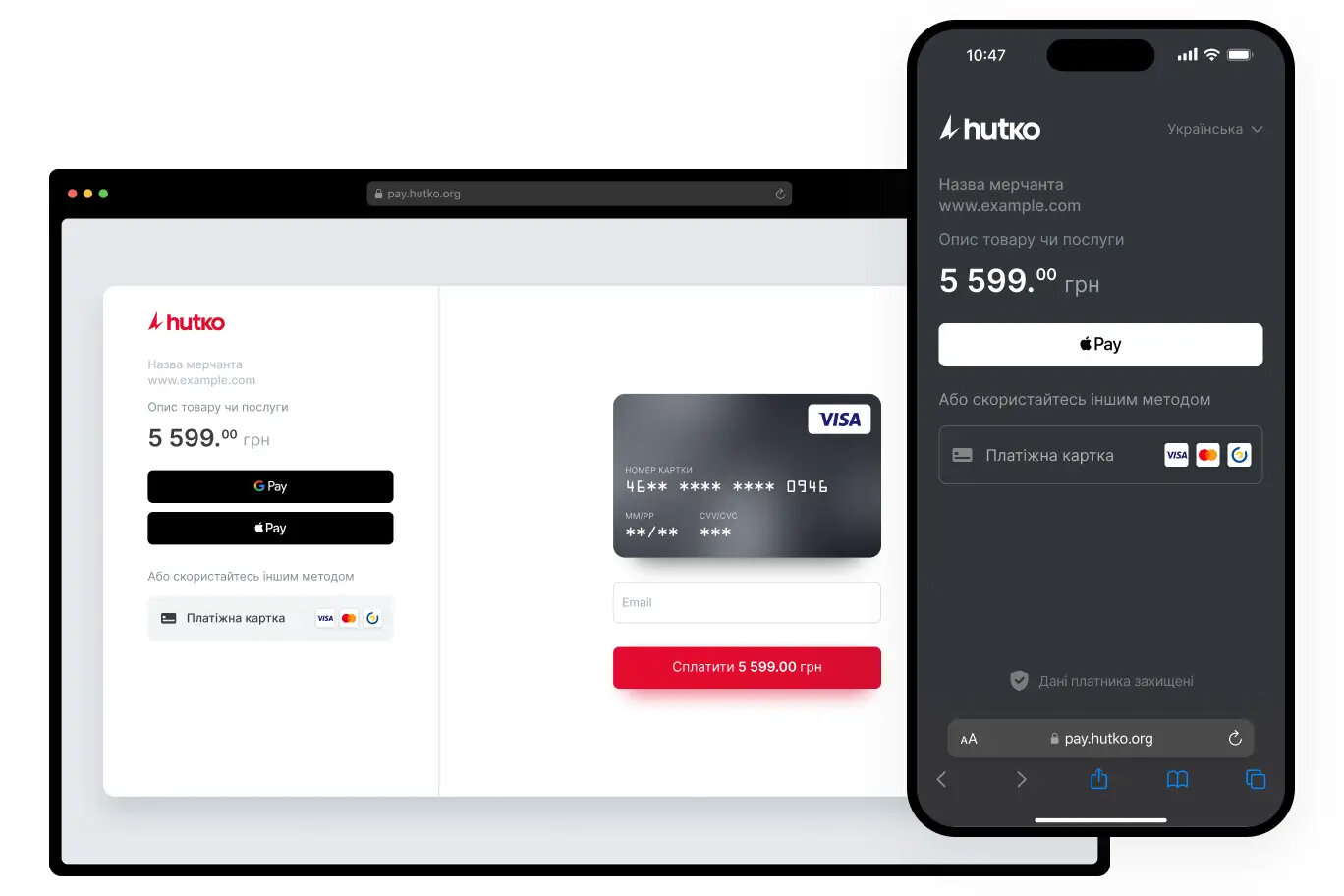
To connect the Hutko payment system, register at https://hutko.org and add a Merchant. Copy the received values: "Merchant ID" and "Payment Key".
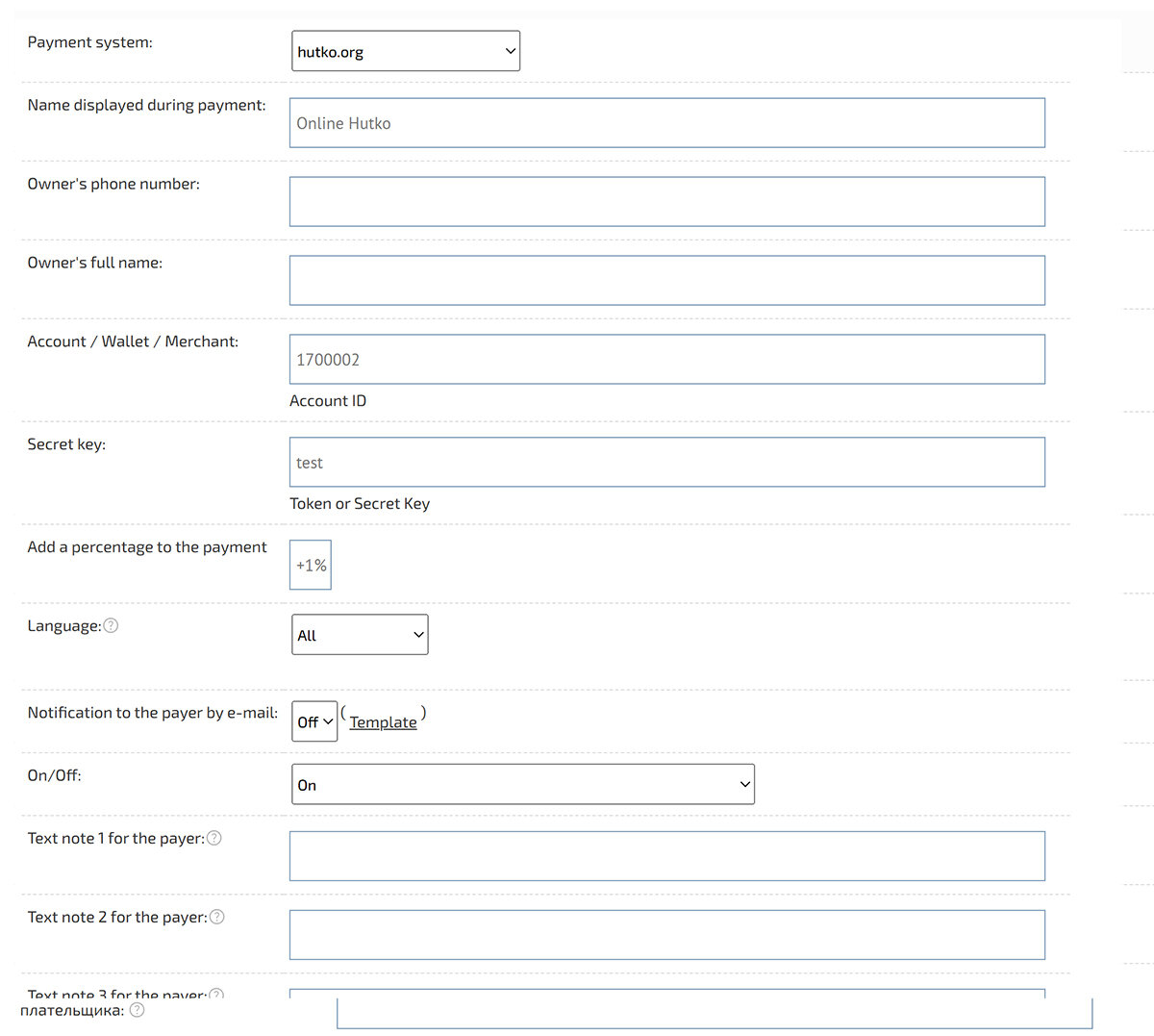
In the Admin Panel, go to "Shop" → "Payment Systems". Click "Add Payment Method".
Select "Hutko.org" and fill in the fields: `Merchant ID` — Account, `Payment Key` — Secret Key.
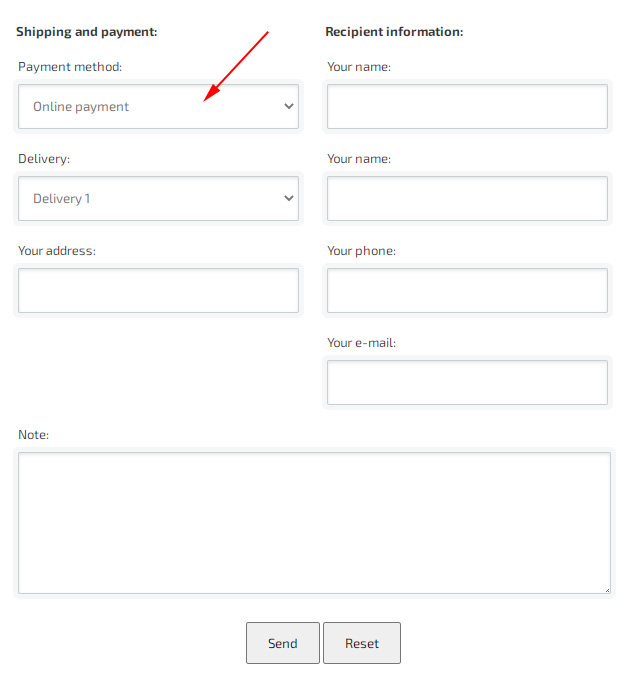
After filling in the payment method information, it will be available in the checkout form.
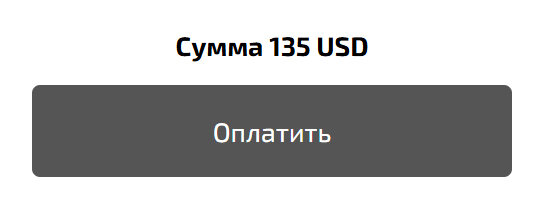
The selected payment method is displayed after completing the checkout.
In the Admin Panel, go to "Shop" → "Payment Systems". Click "Add Payment Method".
Select "Hutko.org" and fill in the fields: `Merchant ID` — Account, `Payment Key` — Secret Key.
After filling in the payment method information, it will be available in the checkout form.
The selected payment method is displayed after completing the checkout.