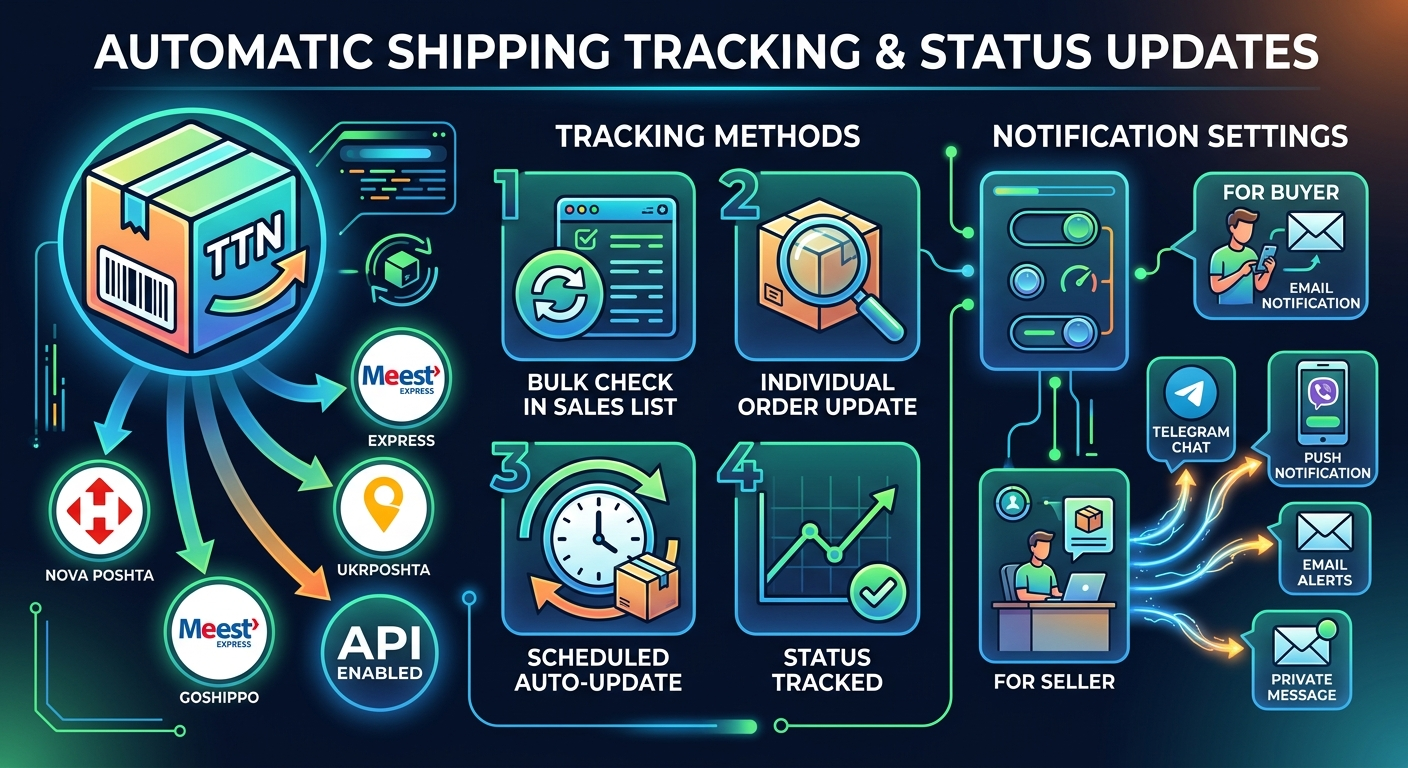
Automatic delivery status check by TTN number
Now delivery statuses by TTN number are updated automatically for connected delivery services: Nova Poshta, Meest (Meest Express), UkrPoshta, Goshippo and others that have API enabled.
Ways to check the delivery status
- Bulk check in sales statistics — the "update delivery status" button in the order list updates the status for all orders with a specified TTN at once;
- Check a single order — you can update the delivery status of a specific order in the sales statistics;
- Automatic update on a schedule — the delivery status is updated automatically (by timer) for all orders with a specified TTN.
Notification channels settings
In the delivery method settings you can enable notifications about delivery status changes and select the notification delivery channels:
- Notify the buyer by e-mail — the buyer receives an email about the new delivery status;
- Notify the seller via Telegram (if subscribed to notifications);
- Notify the seller via Viber (if subscribed to notifications);
- Notify the seller via Push notification (if subscribed);
- Notify the seller by e-mail;
- Notify the seller via a private message.
You can configure notifications separately for yourself (the seller) and separately for the buyer — as you wish.