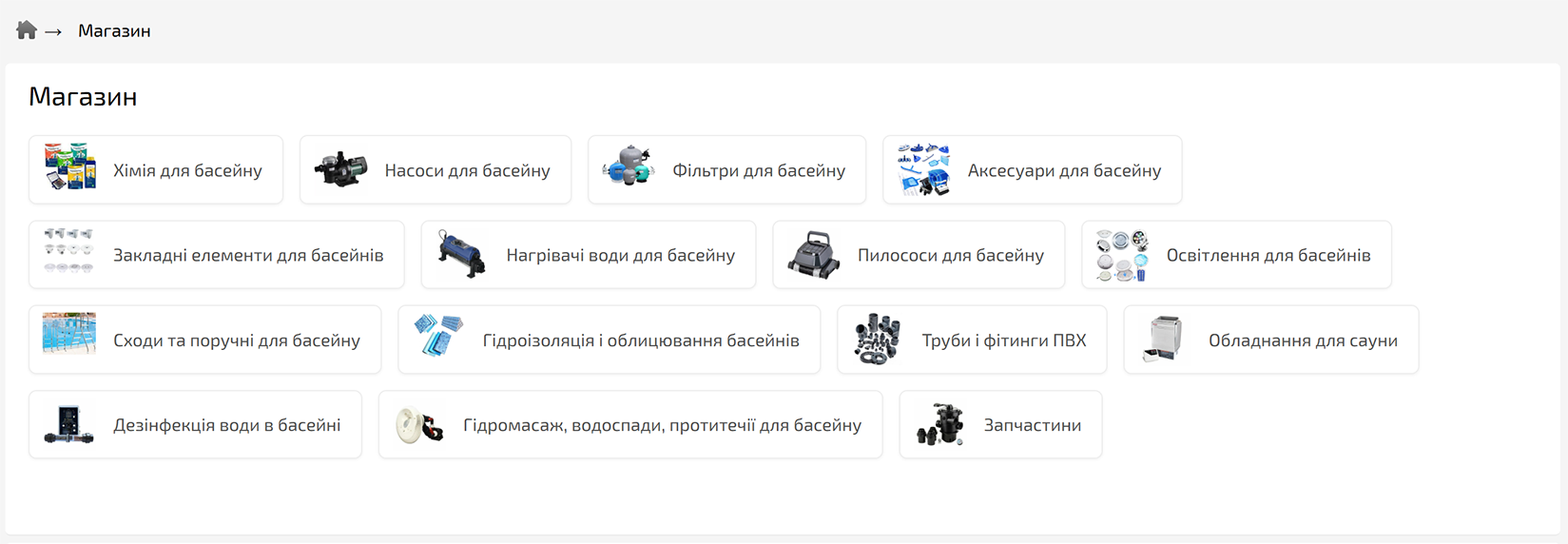
Added option to configure the display of the category list on the site
- The setting can be applied individually for each category or in the general site settings.
- To change it, go to: Settings → Shop → Categories.
- When changing the display option for the main element of the category list «hotengine-categories-list», the class «hotengine-categories-list-style-X» is added, where «X» corresponds to the selected display style.
- Available display styles:
- «As in the general site settings»
- «Standard (blocks with title and image)»
- «Compact (with image) [if there are products in the category]»
- «Compact (title only) [if there are products in the category]»
- «Compact (with image)»
- «Compact (title only)»